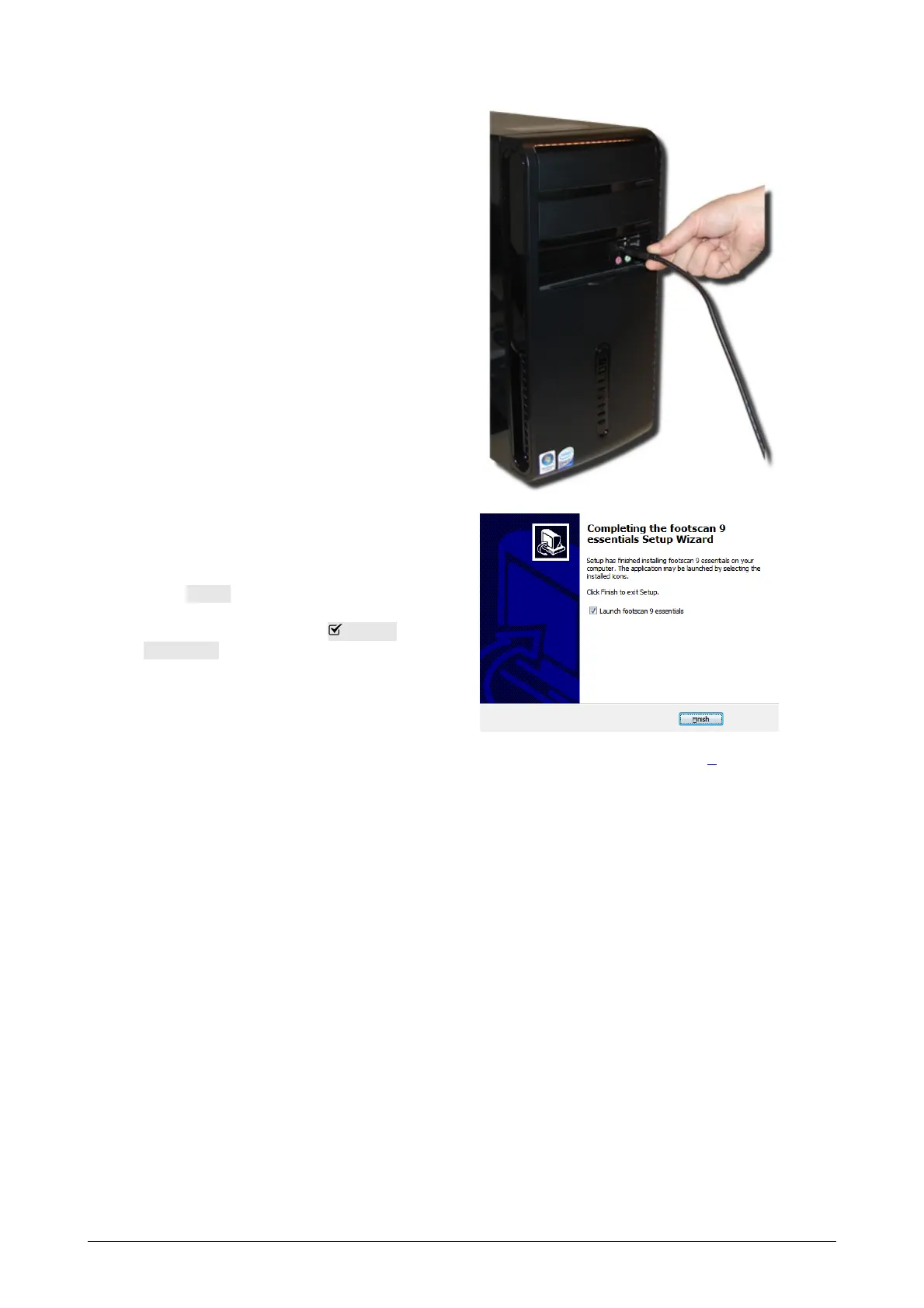
Connect the USB cable of the
footscan plate or box to a free
USB 2.0 compliant port of your
computer. After a few moments a
notification in the system tray
signals that the footscan device
driver software has been installed
successfully.
Click Finish to finish the software
installation. To start footscan 9
after installation leave Launch
footscan 9 checked.
The installation of the footscan system is now complete. Proceed to Chapter 3 to
perform your first measurement.
®
®
®
®



 To Next Page