Device holds settings related to footscan devices:
Calibration interval Updates the time between two calibrations (Section 6.1).
Changes the orientation of every preview showing the
activity on the plate.
PSL replaced
Button to signal the calibration server that the PSL of the
selected device has been replaced (Section 4.5).
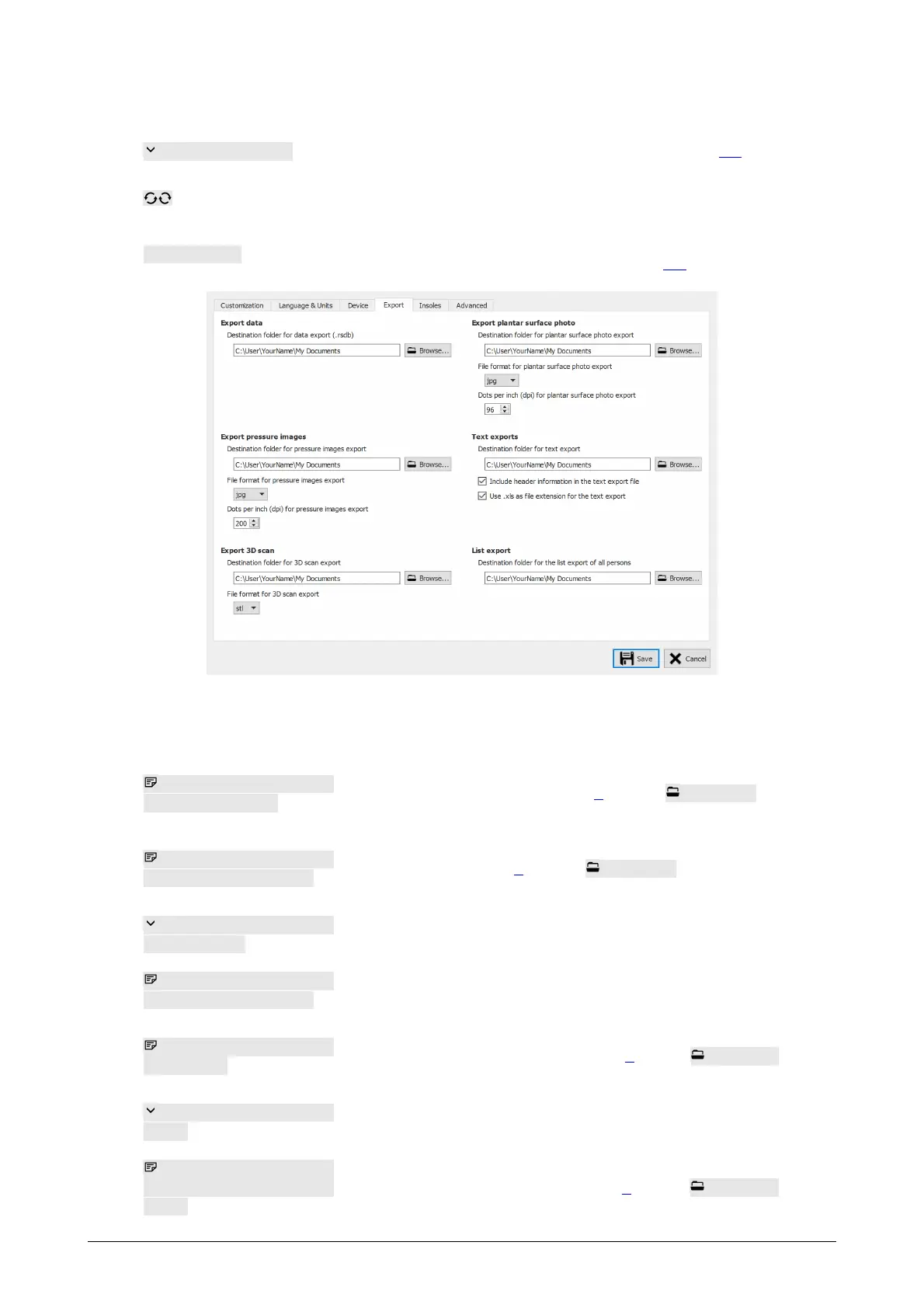
Figure 22: Settings affecting data export
Export holds settings which affect how footscan 9 exports data:
Destination folder for
data export (.rsdb)
Displays the folder where footscan 9 saves data from
exported sessions (See Chapter 8). Click Browse... to
choose a different folder.
Destination folder for
pressure images export
Displays the folder where footscan 9 saves exported
images (See Chapter 8). Click Browse... to choose a
different folder.
File format for pressure
images export
Modifies the file format of exported images.
Dots per inch (dpi) for
pressure images export
Modifies the dots per inch (dpi) of exported images.
Destination folder for 3D
scan export
Displays the folder where footscan 9 saves the exported
3D scan measurements (See Chapter 8). Click Browse...
to choose a different folder.
File format for 3D scan
export
Modifies the file format of the exported 3d scans.
Destination folder for
plantar surface photo
export
Displays the folder where footscan 9 saves the exported
plantar surface photos (See Chapter 8). Click Browse...
to choose a different folder.
®
®
®
®
®
®



 To Next Page