File format for plantar
surface photo export
Modifies the file format of the exported plantar surface
photos.
Dots per inch (dpi) for
plantar surface photo
export
Modifies the dots per inch (dpi) of the exported plantar
surface photos.
Destination folder for
text export
Displays the folder where footscan 9 saves the text exports
(See Chapter 8.2). Click Browse... to choose a different
folder. The text export is available in the Scientific
package(s).
Include header
information in the text
export file
Add header information to the text exports (See Chapter
8.2). The text export is available in the Scientific package(s).
Use .xls as file
extension for the text
export
Use xls as file extension for the text exports (See Chapter
8.2). The text export is available in the Scientific package(s).
Destination folder for
the list export of all
persons
Displays the folder where footscan 9 saves the list exports
(See Chapter 7.1). Click Browse... to choose a different
folder.
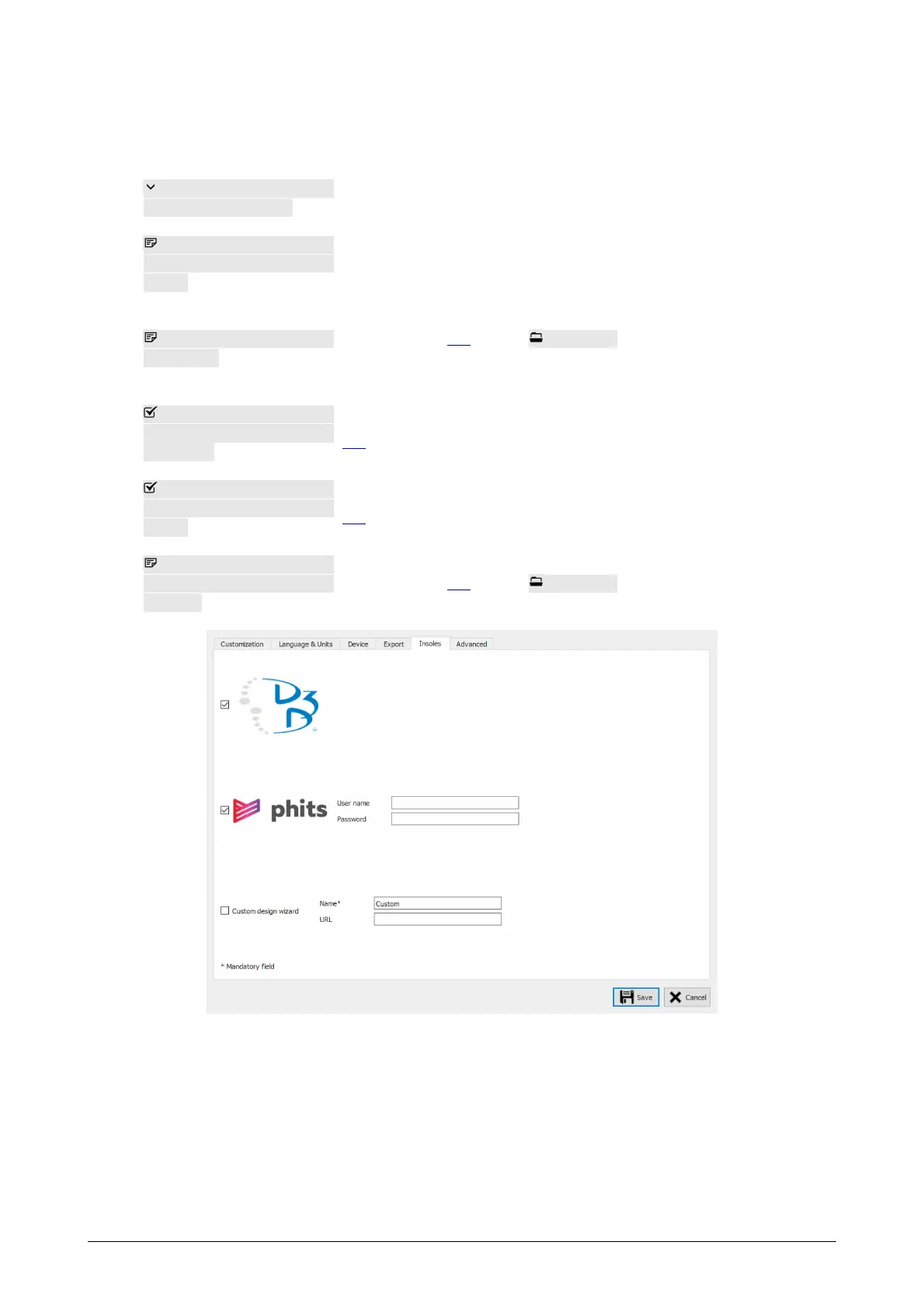
Figure 23: Settings related to insoles.
Insoles holds settings related to insoles:
D3D
Controls whether the D3D insole wizard is selectable as a design option.
Phits
Controls whether the Phits insole wizard is selectable as a design option.
®
®
™
™



 To Next Page