92 en | Icons DBP Digital Beltpack
2021-06 | 01 | F.01U.380.825
Technical Manual
Bosch Security Systems, LLC
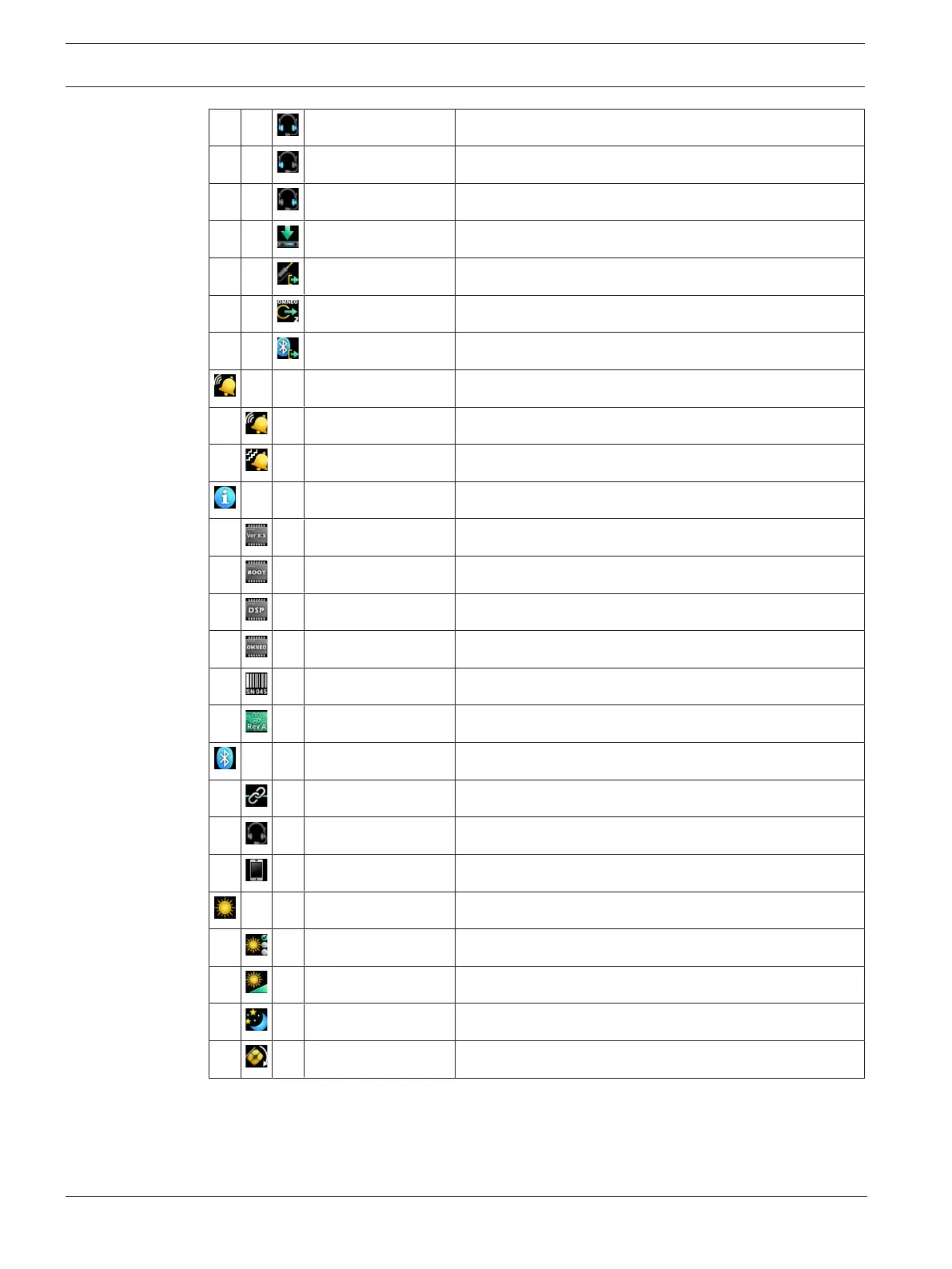
Headset L+R Configure the mixes to Headset Left and Right
Headset Left Configure the mixes to Headset Left only
Headset Right Configure the mixes to Headset Right only
To Intercom Configure the mixes to To Intercom
3.5mm Aux Out Configure the mixes to 3.5mm Aux Out
OMNEO Ch2 Out Configure the mixes to OMNEO Ch2 Out
Bluetooth Out Configure the mixes to Bluetooth Out
Call Alerts Enter the Call Alerts menu
Call Beep Enable/Disable Call Beep
Call Vibration Select Call Vibration intensity
Info Enter the Information menu
DBP Version Display the DBP version
Bootcode Version Display the Bootcode version
DSP Version Display the DSP version
OMNEO Version Display the OMNEO version
Serial Number Display the Serial Number
Hardware Revision Display the Hardware Revision
Bluetooth Enter the Bluetooth menu
Ready to Pair Pair available devices
Paired Headsets Connect, Disconnect, or Unpair Bluetooth headsets
Paired Aux Devices Connect, Disconnect, or Unpair Bluetooth devices
Display Enter the Display menu
Display Mode Configure the Display Mode
Brightness Adjust the Display Brightness
Screen Saver Configure the Screen Saver
Screen Flip Configure the Screen Orientation
Tab.10.3: Digital Belt Pack Icon Table



 To Next Page