3 – 42 HS40 Service Manual
Additional Results
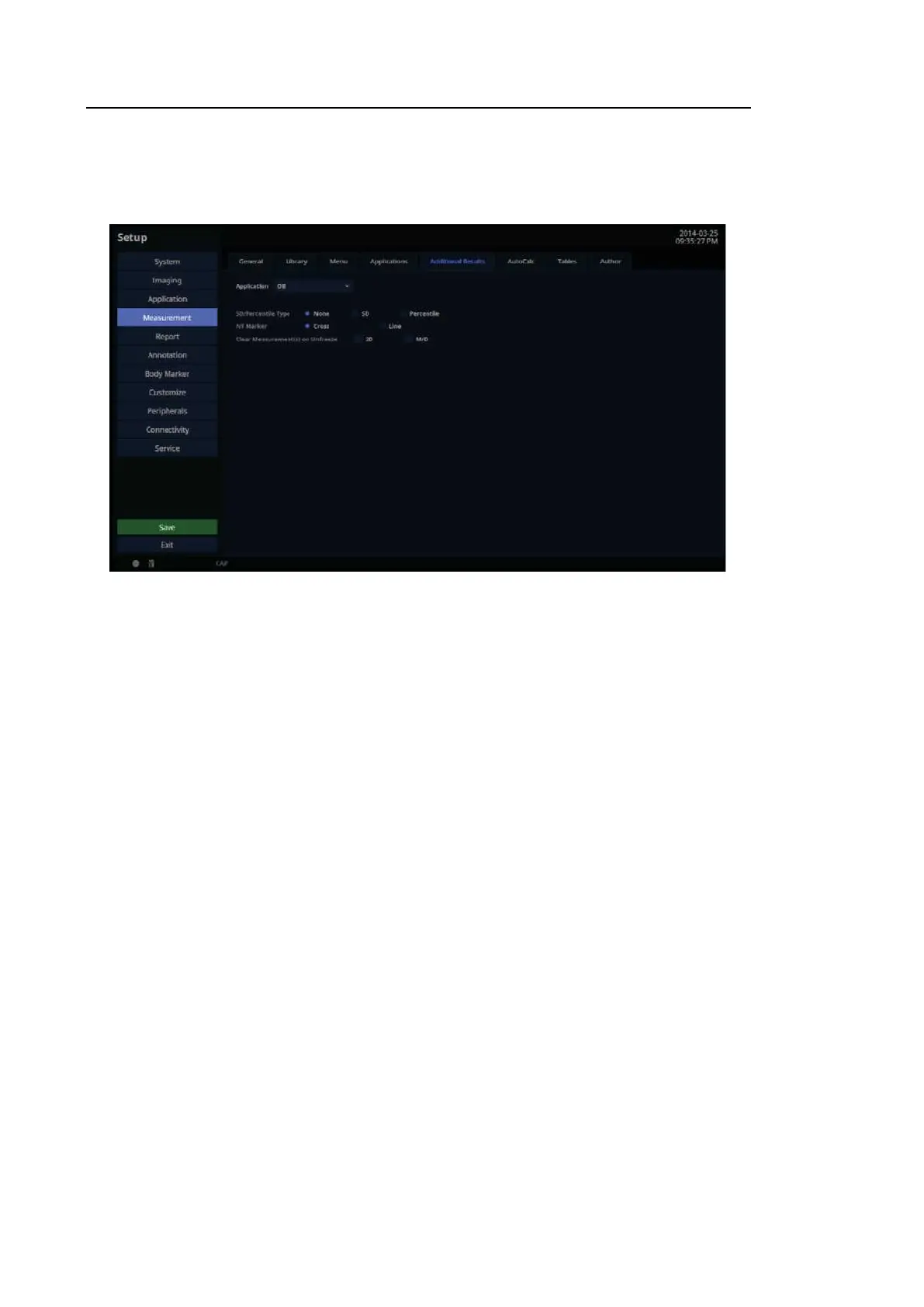
In the Setup screen, select the Additional Results tab in the Measurement category.
[Figure 3.24 Setup – Measurement – Additional Results]
3.6.10.12. Application
Select an application.
■ Cardiac
– RAP default value: Configure the default value of RAP. You may select 0, 5, 10, 15, 20, or
25mmHg.
– LV Volume Method: Specify how the volume of the left ventricle is measured. Select
Teichholz, Gibson, or Cubed. For more information on calculation formulae, please refer
to the reference manual.
– LV Study On Straight Line: The measurement direction can be set for each LV
measurement. If it is On, the initial measurement direction is fixed. If it is Off,
measurement can be conducted in any desirable direction.



 To Next Page