Chapter 3. Installing Product 3 – 5
3.2. Unpacking the Product
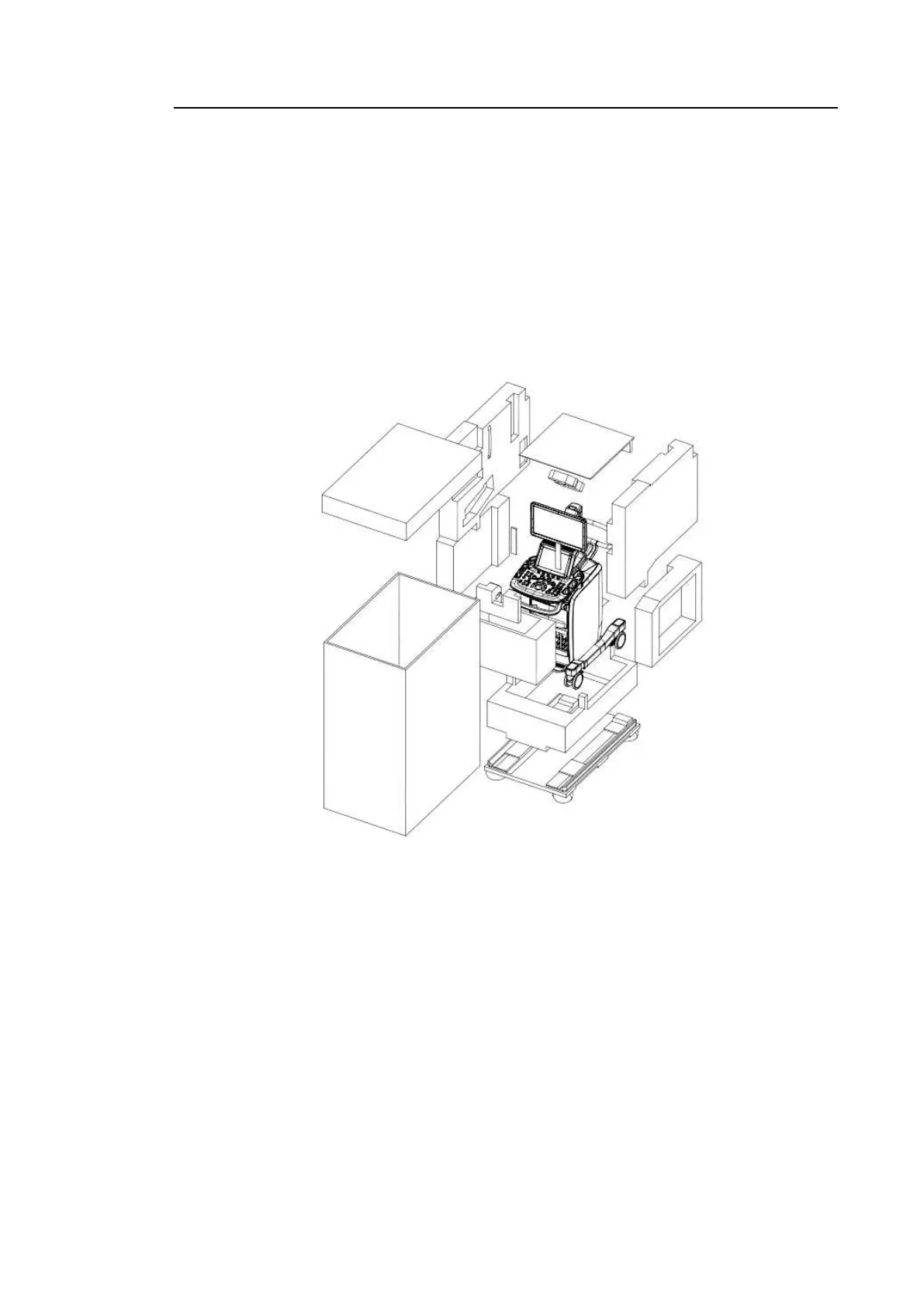
3.2.1. Dismantling the Product's Box
1. Open the box.
2. Remove the protective cover.
3. Take out the probe box and accessory box and store them in a safe place.
4. Unlock the brakes on the wheels.
5. Grab the rear handle on the product and move it to the place where you wish to install it.
[Figure 3.1 Dismantling the Product's Box]



 To Next Page