Chapter 3. Installing Product 3 – 27
3.6.7. Imaging
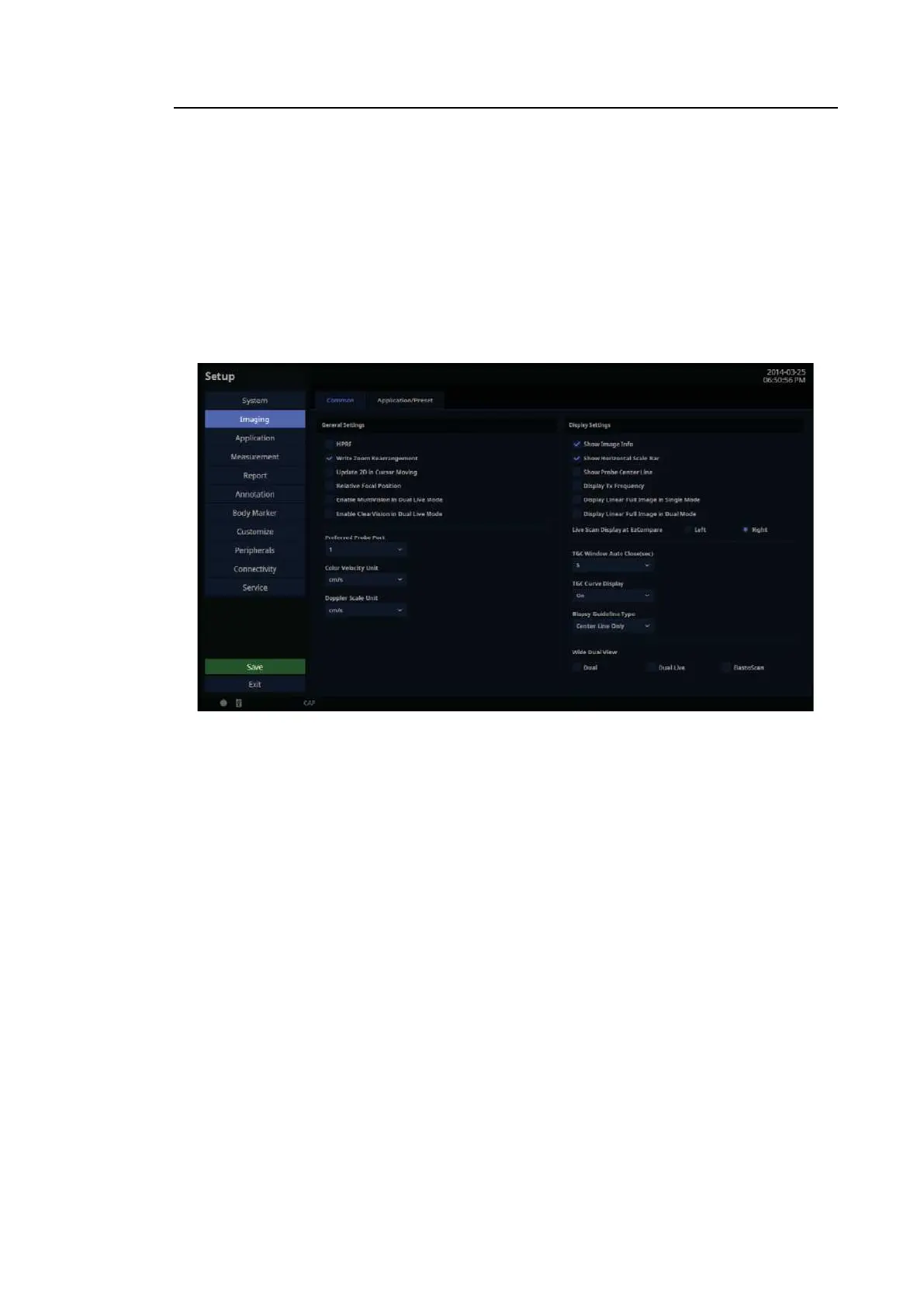
In the Setup screen, select the Imaging tab. Or tap Imaging on the touch screen. Configure the
settings for displaying images.
Common
Common settings apply to all applications.
You can select multiple items. Use the trackball and Set button to select items and set the
checkbox.
[Figure 3.17 Setup – Imaging – Common]
3.6.7.1. General Setting
■ HPRF
In PW Spectral Doppler Mode, this detects blood flow velocity that exceeds the maximum
speed at the depth you want to obtain the Sample Volume from.
■ Write Zoom Rearrangement
Align the Write Zoom images with the center.
– When the option is disabled, Write Zoom images will be displayed in the same position as
images on Fov.
– Once you’ve changed the settings, you will return to 2D Mode.
■ Update 2D in Cursor Moving
Enable the Update 2D function. (In PW Only Mode, when the SV moves, the Trace will stop
and the mode will change to 2D Live; when the SV stops moving, the Trace will resume.)



 To Next Page