Chapter 6. Service Mode 6 – 5
6.3. Configuration
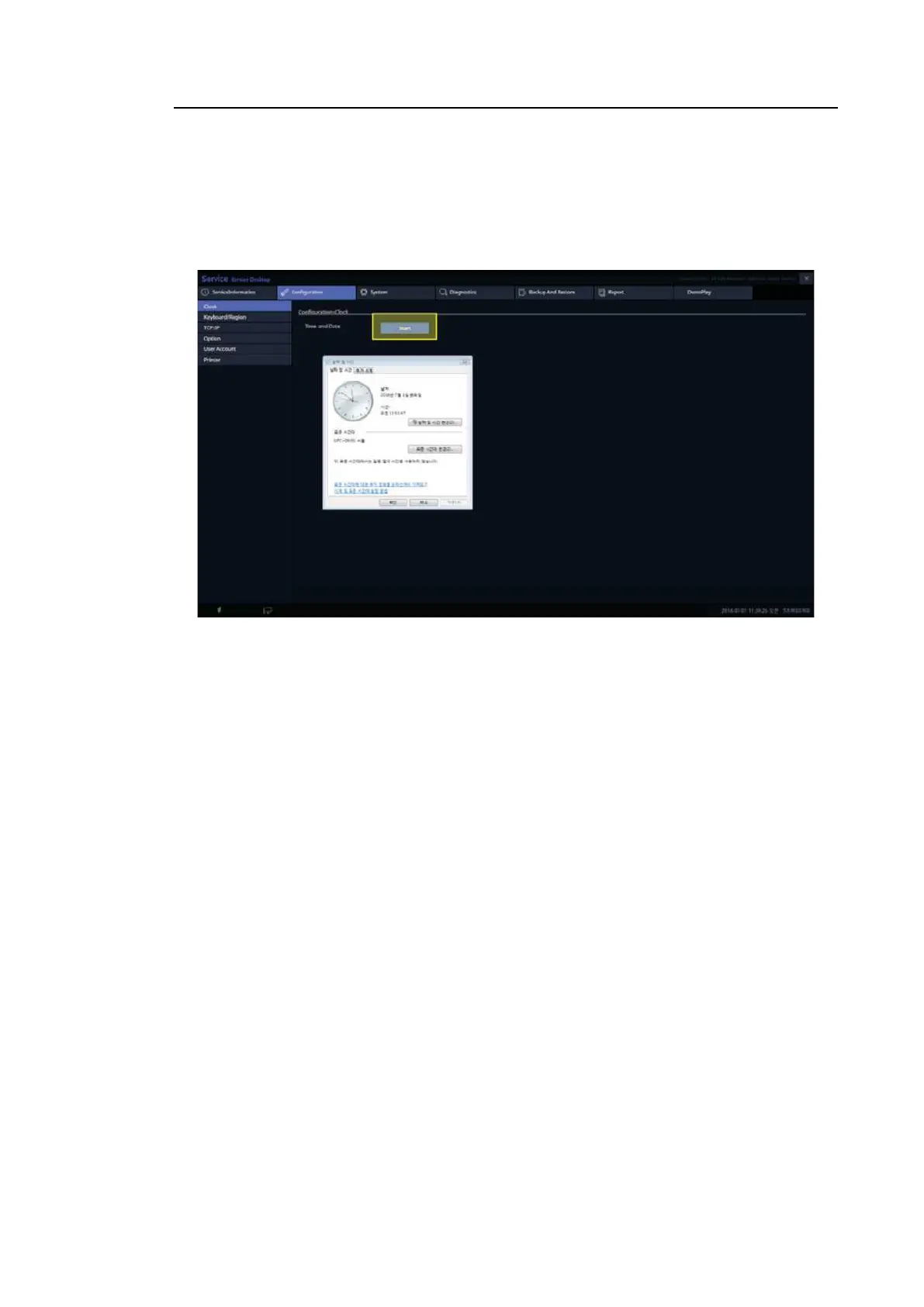
6.3.1. Clock
Here, you can change the date, time, and time zone of the Windows System.
[Figure 6.3 Clock screen]
6.3.2. Keyboard/Region
• Keyboard Type: international, French, German...
* Caution: The System needs to be restarted when the Type changes.
• Region: Select a region (WW, US, CN, RU...)
• Apply button: Apply the region you select.



 To Next Page