3 – 6 HS40 Service Manual
3.2.2. Accessories
An accessory box containing the items below is supplied with the product. If it does not match
your order, please contact the Samsung Medison customer service department or your local
vendor.
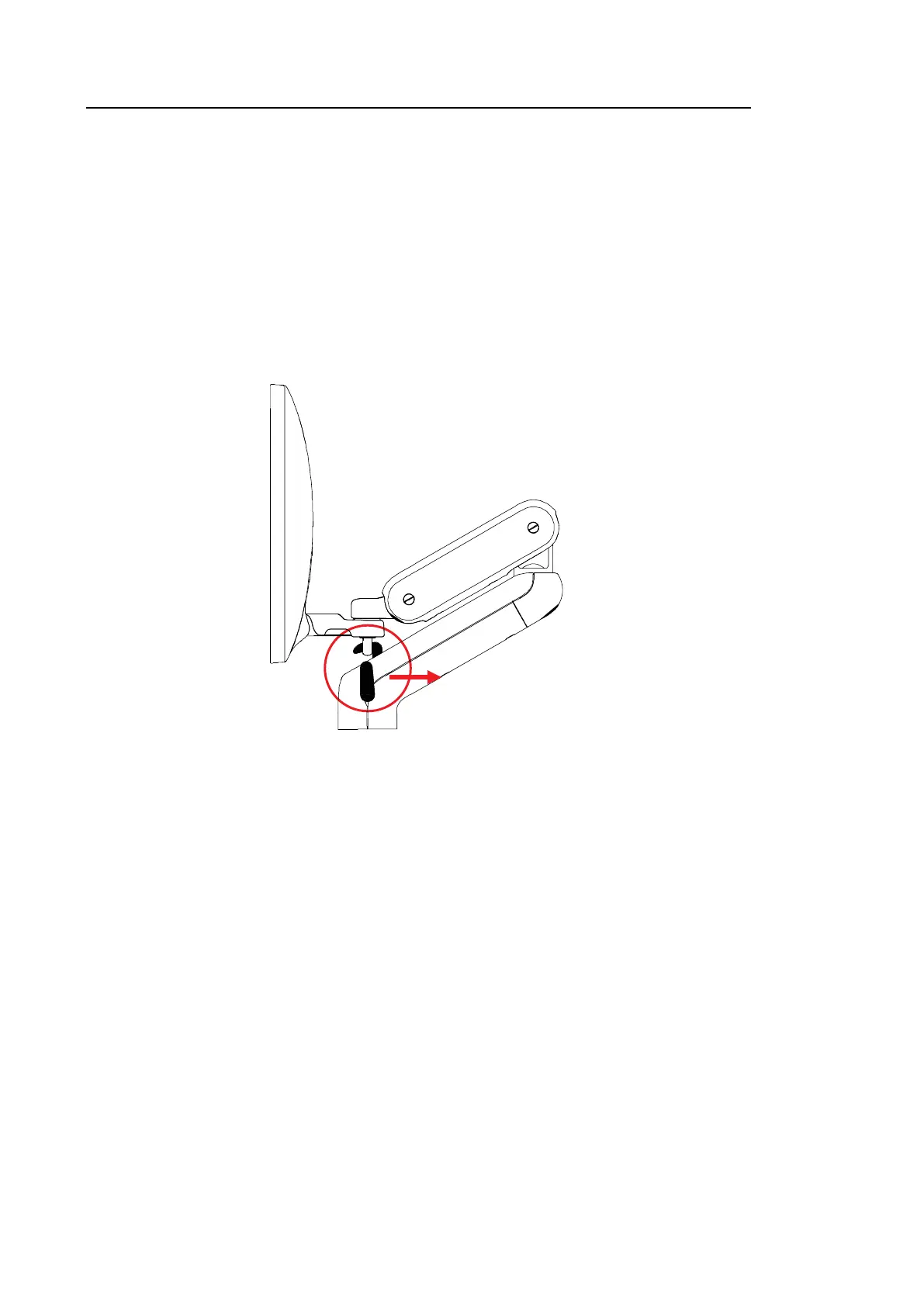
3.2.3. Release of the Locking Mechanism
When this product is being transported, the monitor arm must be secured in place by the locking
mechanism to ensure safety. Release the locking mechanism by following this procedure before
using the product:
1. Pull down the locking mechanism on the center of the monitor arm to release the lock.
[Figure 3.2 Release of the Locking Mechanism]



 To Next Page