Chapter 3. Installing Product 3 – 49
3.6.11. Report
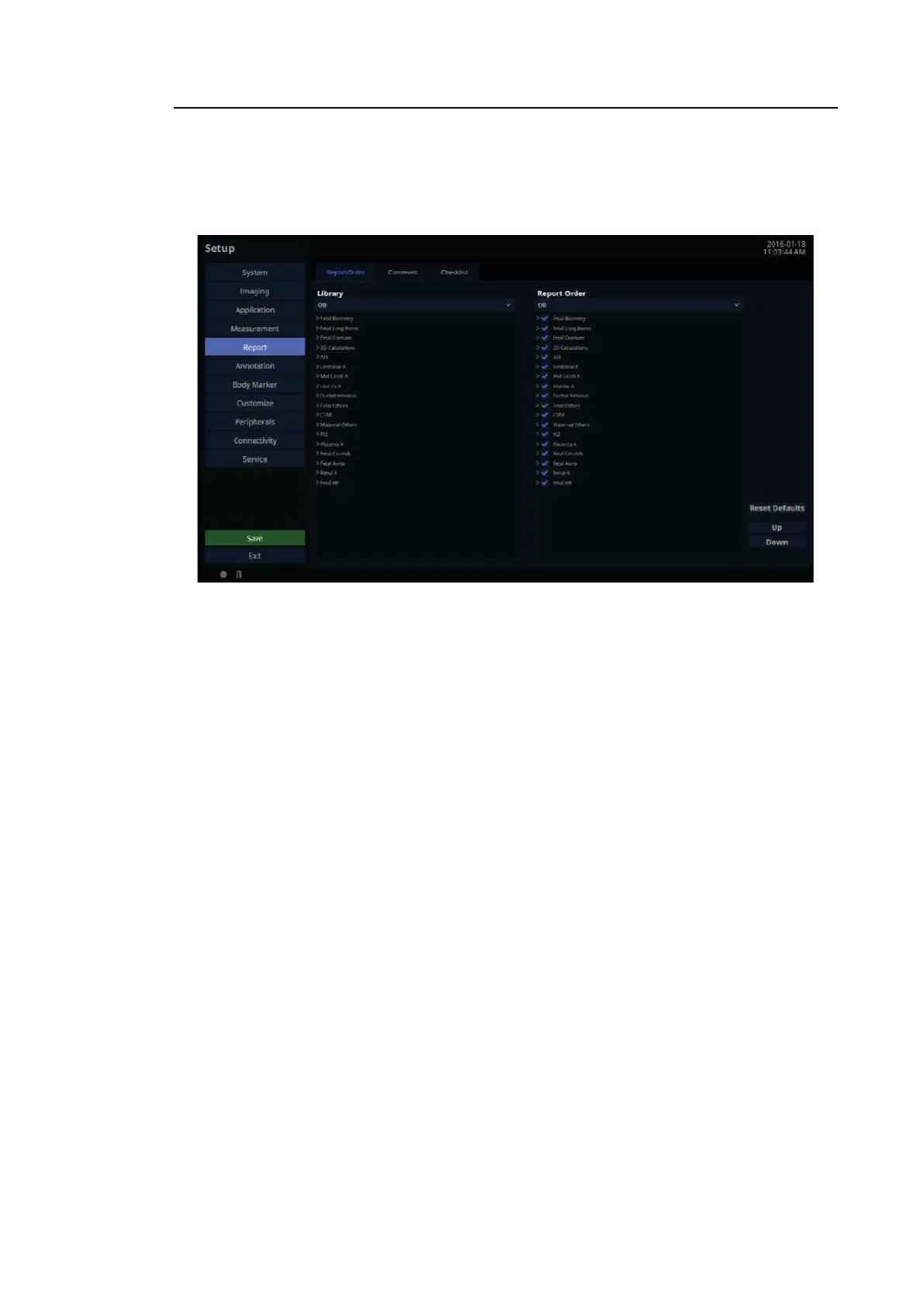
In the Setup screen, select the Report tab. Or tap Report on the touch screen. Here you can
set items related to the measurement report.
[Figure 3.28 Setup – Report – Report Order]
Report Order
In the Setup screen, select the Report Order tab in the Report category.
3.6.11.1. Library
Application ComboBox: It provides a list of labels for each application.
3.6.11.2. Report Order
You can add items from the library to the Report Order list.
• Reset Defaults: Restores the default settings for Report Order.
• Up/Down: Change the order (up/down) of the selected items in Report Order.
• Delete: Removes the items from the library when they’ve been moved by the user. (Original
items in the application cannot be deleted.)



 To Next Page