3 – 14 HS40 Service Manual
3.6. System Settings
General system settings that do not have direct bearing on imaging are explained. The setup
can be modified depending on your specific needs or preferences.
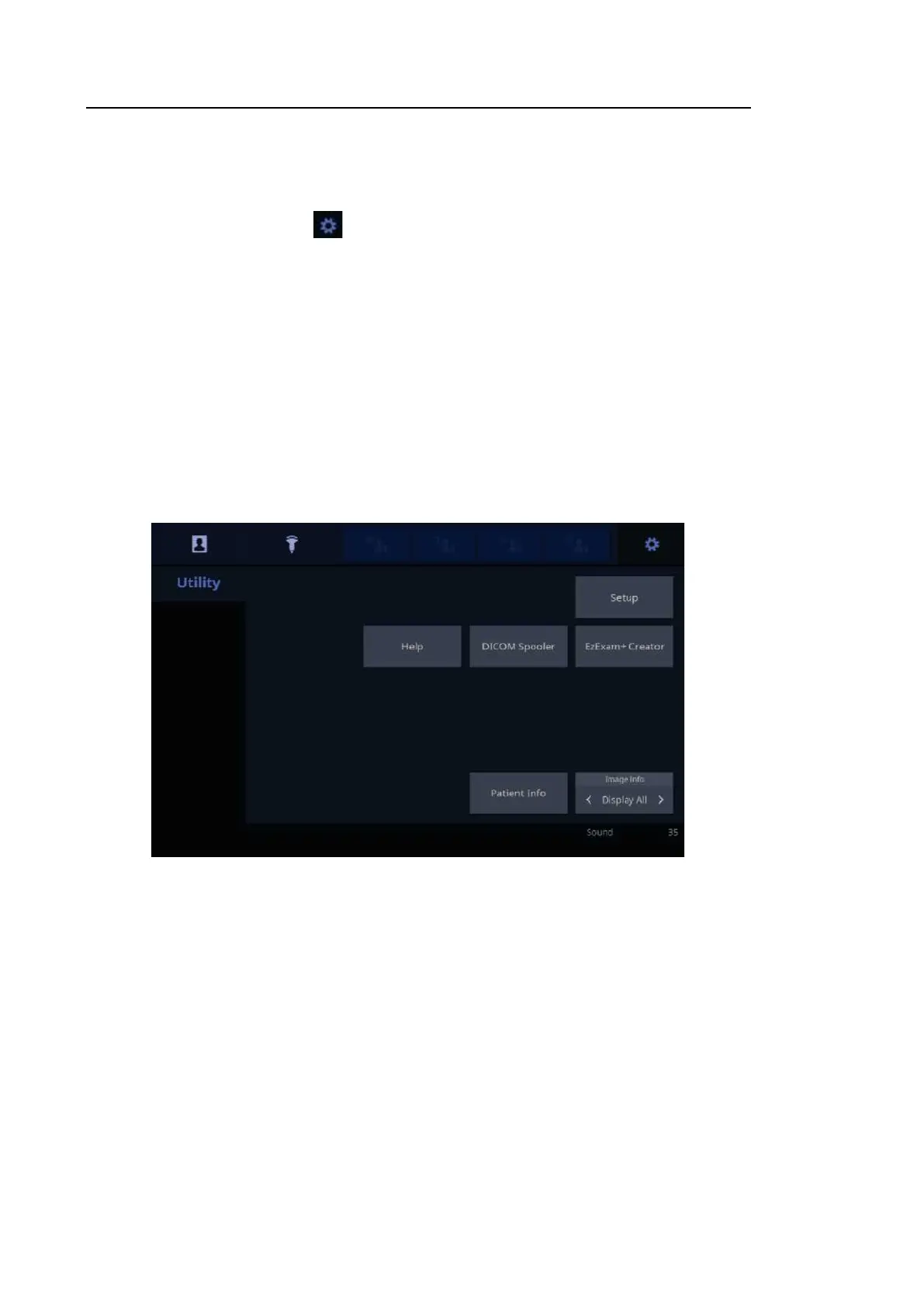
1. On the touch screen, tap the button, enter the Utility Menu, and tap the Setup button.
2. The Setup button will appear on the touch screen. Select a tab that contains items you want
to specify.
TIP
Selecting a Tab
You can select the tab you want in either one of two ways. Select the method
that suits you.
• Use the trackball and the Set button to select a tab.
• Tap the corresponding button on the touch screen.
3. Specify the settings for each item.
4. Save settings and exit. Click Ex it on the monitor or tap the Ex it button on the touch screen
to switch to Scan Mode.
[Figure 3.8 Utility, Setup – Touch Screen]



 To Next Page