3 – 20 HS40 Service Manual
■ Option
– Auto Freeze: Automatically switch to freeze state. Set the freeze time between 0 and 60
minutes.
– Prompt for Save on Exit: Use the checkbox to select whether to save or not.
– Check On: Set a message to recheck whether to save the changes when closing the
setup.
– Check Off: Set it to automatically save changes when closing the setup.
– Boot up Caps Lock On: When the checkbox is selected, Caps Lock is turned on after
completing the system booting.
■ Touch Screen Brightness
– By using the trackball, adjust brightness of the touch screen between 0 and 100 in the
units of 10.
– Adjust it by pressing – and + buttons.
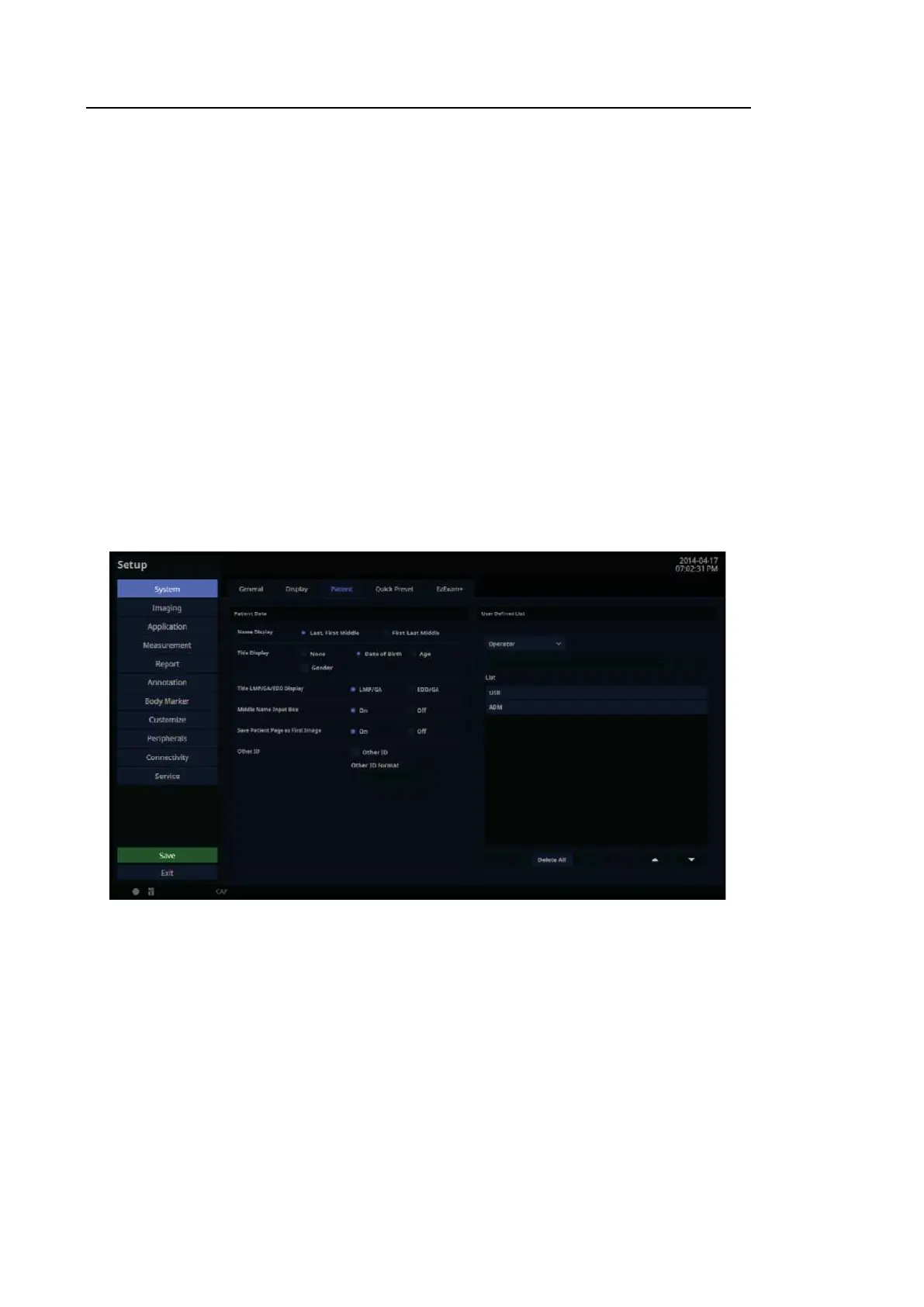
3.6.4. Patient
In the Setup screen, select the Patient tab in the S yste m category.
[Figure 3.12 Setup – System – Patient]



 To Next Page