3 – 60 HS40 Service Manual
3.6.14. Customize
Buttons
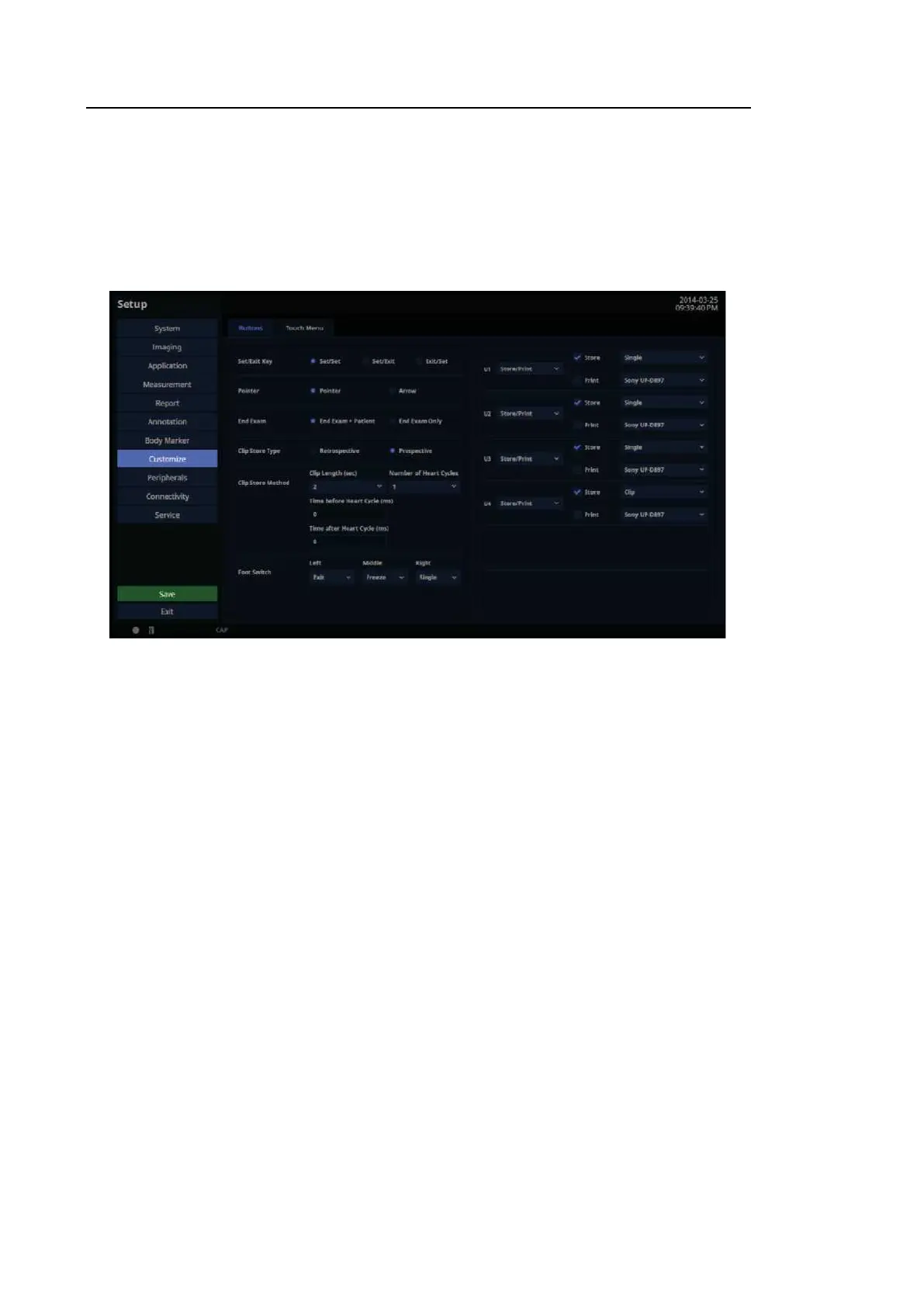
In the Setup screen, select the Buttons tab in the Customize category. You can set the
functions of the keys and buttons on the product.
[Figure 3.35 Setup – Customize – Buttons]
3.6.14.1. Set/Exit Key
Select the functions to assign to the buttons on the left and right sides of the trackball on the
control panel.
■ Set/Set
Both the left and the right buttons are set to the Set function.
■ Set/Exit
The left button is set to Set and the right button is set to Ex it.
■ Exit/Set
The left button is set to Ex it and the right button is set to Set.



 To Next Page