10 – 6 HS40 Service Manual
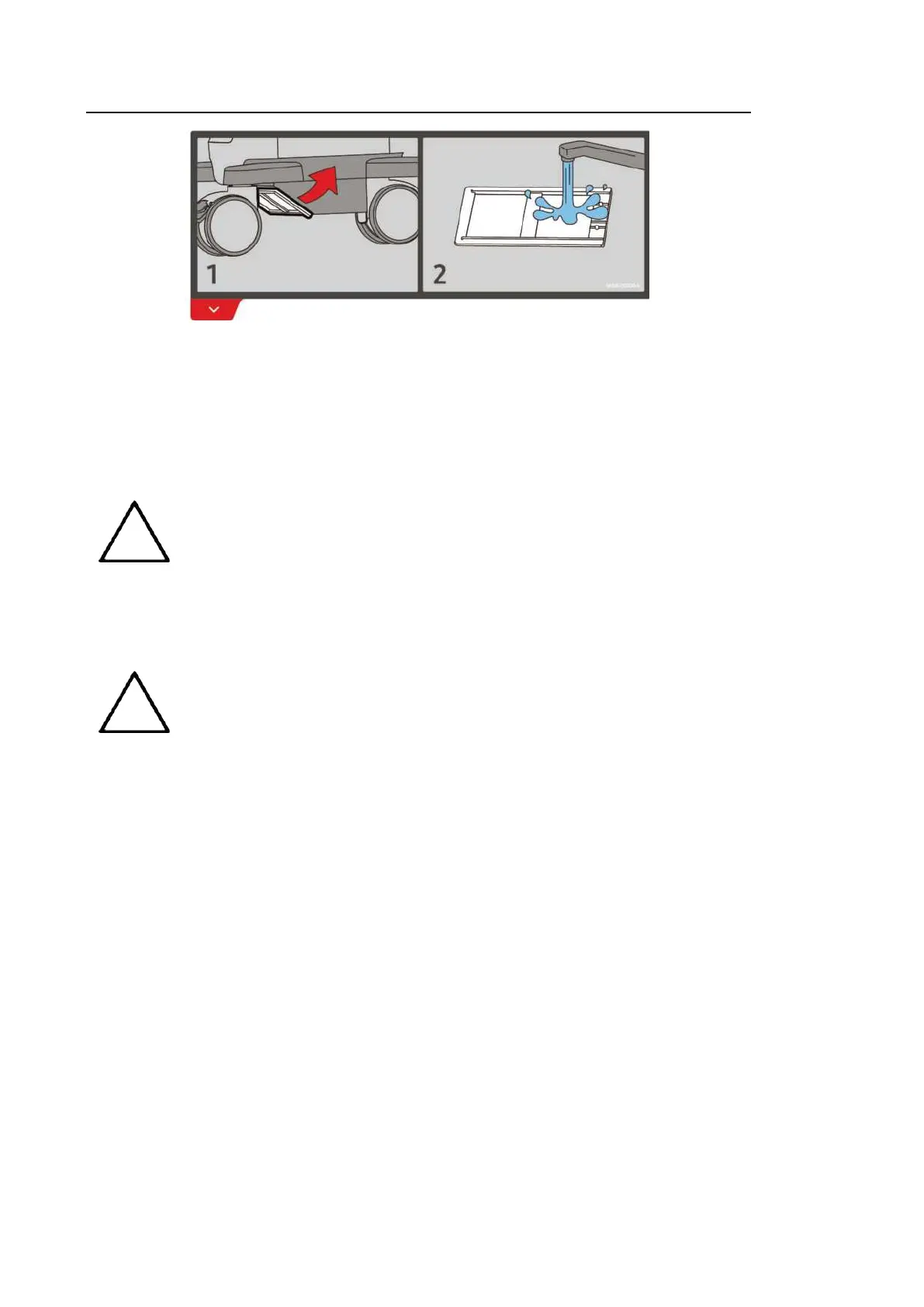
[Figure 10.2 Air Filter Location and Label]
1. Pull out the filter under the front of the console and take it away from the product.
2. Shake the filter to remove the dust and wash it in a mild, soapy solution.
3. Afterwards, dry the filter with a cloth, then air dry it in the shade.
4. Slide the filter back into the product.
NOTE
Allow the wet filter to dry thoroughly before reinstalling it. A wet filter can cause
the system to malfunction.
10.2.4. Accuracy Checks
NOTE
request safety inspections as required, but only trained persons are
allowed to perform the safety inspection.
The product’s maintenance status may affect the measurements obtained when using the
product. The product should be maintained in an optimal state to ensure reliable measurements.
To ensure optimal operation of the product, perform an accuracy check every year. The
equations and table related to measurement accuracy are included in ‘Chapter 8.
Measurements and Calculations’ in this manual.



 To Next Page