Chapter 3. Installing Product 3 – 33
■ Measurement
– Application: Set up the measurement application.
– Package: Set up a package for the measurement application.
3.6.10. Measurement Settings
Specify various setup options for measurements. The setup can be modified depending on your
specific needs or preferences.
1. Select the Measurement tab. When the Measurement screen appears, select the tab that
contains the items you wish to configure.
2. Specify the settings for each item.
3. Press the Save button to save the settings and finish. You can click Ex it on the monitor
screen or tap Ex it on the touch screen to exit the Setup screen and switch to Scan Mode.
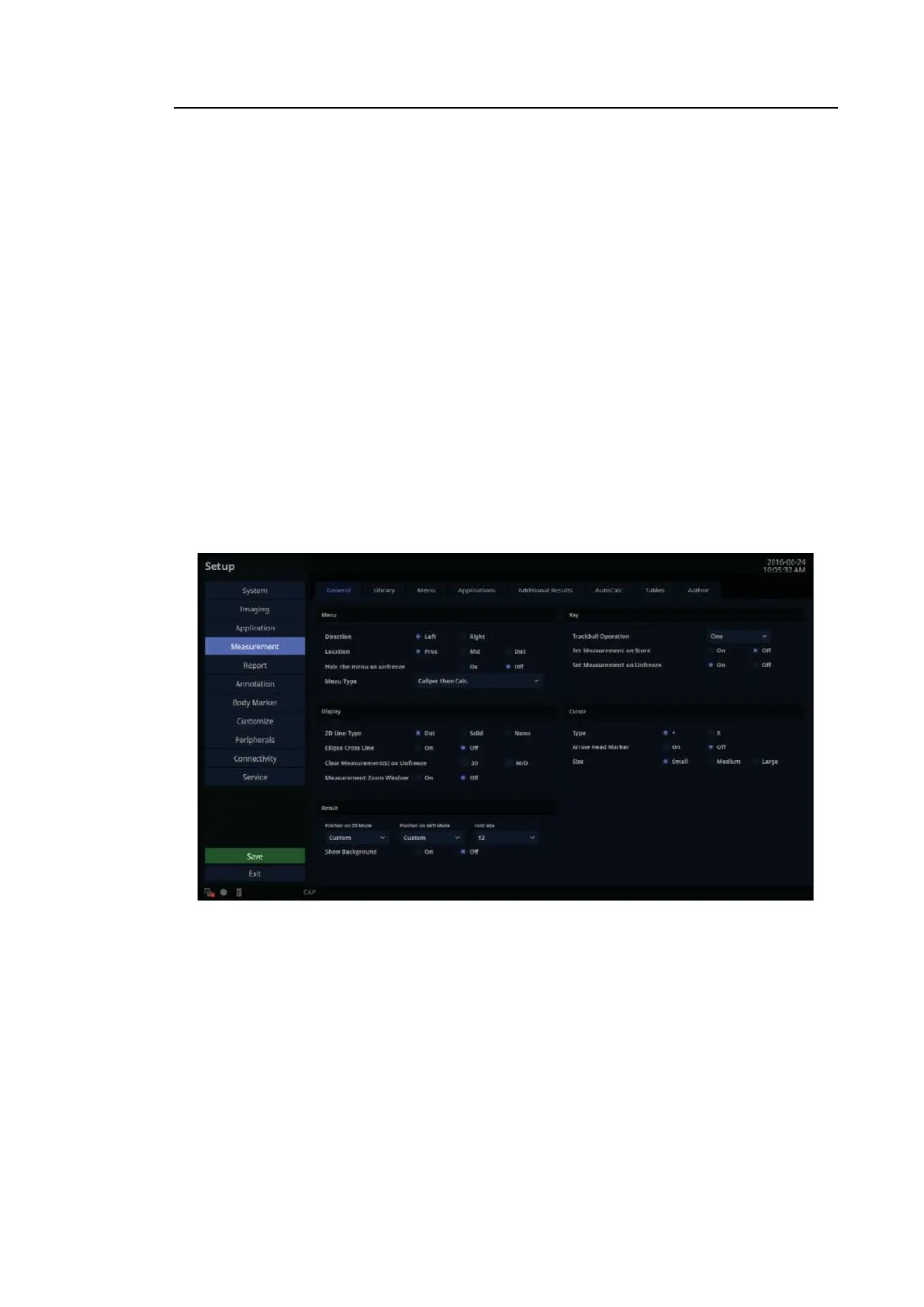
General
In the Setup screen, select the General tab in the Measurement category.
You can specify basic measurement options.
[Figure 3.20 Setup – Measurement – General]



 To Next Page