Chapter 3. Installing Product 3 – 67
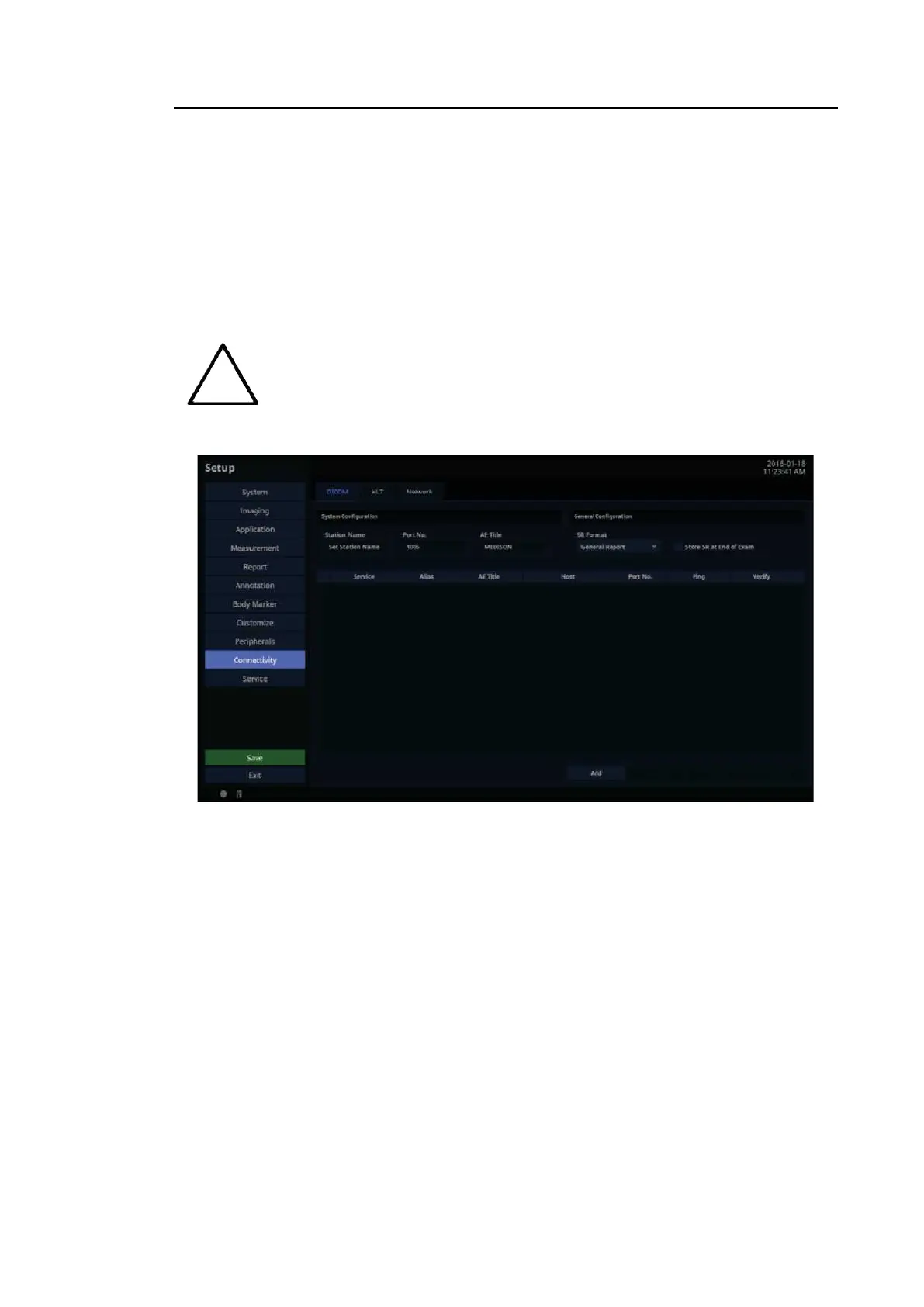
3.6.16. Connectivity
Tap Connectivity on the touch screen. You can perform DICOM administration tasks or manage
DICOM server settings and network information for your system.
DICOM
In the Setup screen, select the DICOM tab in the Connectivity category. Configure DICOM
(Digital Imaging and Communication in Medicine) operation and DICOM server.
For more information, please refer to the server’s user manual or the DICOM
Conformance
Statement.
[Figure 3.39 Setup – Connectivity – DICOM]



 To Next Page