3 – 66 HS40 Service Manual
Device
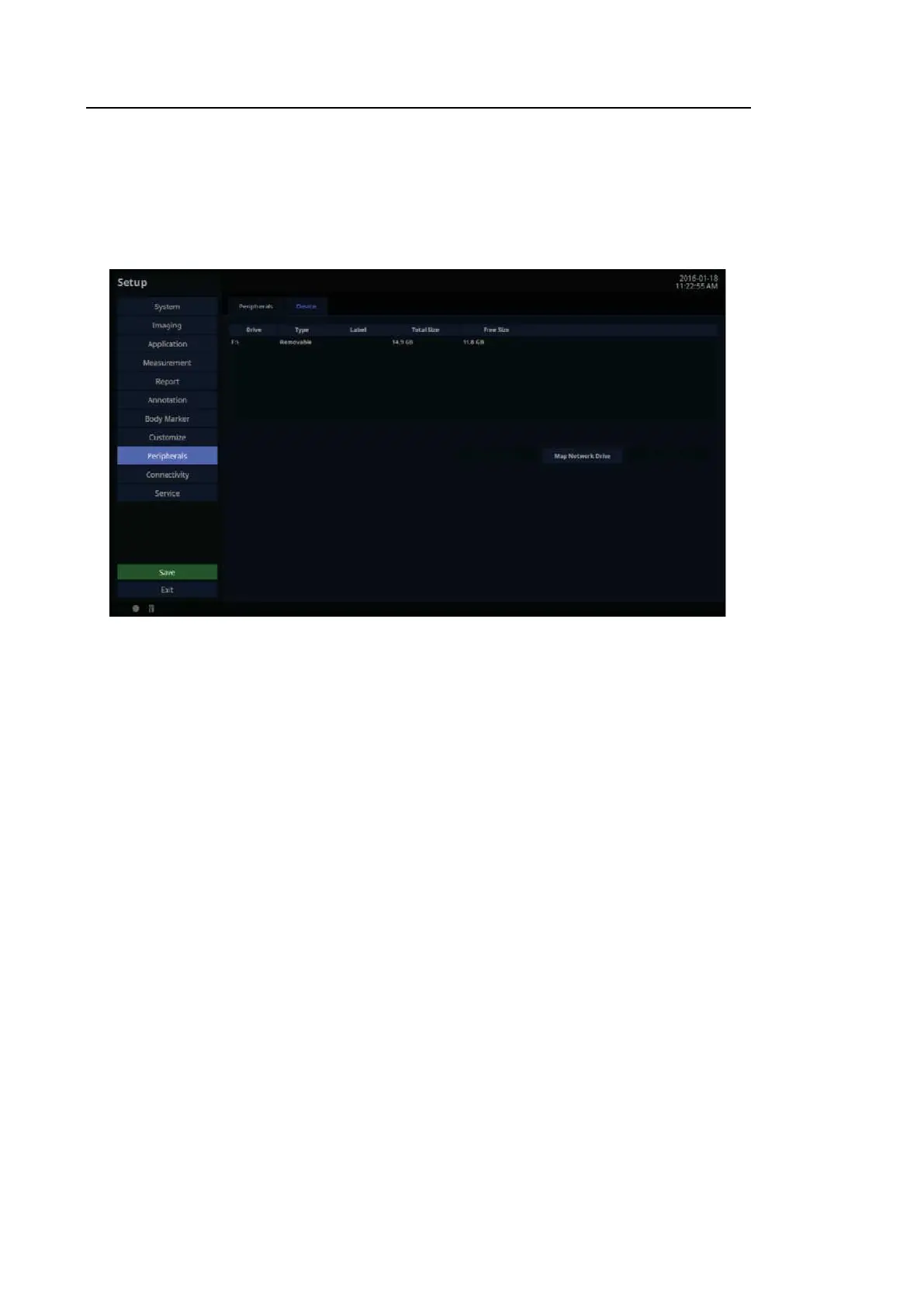
In the Setup screen, select the Device tab in the Peripherals category.
Press the Eject/Remove button to eject or remove the disk from the device. Press the Format
Media button to erase the CD/DVD.
[Figure 3.38 Setup – Peripherals – Device]
■ Map Network Drive
Connect to a network.
1. Press Map Network Drive button.
2. Select a Drive Name.
3. Enter a Network Folder path.
4. Enter User ID and password and then press the Connect button.
5. Select a Drive Name and press the Disconnect button to close it.



 To Next Page