Chapter 3. Installing Product 3 – 59
Body Marker
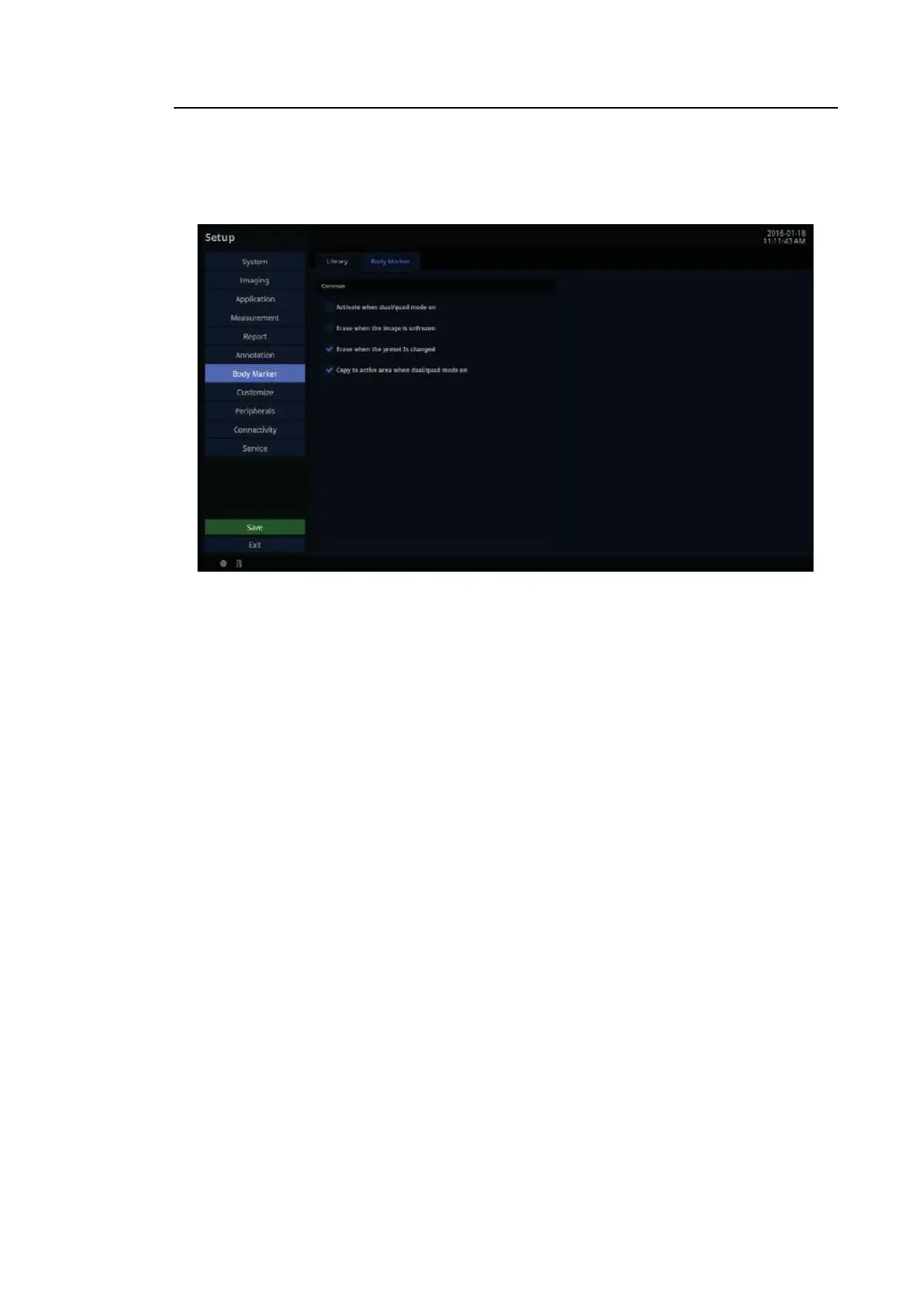
In the Setup screen, select the Body Marker tab in the Body Marker category.
[Figure 3.34 Setup – Body Marker – Body Marker]
3.6.13.6. Common
■ Activate when dual/quad mode on
Show or hide Body Marker when Dual or Quad Mode is active.
■ Erase when the image Is unfrozen
Choose whether or not pressing the Freeze button on the control panel to switch to Scan
Mode automatically deletes the Body Marker.
■ Erase when the preset is changed
Select whether or not to erase the Body Marker when the Preset is changed.
■ Copy to active area when dual/quad mode on
Select whether or not to copy the Body Marker to the active area when Dual or Quad Mode
is activated.



 To Next Page