3 – 64 HS40 Service Manual
3.6.15. Peripherals
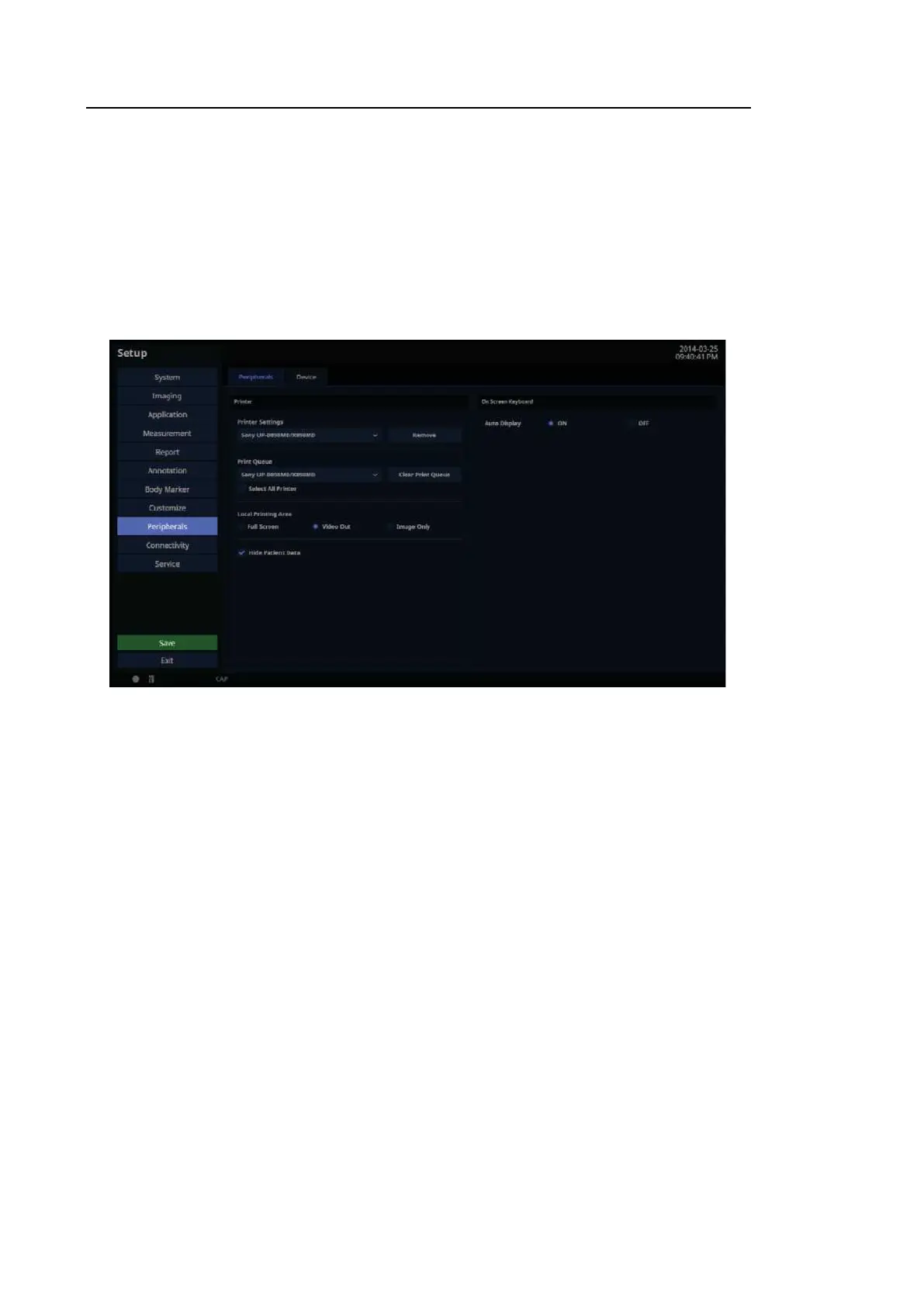
In the Setup screen, select the Peripherals tab. Or tap Peripherals on the touch screen. You
can configure keys, buttons, and the peripheral devices connected to the product.
Peripherals
In the Setup screen, select the Peripherals tab in the Peripherals category. You can configure
peripheral devices connected to the product.
[Figure 3.37 Setup – Peripherals – Peripherals]



 To Next Page