7 – 6 HS40 Service Manual
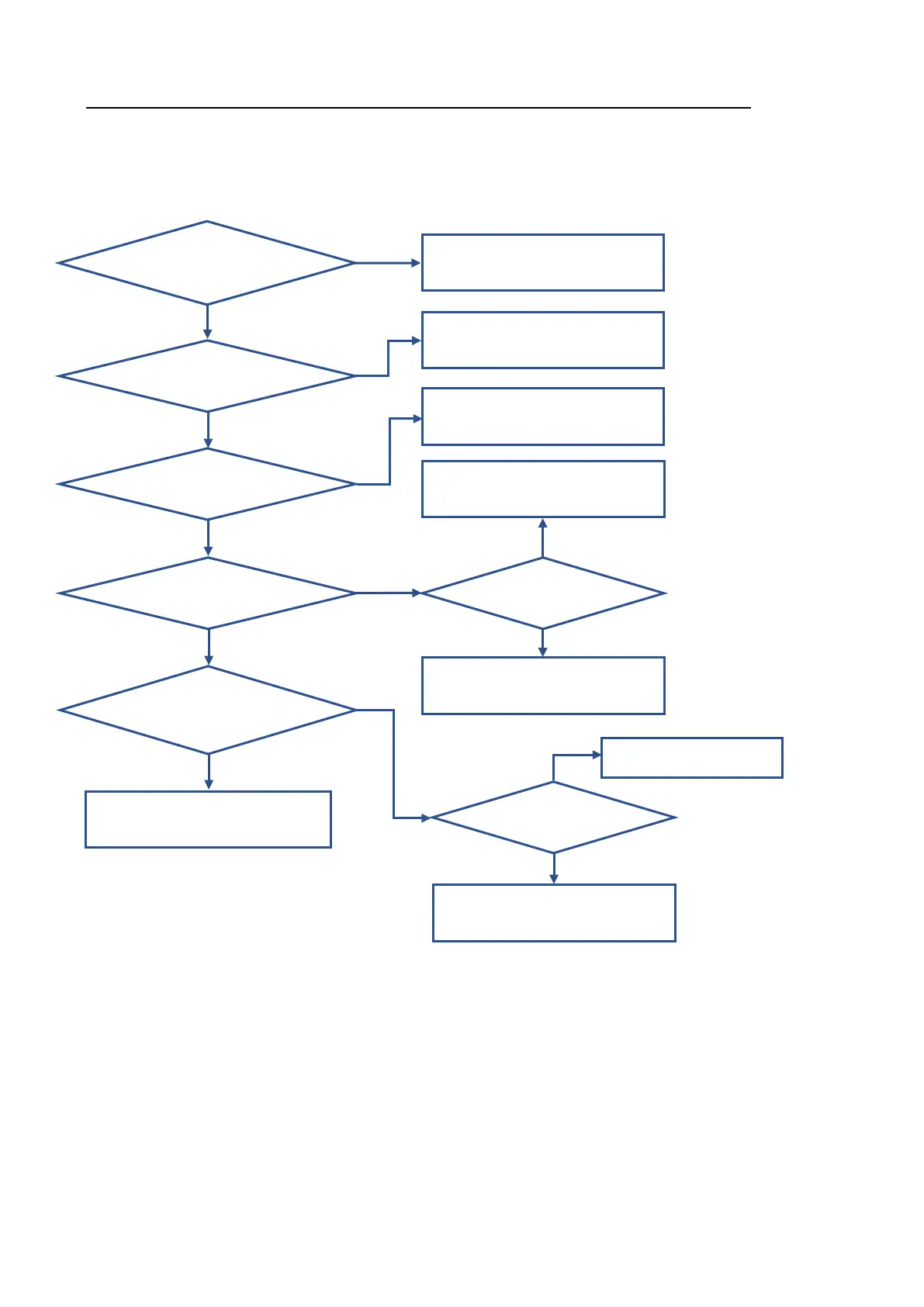
7.6. Trouble Shooting Tree
• System power does not turn on.
Is the pow er cord plugged
properly into pow er
outlet?
Y ES
Plug the pow er cord into pow er outlet.
Does the circuit breaker
turn on?
Y ES
Is the Status LED green?
Y ES
Does the Pow er button
LED indicate ON?
Y ES
Do all buttons on the CP
Board flicker and then turn
on?
Y ES
System booting w orks normally.
Circuit breaker ON
Replace the PSU.
Replace the PC module.
Is the pow er cable
connected normally?
Reconnect the Cable.
Does the OCP/OVP
LED blink?
Replace the PSU.
Check the PC module
and/or HDD.
NO
NO
NO
NO
NO
NO
Y ES
NO
Y ES



 To Next Page