Chapter 3. Installing Product 3 – 23
3.6.5. Quick Preset
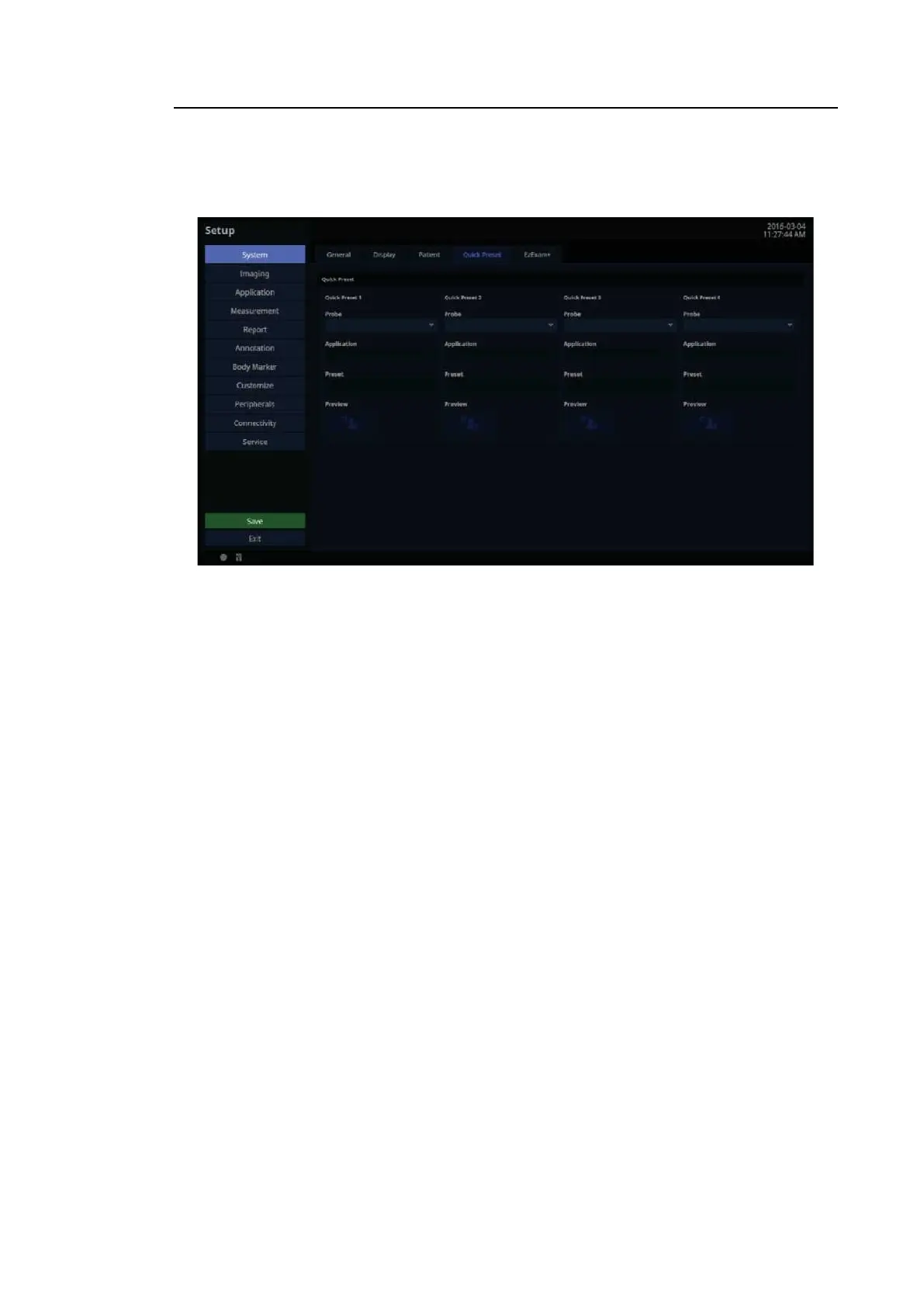
In the Setup screen, select Quick Preset tab in the S yste m category.
[Figure 3.13 Setup – System – Quick Preset]
3.6.5.1. Quick Preset
After selecting the Probe, Application, and Preset connected to the port, save them to Quick
Preset. Up to 4 sets can be saved. By using Preview, you can preview the saved preset.
• In the diagnosis mode, the saved Probe and Preset are shown as a button on the touch
screen.



 To Next Page