Chapter 3. Installing Product 3 – 19
3.6.3. Display
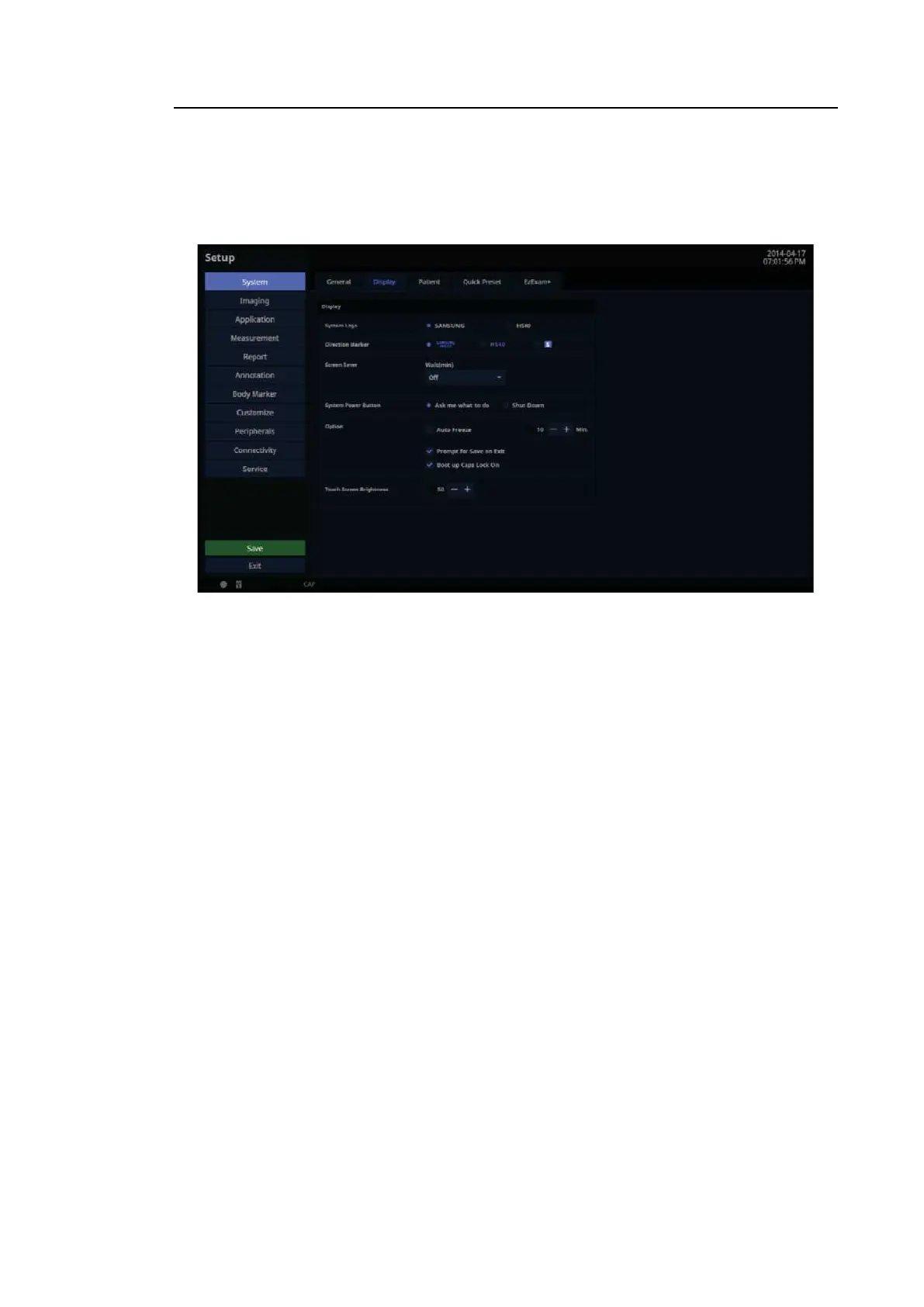
In the Setup screen, select Display tab in the S yste m category.
Configure the settings for displaying images.
[Figure 3.11 Setup – System – Display]
3.6.3.1. Display
■ System Logo
Choose one of SAMSUNG or HS40.
■ Direction Marker
Set the Direction Marker. Among SAMSUNG HS40, HS40, and S Marker, select a desirable
shape.
■ Screen Saver
Select the wait time (in minutes) for the screen saver. Use the trackball to set it off or 5, 10,
30 or 60 minutes.
■ System Power Button
– Ask me what to do: Set a pop-up to appear requesting confirmation before shutting down
the system.
– Shut Down: The power will turn off.



 To Next Page