3 – 18 HS40 Service Manual
– Close: Close Settings.
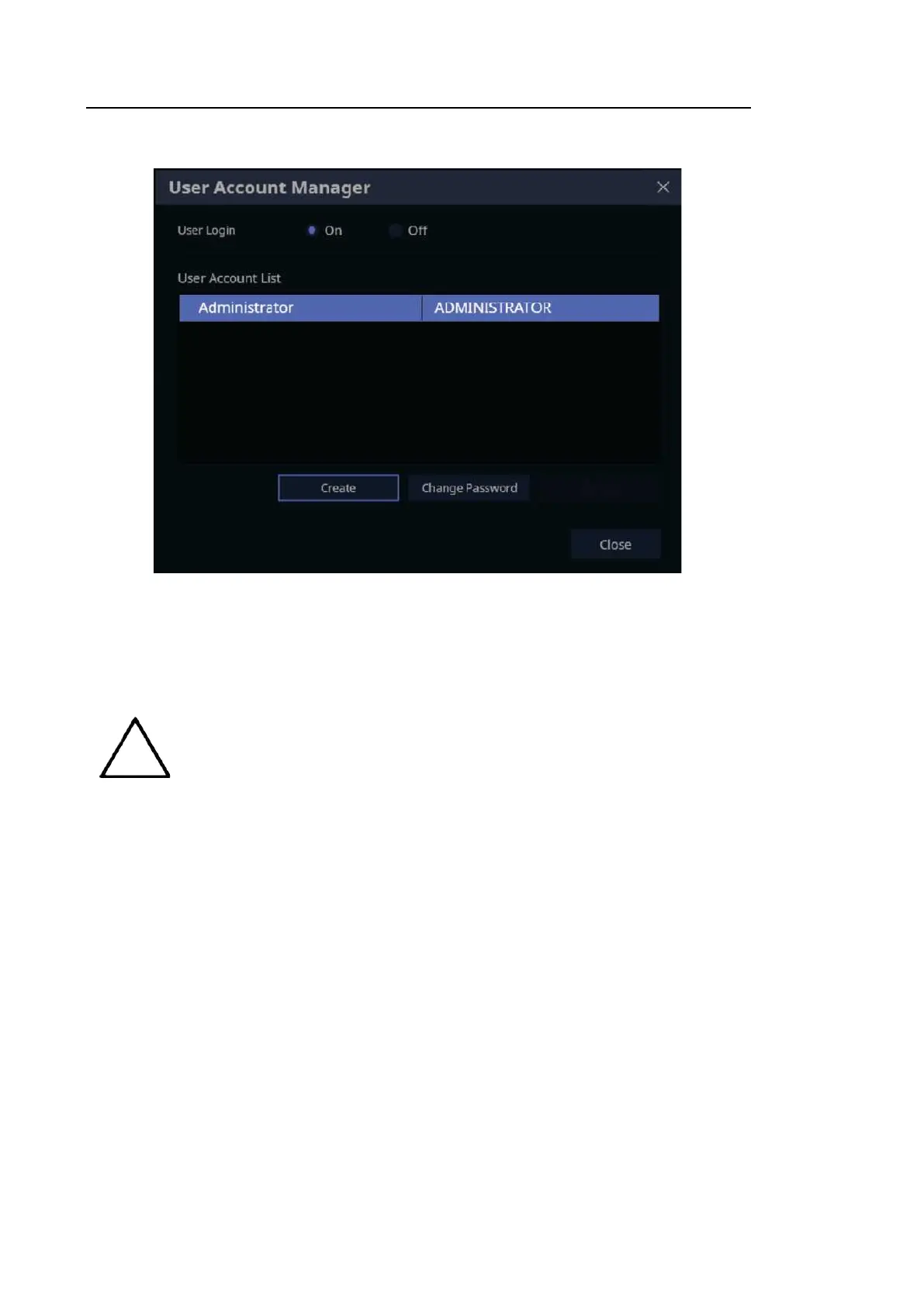
[Figure 3.10 Setup – User Account Manager]
■ Login
You can set a User Account ID after logging in to the Admin account. Please contact the
service engineer to learn how to reset user account information including the Admin account.
NOTE
The Admin account can be configured when you run ‘User Account
Manager’ at Setup for the first time.
The Admin account cannot be deleted.
Once the user account function is activated, you cannot load exams without
logging in.
The password must be 8 to 16 characters and composed of at least three of
the following:
– English alphabet upper case
– English alphabet lower case
– Numbers
– Special characters
■ Logout
Close the Admin account.



 To Next Page