6 – 6 HS40 Service Manual
6.3.3. TCP/IP
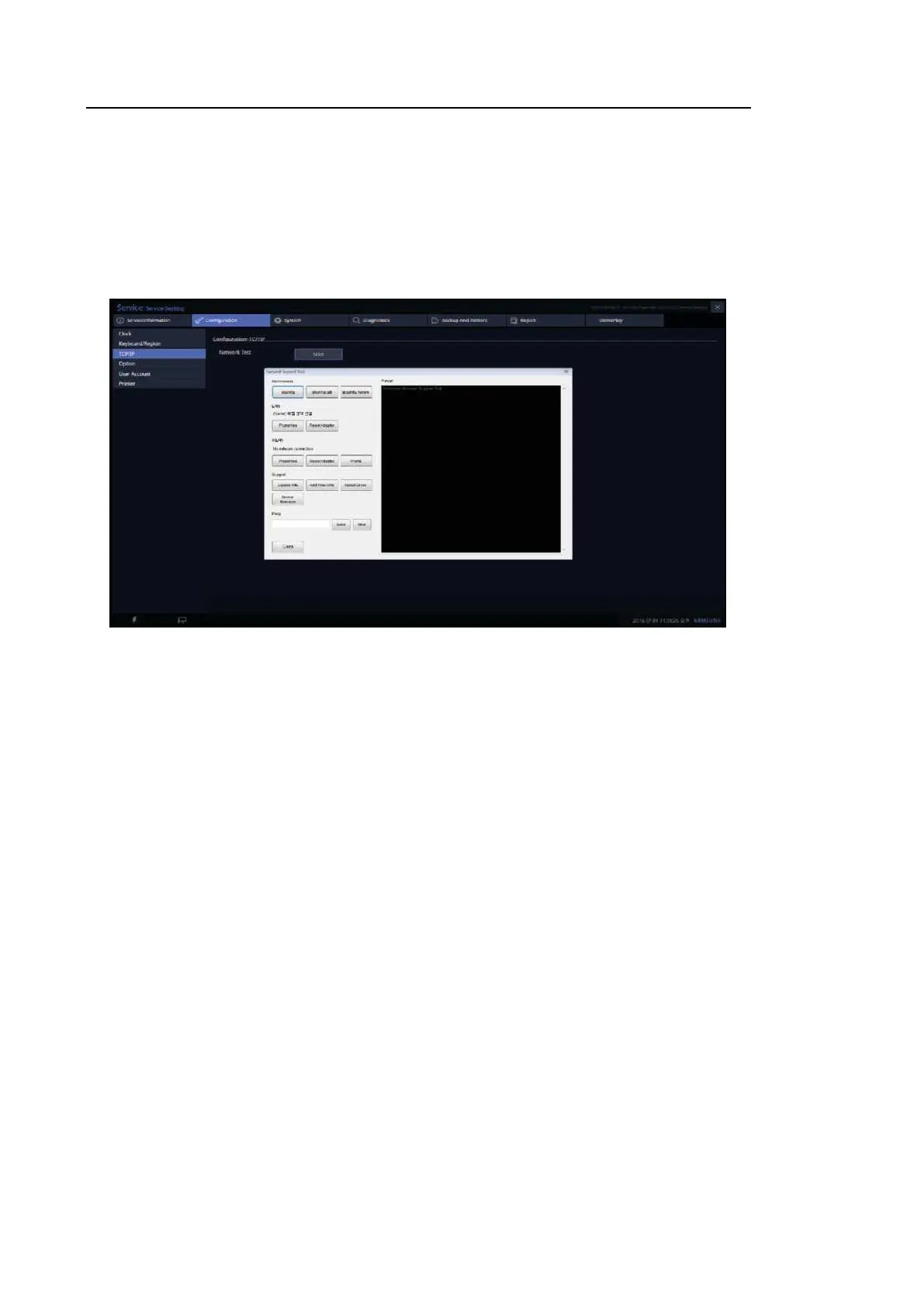
• Commands: Check PC’s IP Config information on the right Result screen.
• LAN: Configure the wired connection properties.
• WLAN: Configure the wireless connection properties.
• Support: Add a new device, install drivers, and run Device Manager.
[Figure 6.4 TCP/IP screen]



 To Next Page