Chapter 3. Installing Product 3 – 55
Annotation
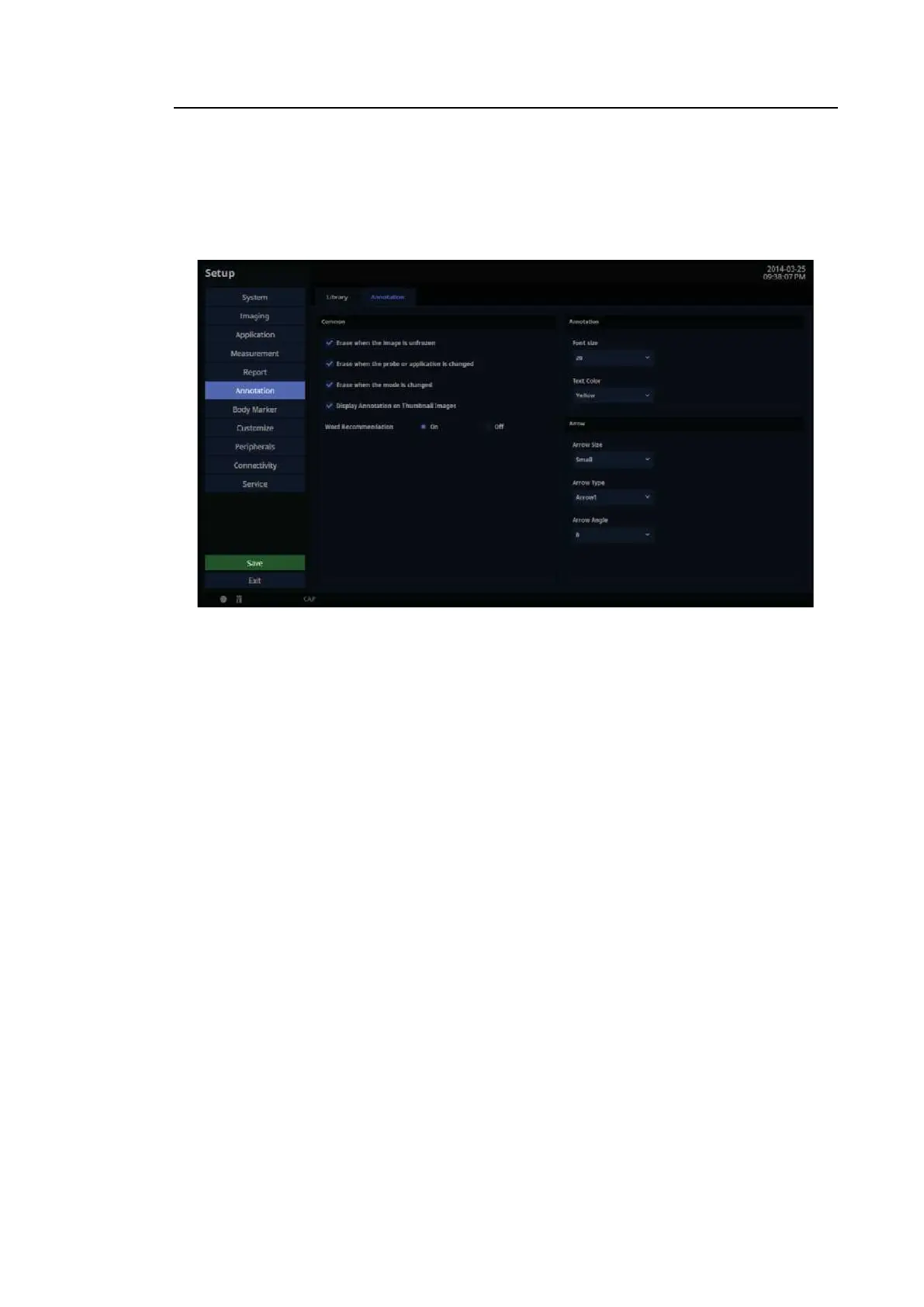
In the Setup screen, select the Annotation tab in the Annotation category. Select whether or
not to discard annotations from the screen when in Scan Mode or when the probe or application
is changed.
[Figure 3.32 Setup – Annotation – Annotation]
3.6.12.7. Common
■ Erase When the Image is Unfrozen
When executing Unfreeze, the annotation is deleted.
■ Erase When the Probe or Application is Changed
Select whether or not to erase annotations when the probe or application is changed.
■ Erase When the Mode is Changed
Select whether or not to erase annotations when the diagnosis mode is changed.
■ Display Annotation on Thumbnail Images
Select whether or not to display annotations on thumbnail images.
■ Word Recommendation
Words that match the entered characters will appear at the top of the OSK. You can turn this
option On or Off.



 To Next Page