6 – 18 HS40 Service Manual
6.9. Enter Installation Key
Register the system after installing the software.
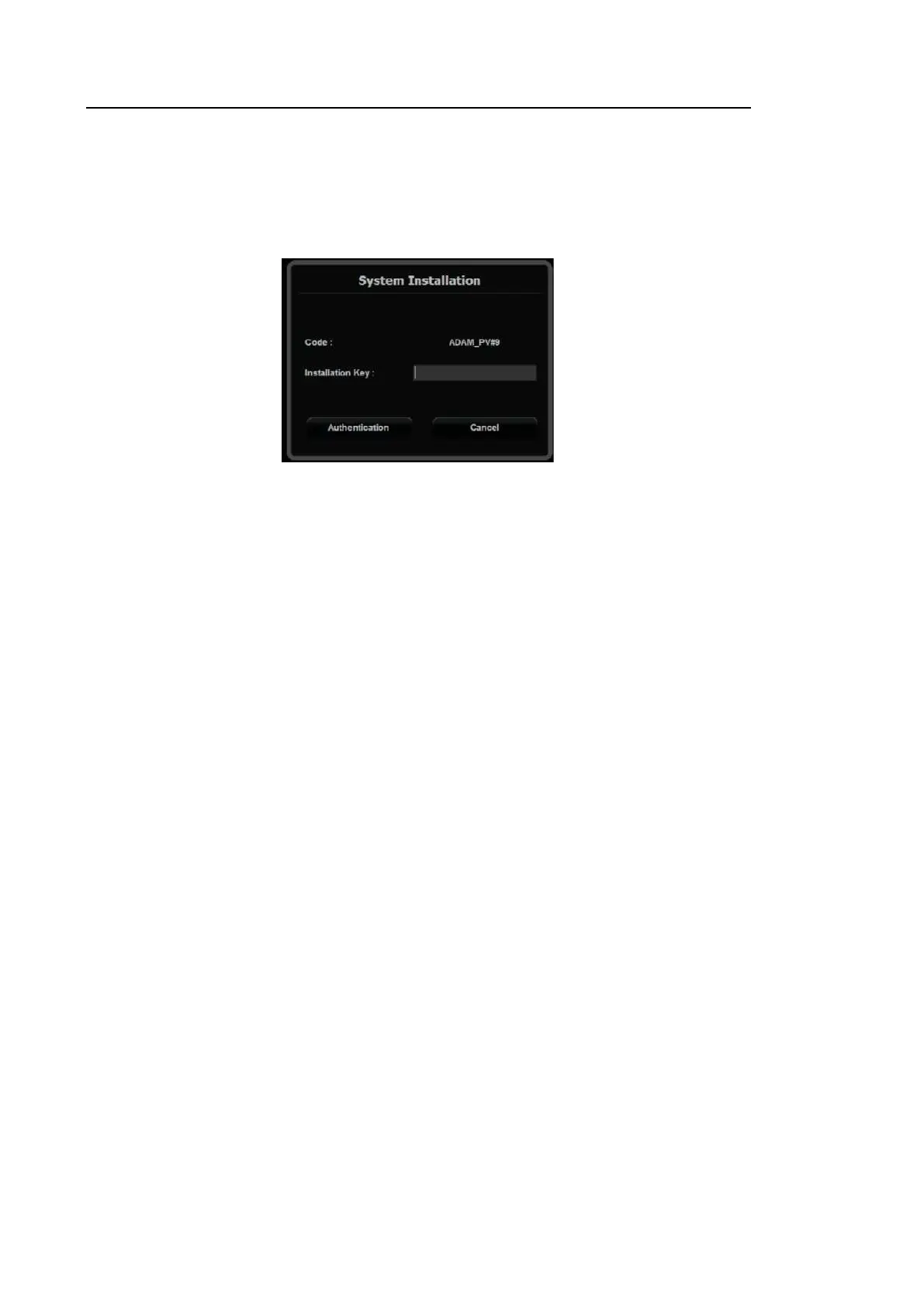
1. Once the system reboots after installation, the System Installation screen will be displayed.
[Figure 6.16 System Installation input window]
2. Enter the Installation Key.
The Installation Key can be acquired from Samsung Remote Service.



 To Next Page