Chapter 6. Service Mode 6 – 3
6.1. Service Mode
Chapter 6 describes the Service Mode used for servicing HS40.
This chapter explains how to update the version, back up the system, and enter the Service
Mode as well as how to add options and perform diagnostics.
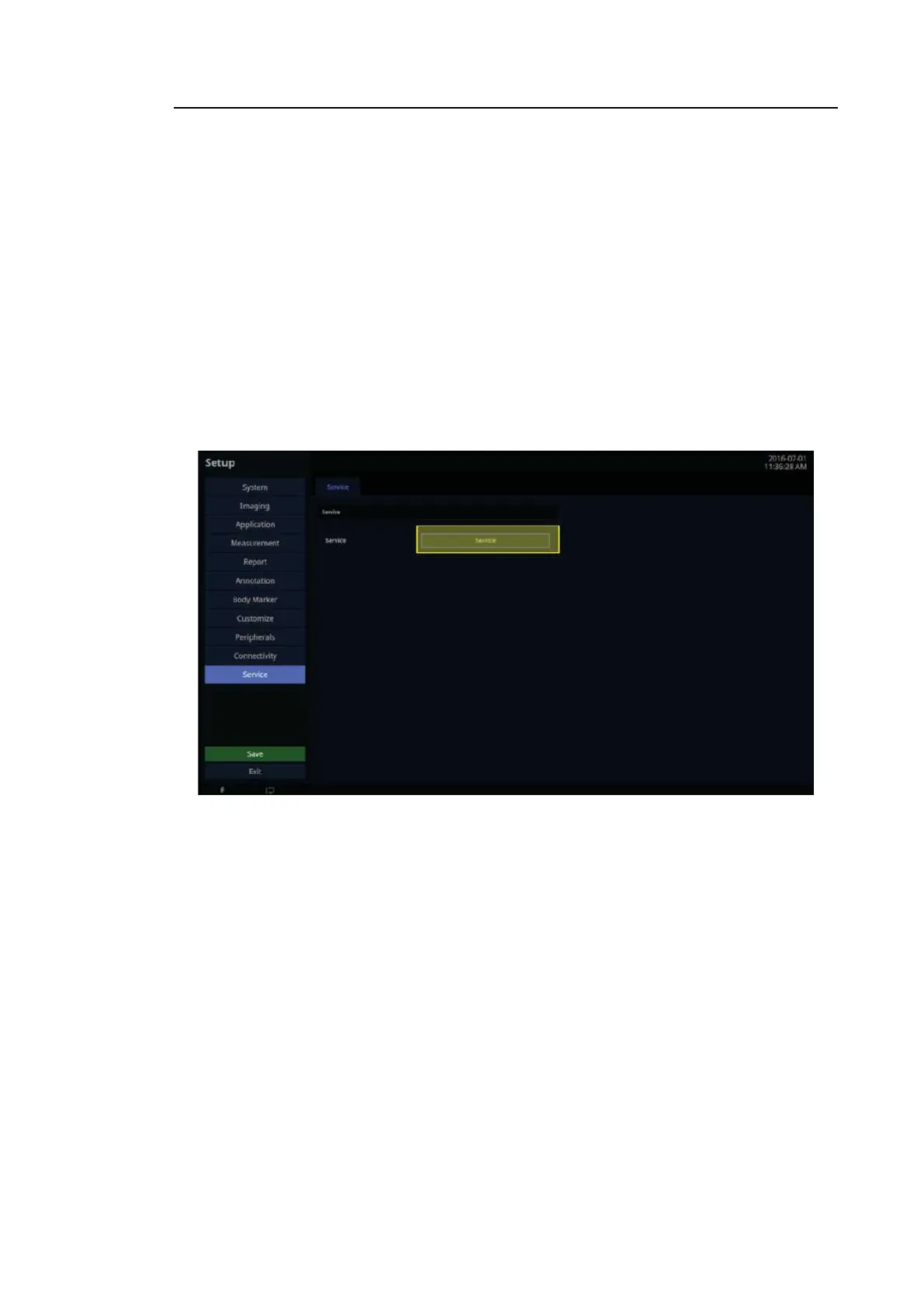
6.1.1. How to Enter the Service Mode
1. Press Setup button on alphanumeric keyboard.
2. Click the Service Mode on the left bottom.
3. Make sure that the Select User Level option is set to Service Engineer.
4. Enter the password into the Password box.
5. If the password is correct, you can go to the Service Mode.
[Figure 6.1 Service Mode screen]



 To Next Page