Chapter 3. Installing Product 3 – 15
3.6.1. General System Settings
In the Setup screen, select S yste m tab. Or tap S yste m on the touch screen.
From this tab, you can configure the general system settings.
3.6.2. General
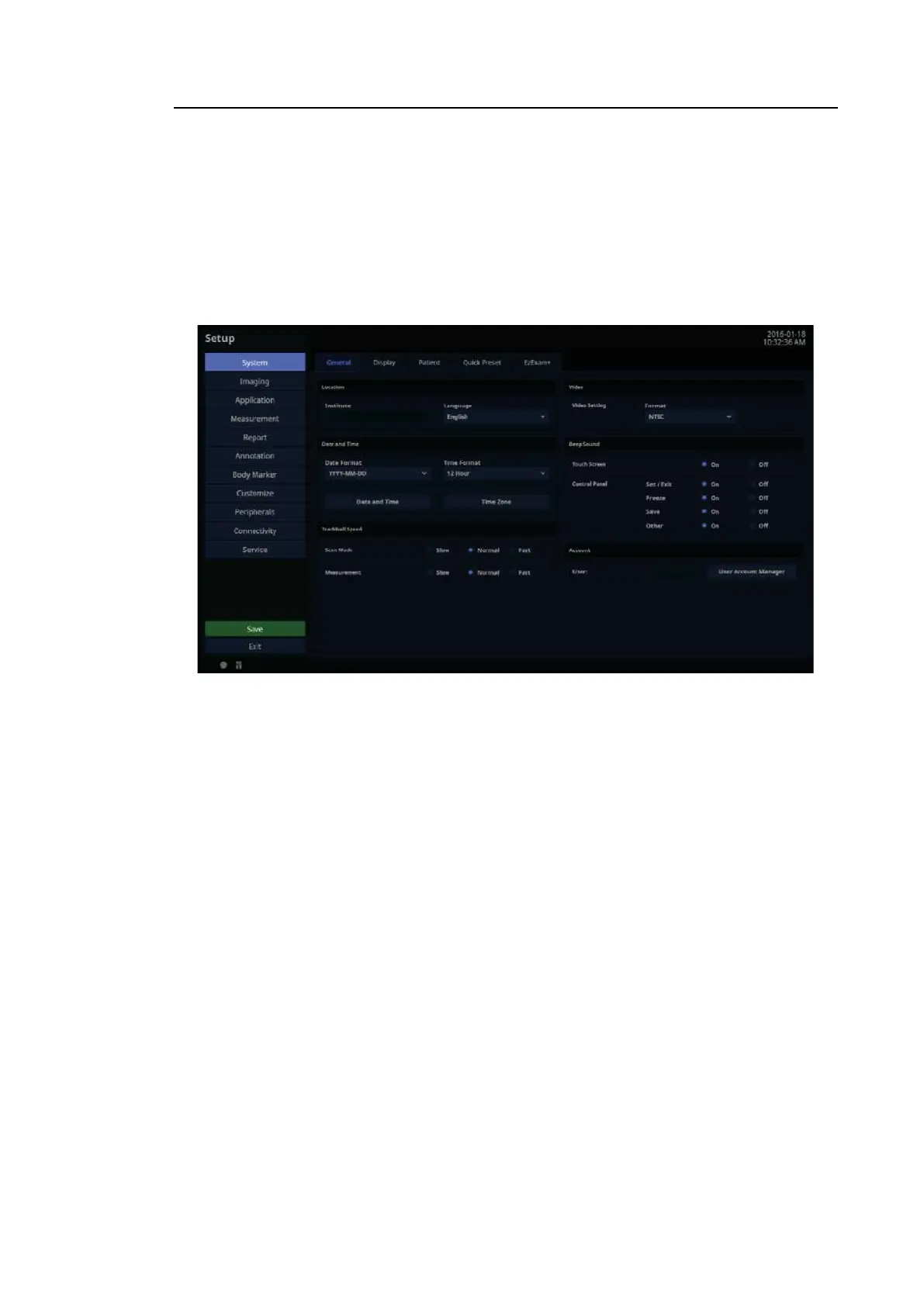
In the Setup screen, select General tab in the S yste m category.
[Figure 3.9 Setup – System – General]
3.6.2.1. Location
You can specify the information that is displayed in the title area on the screen.
■ Institute
Enter the name of the hospital/institution where the product is installed. Special characters
can be entered.
■ Language
Select the system language.
(Supported languages: English, German, French, Spanish, Italian, Russian, Simplified
Chinese, Portuguese (Brazilian)
TIP
• For Russian, the Russia Restricted Mode option must be disabled.
• The option must be disabled by qualified Samsung Medison service
personnel.



 To Next Page