Chapter 3. Installing Product 3 – 63
Touch Menu
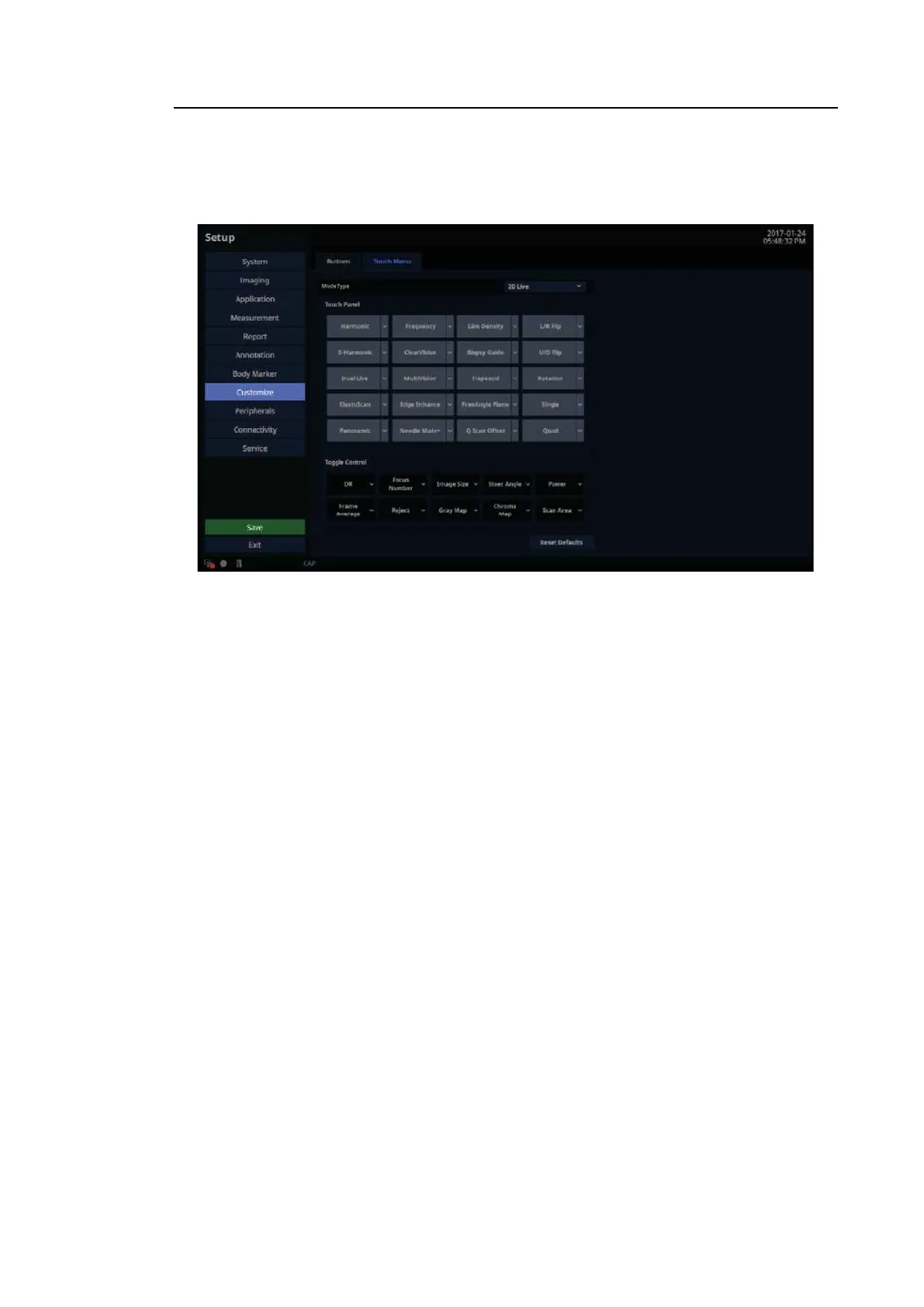
In the Setup screen, select the Touch Menu tab in the Customize category.
[Figure 3.36 Setup – Customize – Touch Menu]
3.6.14.8. Mode Type
You can configure the following functions: 2D Live, 2D Freeze, C Live, C Freeze, PD Live, PD
Freeze, TDI Live, TDI Freeze, S-Flow Live, S-Flow Freeze, PW Live, PW Freeze, TDW Live,
TDW Freeze, CW Live, CW Freeze, M Live, M Freeze, ECG Live, ECG Freeze, SEE Stream
Live, SEE Stream Freeze, Panoramic Ready, Panoramic Review, ElastoScan Live, ElastoScan
Freeze, Strain+Ready, Lithotripsy, and Needle Mate+.
■ Touch Panel
Specify items to be included on the touch screen and their positions.
■ Toggle Control
Specify the dial-button activated items to be included in the bottom menu on the touch
screen and their positions.
■ Reset Defaults
Revert to default settings.



 To Next Page