3 – 50 HS40 Service Manual
Comment
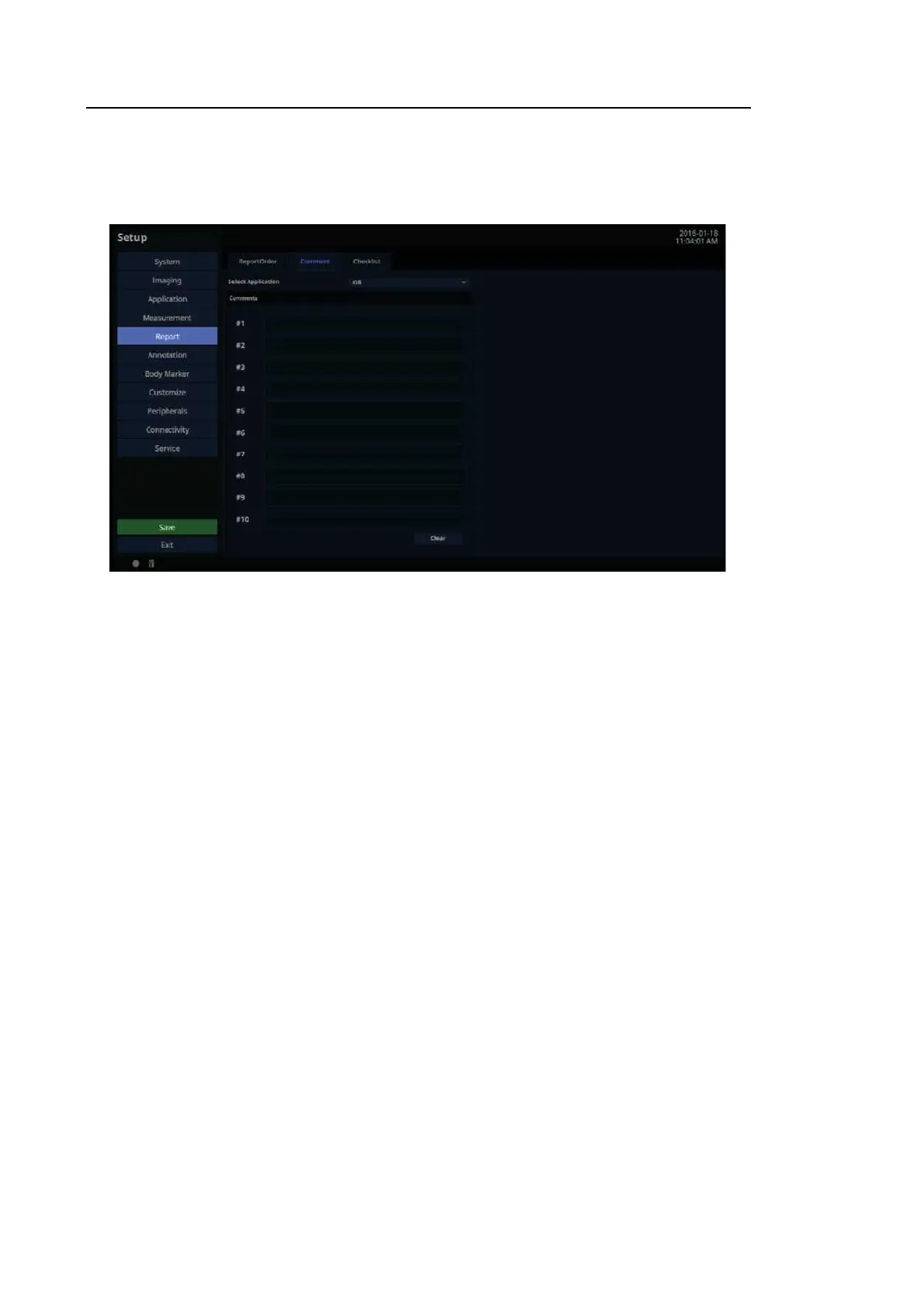
In the Setup screen, select the Comment tab in the Report category.
[Figure 3.29 Setup – Report – Comments]
3.6.11.3. Select Application
Display all diagnostic measurement information and select the measurement information to
show in Report.
3.6.11.4. Comme nts
The user can enter comments manually.
■ Clear
Delete saved comments. When executing Unfreeze, any annotation is deleted.



 To Next Page