Chapter 3. Installing Product 3 – 51
Checklist
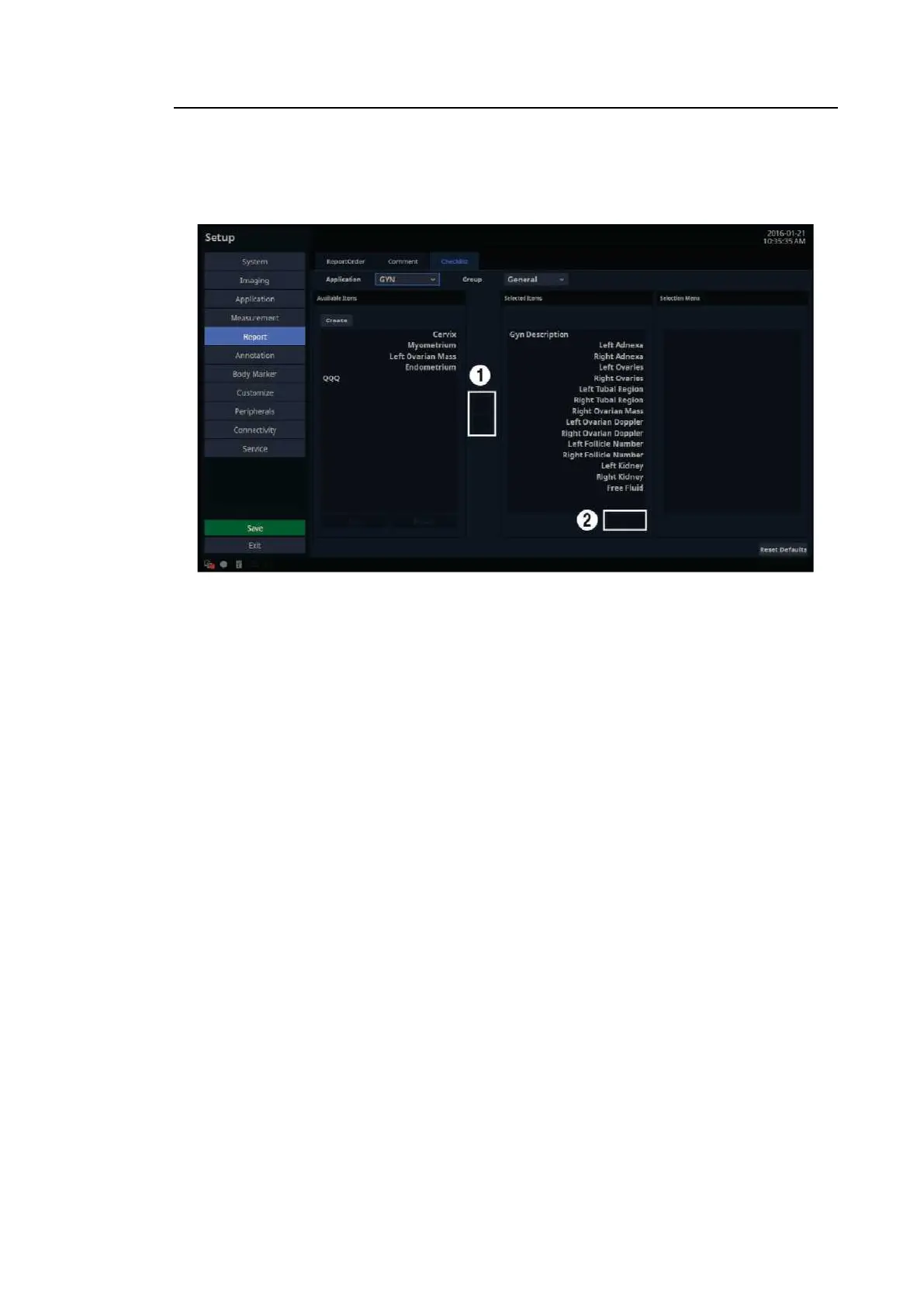
In the Setup screen, select the Checklist tab in the Report category.
[Figure 3.30 Setup – Report – Checklist]
3.6.11.5. Application
Select an available application. Preset items exist for this application, but for other applications,
only user-added items are available.
3.6.11.6. Create
Create a user item. Enter a name and category, then tap the OK button to create, or tap the
Cancel button to reset all values to the defaults.
■ Available Items
This is a category or item list that can be added to the Anatomy page.
■ Selected Items
This is a category or item list that has been added to the Anatomy page.



 To Next Page