Chapter 3. Installing Product 3 – 45
Tables
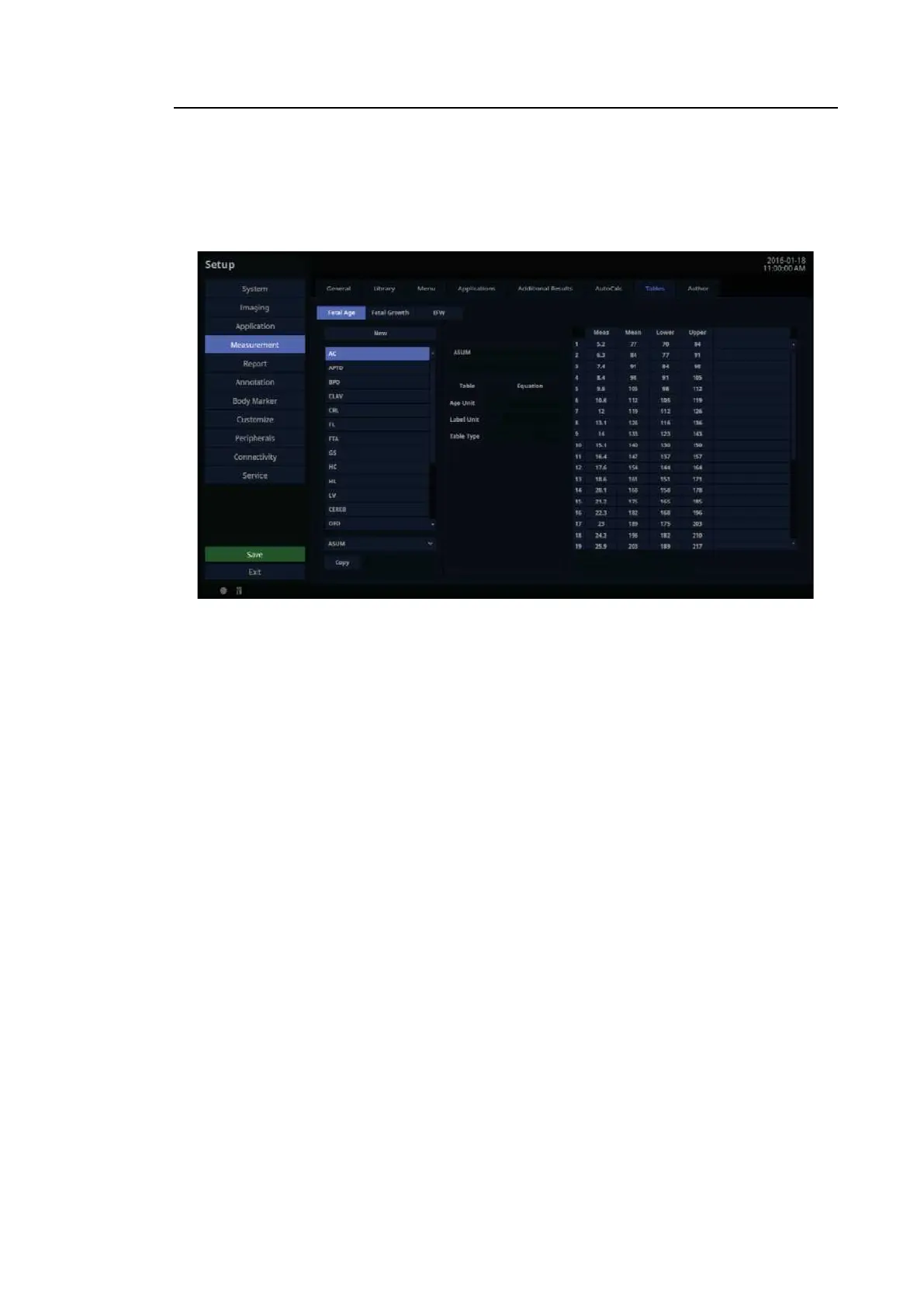
In the Setup screen, select the Tables tab in the Measurement category.
View and edit the Tables and Equations to be used in each measurement item of OB.
[Figure 3.26 Setup – Measurement – Tables]
■ Select Category
Select a category from Fetal Age, Fetal Growth, and EFW (Estimated Fetal Weight) to view
and edit tables and charts for that category.
■ Select Label
Select a Label in the list box; that Label’s Author List will be copied into the combo box and
the first Author’s data will be displayed on screen.
■ Select Author
Select Author in the combo box and the Author’s data will be displayed on screen.
■ New
Create new Author data.
■ Copy
Copy the currently selected Author’s data to create new Author data.
■ Edit
Modify the currently selected Author data.



 To Next Page