Chapter 3. Installing Product 3 – 53
Library
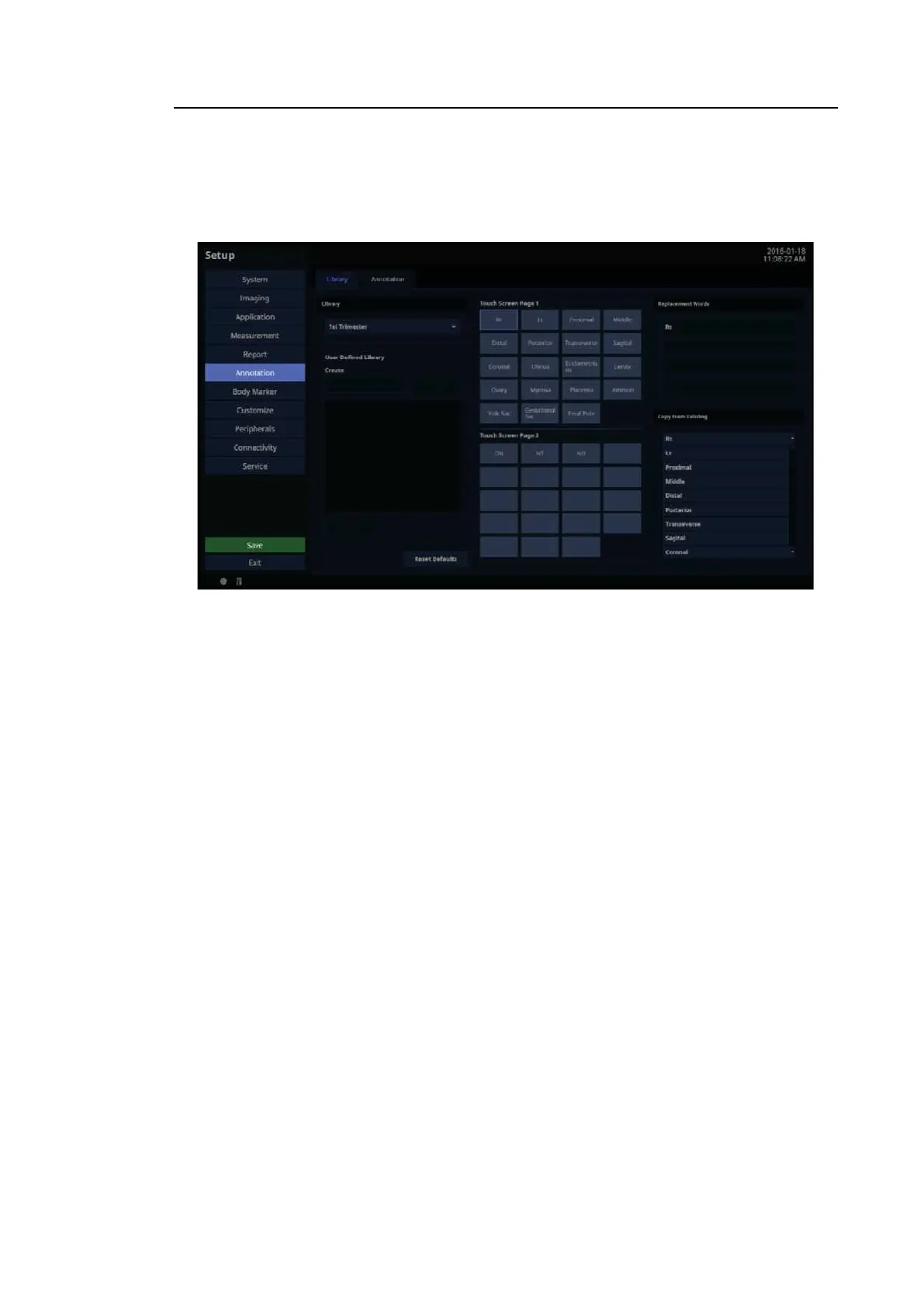
In the Setup screen, select the Library tab in the Annotation category. You can create, edit, or
delete an Annotation library.
[Figure 3.31 Setup – Annotation – Library]
3.6.12.1. Library
Select an application type.
3.6.12.2. User Defined Library
The user can enter or delete text.
■ Create
Create text.
■ Delete
Delete text.
■ Reset Defaults
Revert to default settings.



 To Next Page