Chapter 3. Installing Product 3 – 57
3.6.13. Body Marker
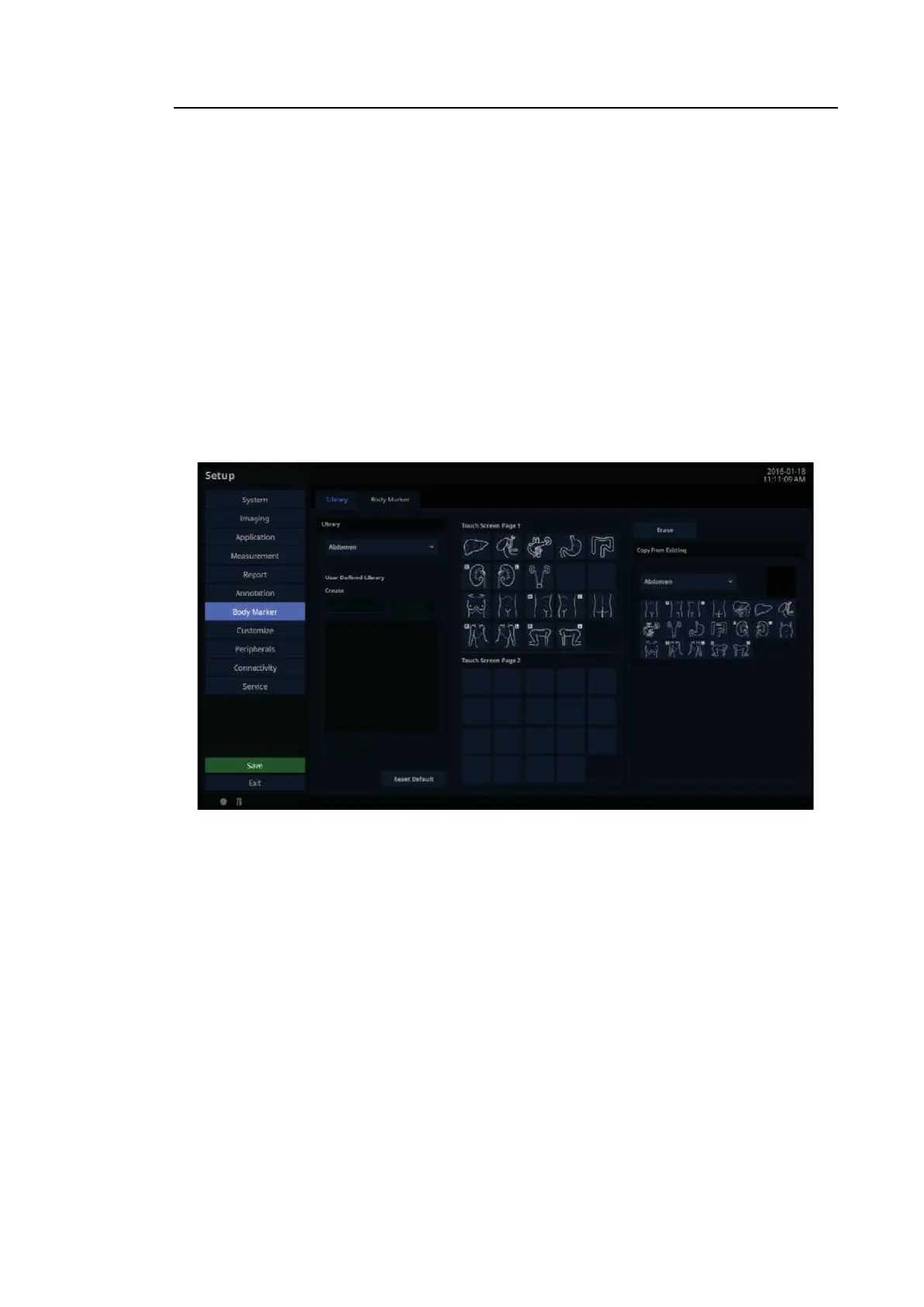
In the Setup screen, select the Body Marker tab. Or tap Body Marker on the touch screen.
Library
In the Setup screen, select the Library tab in the Body Marker category.
You can create, edit, or delete a library in the Body Marker category.
1. On Touch Screen Page 1 or Touch Screen Page 2, use the trackball to select the location
you want; the touch button will be selected.
2. In Copy From Existing, select the Body Marker you want; the new Body Marker will be
created at the location marked in blue.
3. On Touch Screen Page 1 or Touch Screen Page 2, use the trackball to select a Body Marker
to display it in blue; tap Era se to delete the Body Marker.
[Figure 3.33 Setup – Body Marker – Library]



 To Next Page