Chapter 3. Installing Product 3 – 77
STORAGE SR Server Information
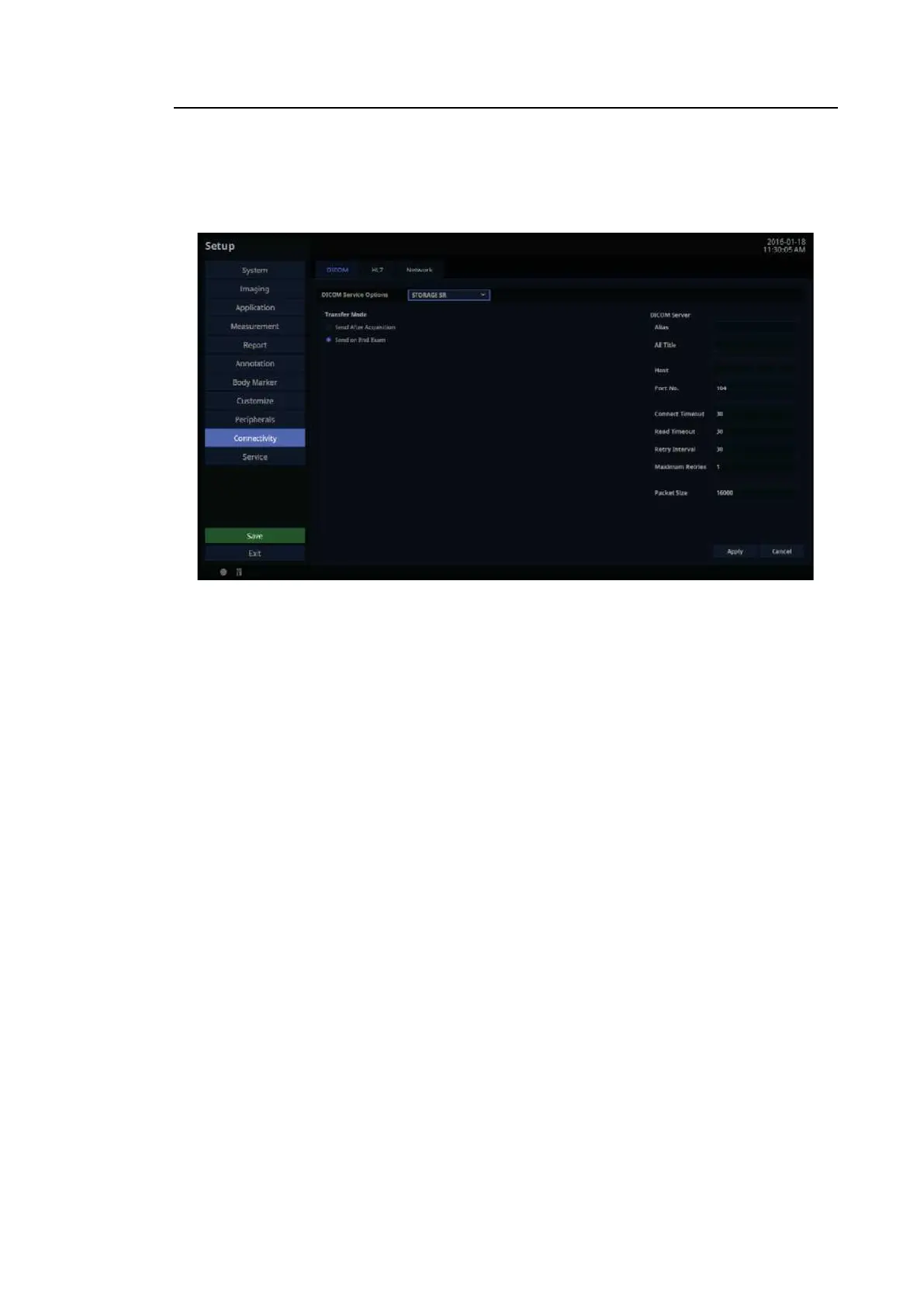
Select Storage SR (Storage Structured Report) as the DICOM Service Options item. Configure
the Report Storage Service using DICOM.
[Figure 3.45 DICOM Service Options – STORAGE SR]
■ Transfer Mode
Select a printing method:
– Send After Acquisition: Whenever the Store button is pressed, the measurement data
in the report will be sent as an SR.
– Send on End Exam: Whenever the End Ex am button is pressed, the measurement data
in the report will be sent.
QR Server Information
Select ‘QR’ as the DICOM Service Options item. The configuration options are the same as
those for the storage server.



 To Next Page