7 – 10 HS40 Service Manual
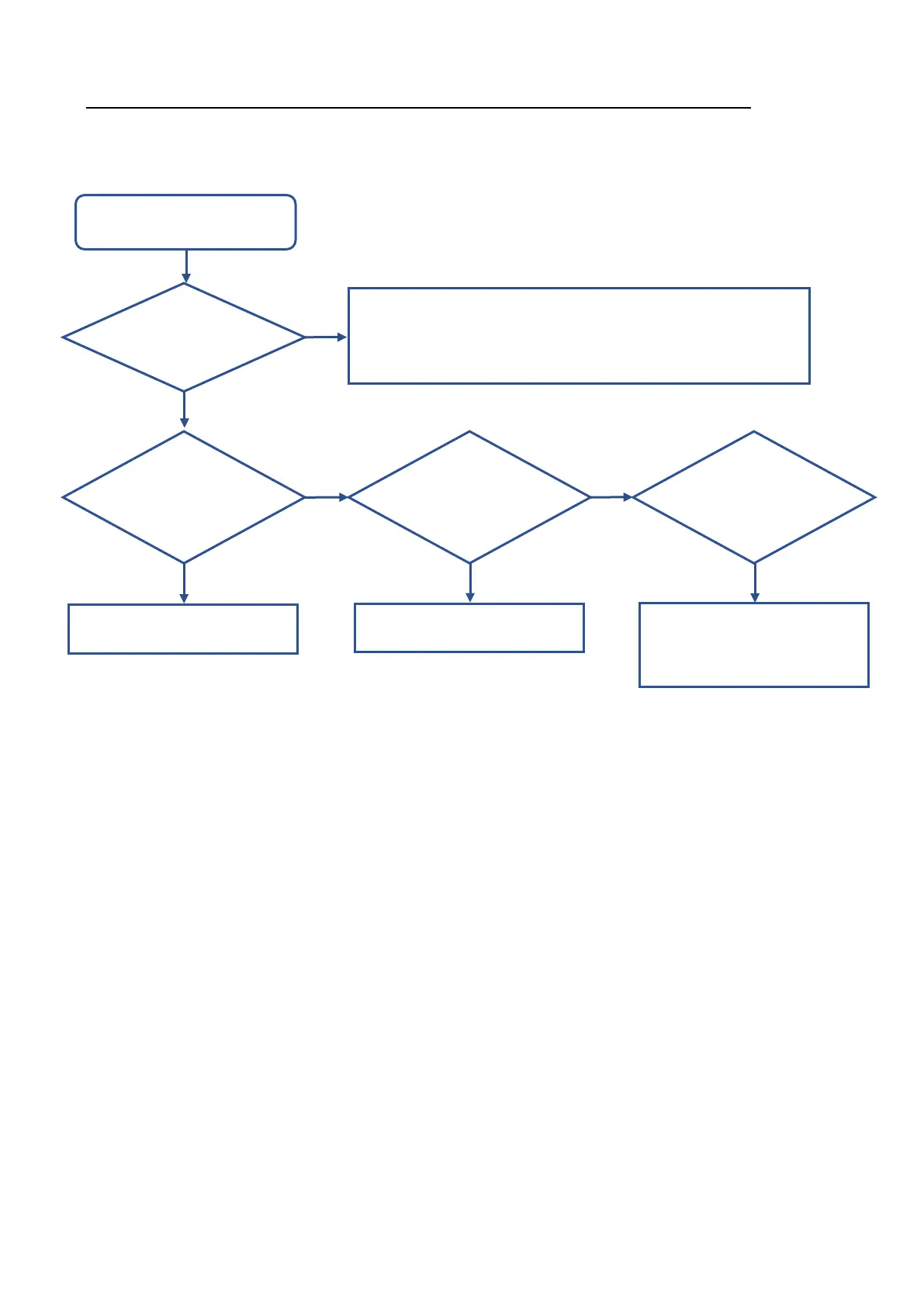
• System power does not turn off.
Press the Pow er button on the
CP.
1. A crash in the Ultrasound Softw are is suspected. → Re-install the sof tw are.
2. Replace the PC and HDD, if the system operates at an abnormally slow rate
or the system booting takes abnormally a long time.
NO
Is Window s closed?
Turn off the system.
Y ES
Is the system running
the shutdow n
process?
Y ES
Did the system stop
operating in the
course of shutdow n?
Did a blue screen
error occur?
NO NO
Re-install the system softw are.
Y ES
1: Inspect the PC Module.
2: Inspect the HDD.
Y ES



 To Next Page