Confidential
Chapter 3 Connecting Cables
RF4402d Series Installation Manual v1.0 89
Copyright © 2018, All Rights Reserved.
Connecting CPRI Cable
To connect CPRI cable
1
Make sure you have the following items:
Table 33. Parts and Tools for connecting CPRI Cable
Category Description
Installation Section RRH L0 Port ~ CDU
Cable CPRI Cable (Optical, Single Mode, for Outdoor Type)
Bend Radius 10 × OD
Connector RRH JONHON, Push Pull Type, PDLC03T03 (DLC/UPC)
Working Tools Optical Connector Cleaner
In the system, the laser beam light runs through the optical cable.
The exposure of the laser beam on worker’s eye may cause serious injury so that it
should be handled with care.
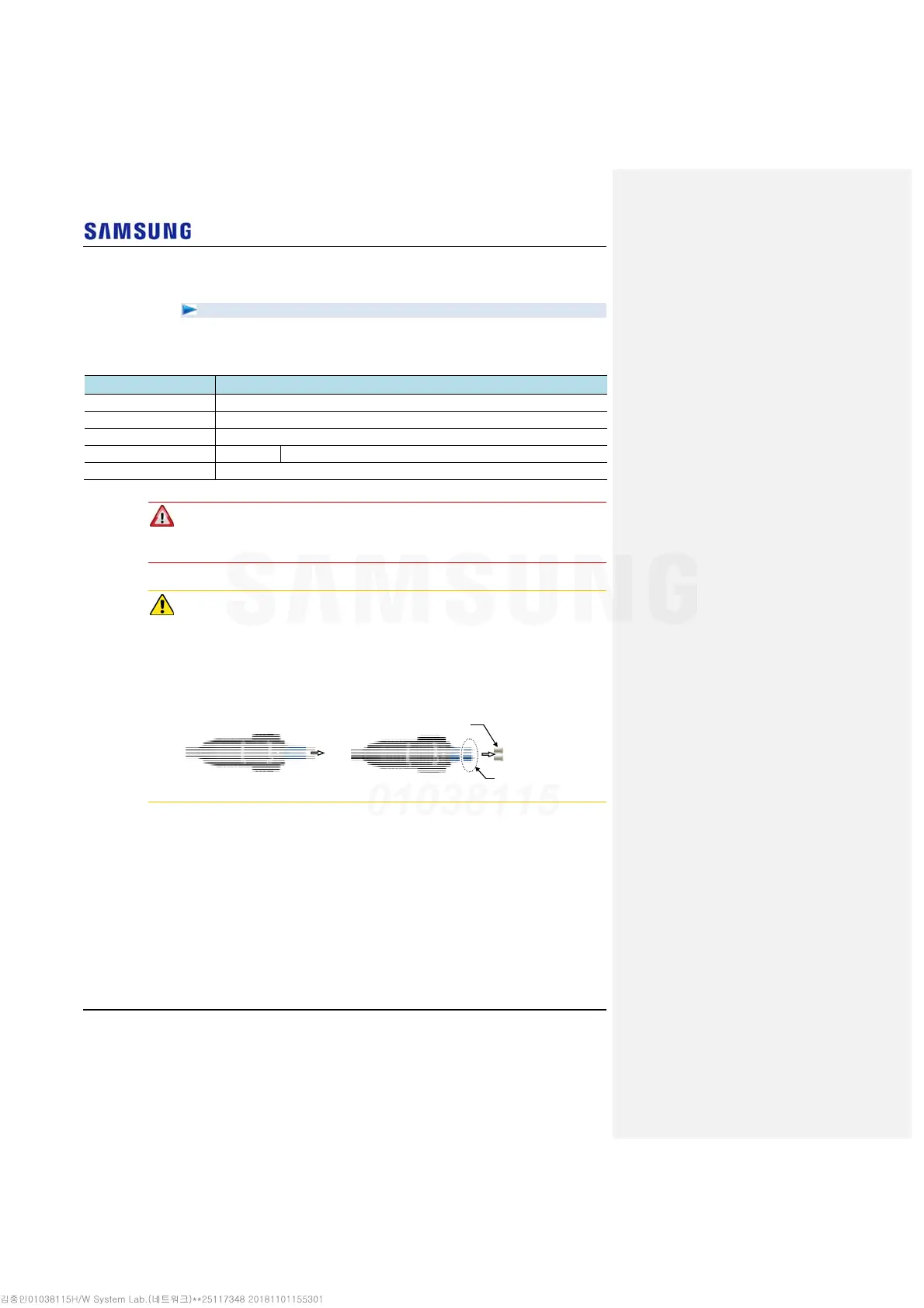
Remove the cap of the optical connector before connecting.
- Before connecting the optical cable, check if the ferrule of the connector is soiled.
Be careful to keep the cutting section away from dust or foreign material.
If the cable is soiled with foreign material, do not blow to remove them.
- Make sure to clean the connector in accordance with the cleaning directions in
Annex.
- Do not touch the ferrule at the end of optical cable because it is easy to be
damaged.
Ferrule
[Before Removing Cap]
[After Removing Cap]
Cap



 To Next Page