Confidential
Chapter 3 Connecting Cables
RF4402d Series Installation Manual v1.0 96
Copyright © 2018, All Rights Reserved.
3
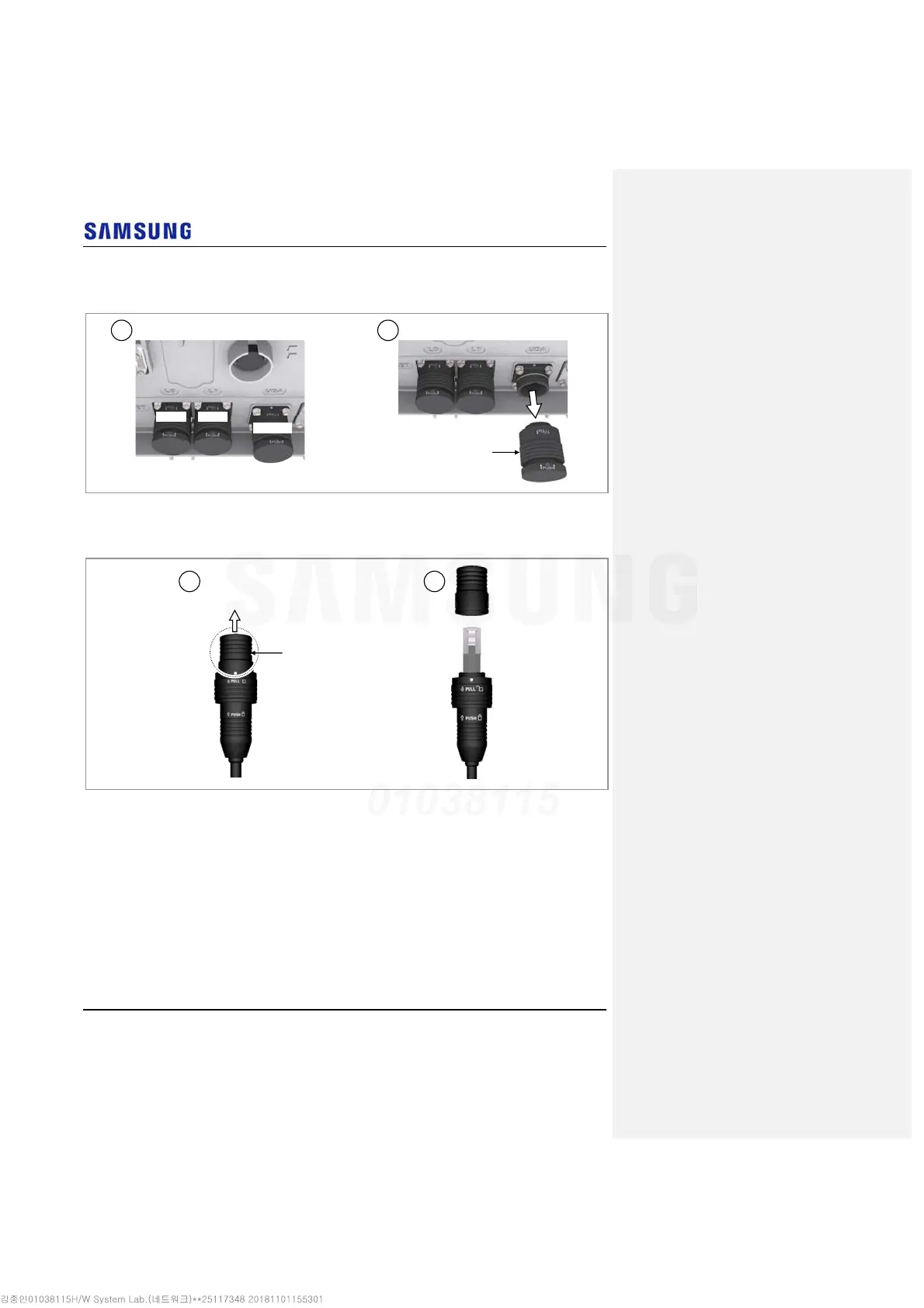
Separate the cap from the system side connector (UDA port).
Figure 85. Connecting UDA Cable (2)
4
Separate the cap from the cable side connector.
Figure 86. Connecting UDA Cable (3)
Cap
1 2
Cap
L0 Port
UDA Port
1 2
L1 Port



 To Next Page