Confidential
Chapter 3 Connecting Cables
RF4402d Series Installation Manual v1.0 72
Copyright © 2018, All Rights Reserved.
Connecting AC/DC Convertor Ground Cable
To connect AC/DC Convertor Ground Cable
1 Make sure you have the following items:
Table 26. Parts and Tools for connecting AC/DC Convertor Ground Cable
Category Description
Installation Section MGB~ AC/DC Convertor Ground Terminal
Cable 6 AWG × 1C
Bend Radius 8 × OD
Heat Shrink Tube
(Spec/Color/Length)
Ф 0.47 in. (12 mm)/Clear/1.96 in. (50 mm)
Pressure Terminal MGB Checking MGB specifications per site and preparing connecting parts
AC/DC
Convertor
6 AWG, 2 Hole, Hole diameter:1/4 in. (6.4 mm), Hole spacing: 0.63 in. (16
mm)
Fastener MGB Checking MGB specifications per site and preparing connecting parts
AC/DC
Convertor
M6 × L14 SEMS (Hex. +)/2 EA
Recommended
Torque Value
M6 SEMS 43 lbf·in
Working Tools
Cable Cutter
Wire Stripper
Crimping tool
Heating Gun
Nipper
Screw Driver (‘+’, No. 3)
Torque Driver (20~90 lbf·in.)
Screw Driver Bit (‘+’, No. 3)
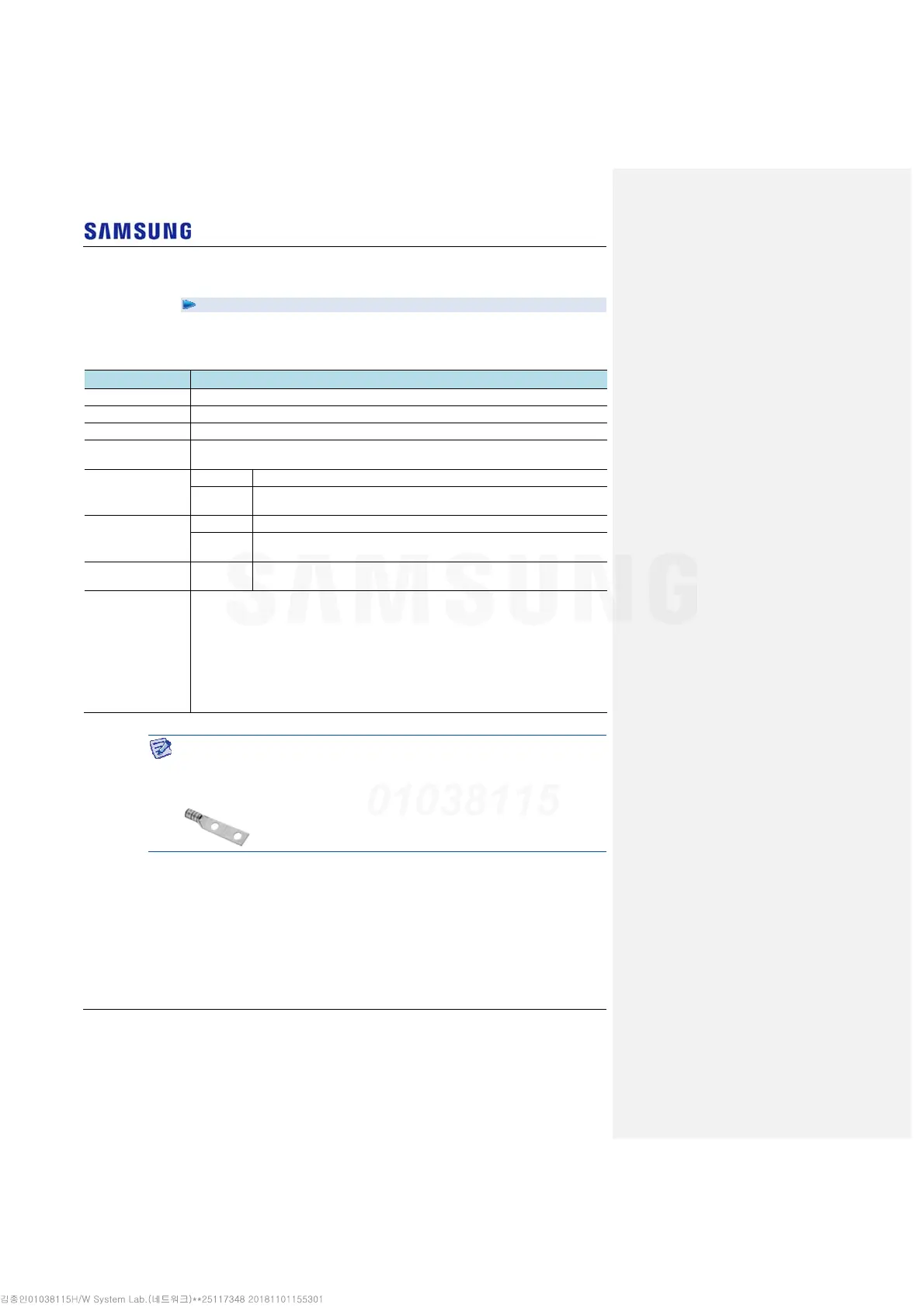
For the pressure terminal or the cable, the UL Listed products or equivalent should
be used.
Ex) Manufacturer-Panduit
RRH: 6 AWG Pressure Terminal (LCD6-14A-L)
2 Install a ground cable from the MGB to the AC/DC convertor ground terminal.



 To Next Page