Confidential
Chapter 3 Connecting Cables
RF4402d Series Installation Manual v1.0 97
Copyright © 2018, All Rights Reserved.
5
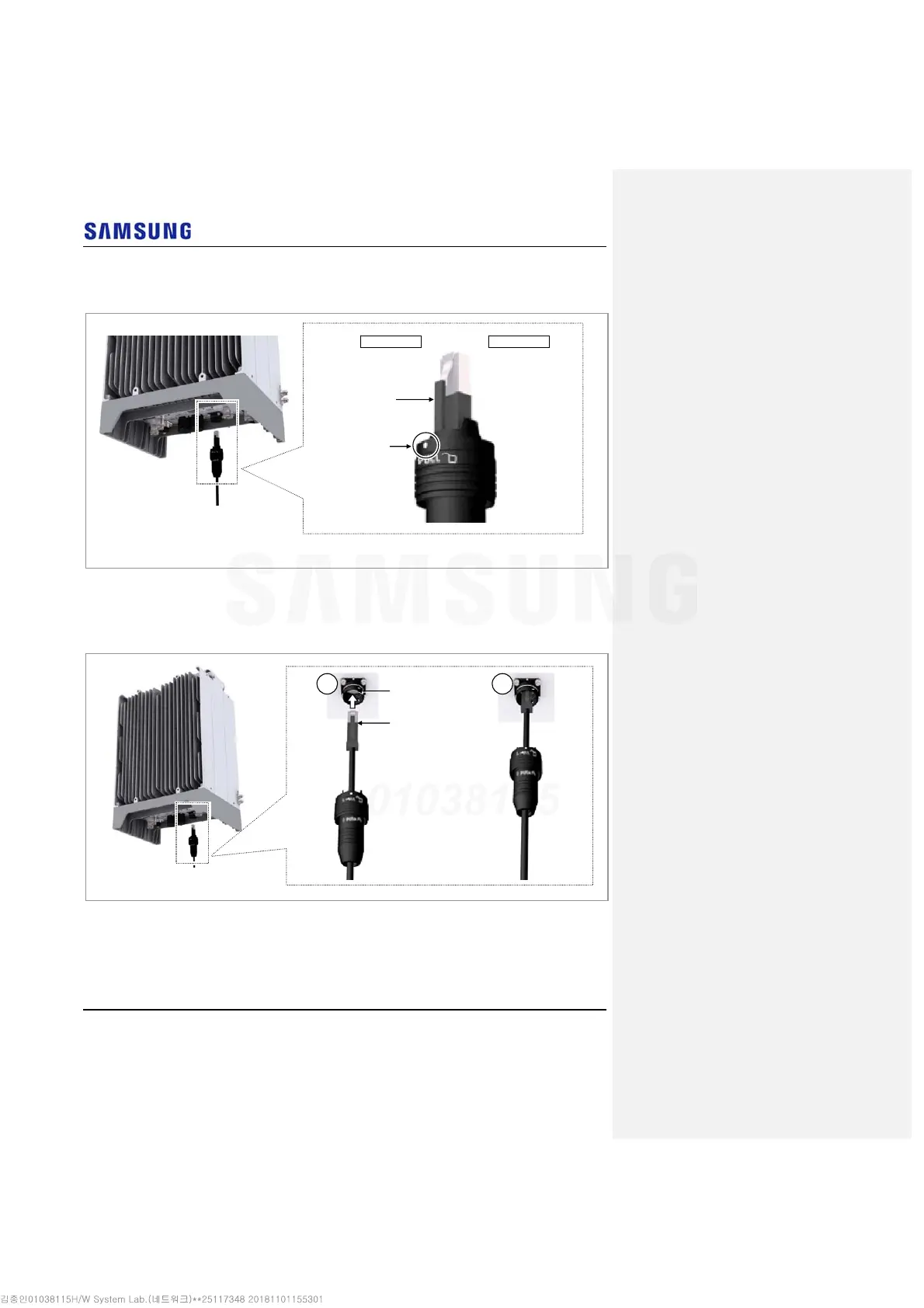
The latch of cable side connector should be toward the front of the system.
Figure 87. Connecting UDA Cable (4)
6
Insert the RJ-45 plug to the system side connector.
Figure 88. Connecting UDA Cable (5)
RJ45 Plug
System side RJ45 port
1 2
RJ45 Plug Latch
Cable side
connector’s
white dot
Front Side Rear Side



 To Next Page