Confidential
Chapter 3 Connecting Cables
RF4402d Series Installation Manual v1.0 92
Copyright © 2018, All Rights Reserved.
6
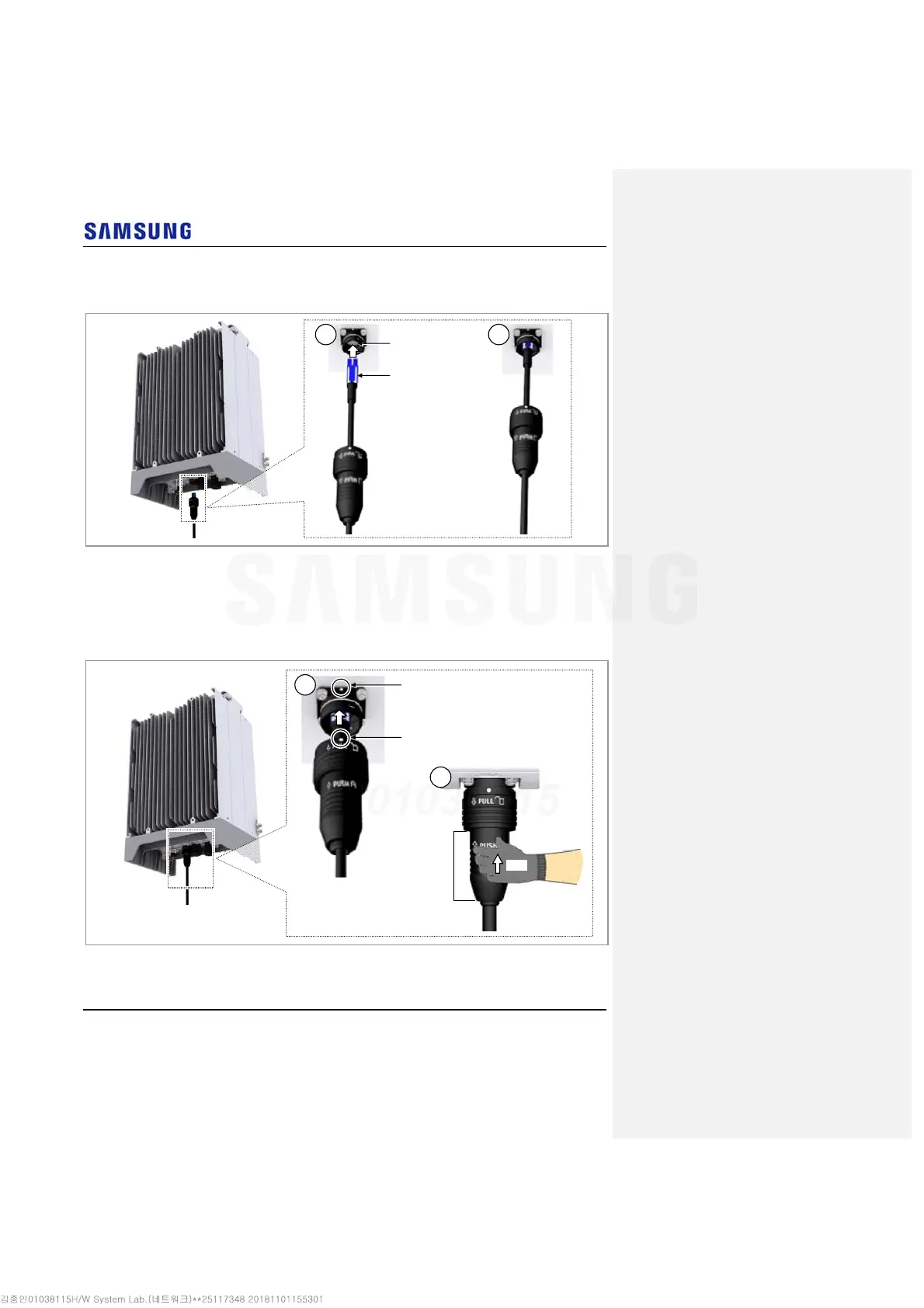
Insert the DLC plug to the system side’s optical module.
Figure 82. Connecting CPRI Cable (5)
7
Insert the connector aligning the cable side connector’s white dot and system
side connector’s white dot. When inserting the connector, push the shell to
upper side.
Figure 83. Connecting CPRI Cable (6)
System side connector’s white dot
Cable side connector’s white dot
Shell
Push
1
2
DLC Plug
System side’s optical
module
1 2



 To Next Page