Confidential
Chapter 1 Before Installation
RF4402d Series Installation Manual v1.0 9
Copyright © 2018, All Rights Reserved.
Installation Tools
The basic tools for installation are listed in the table below. The additional tools
required for each site need to be identified and prepared during a site survey before
starting installation.
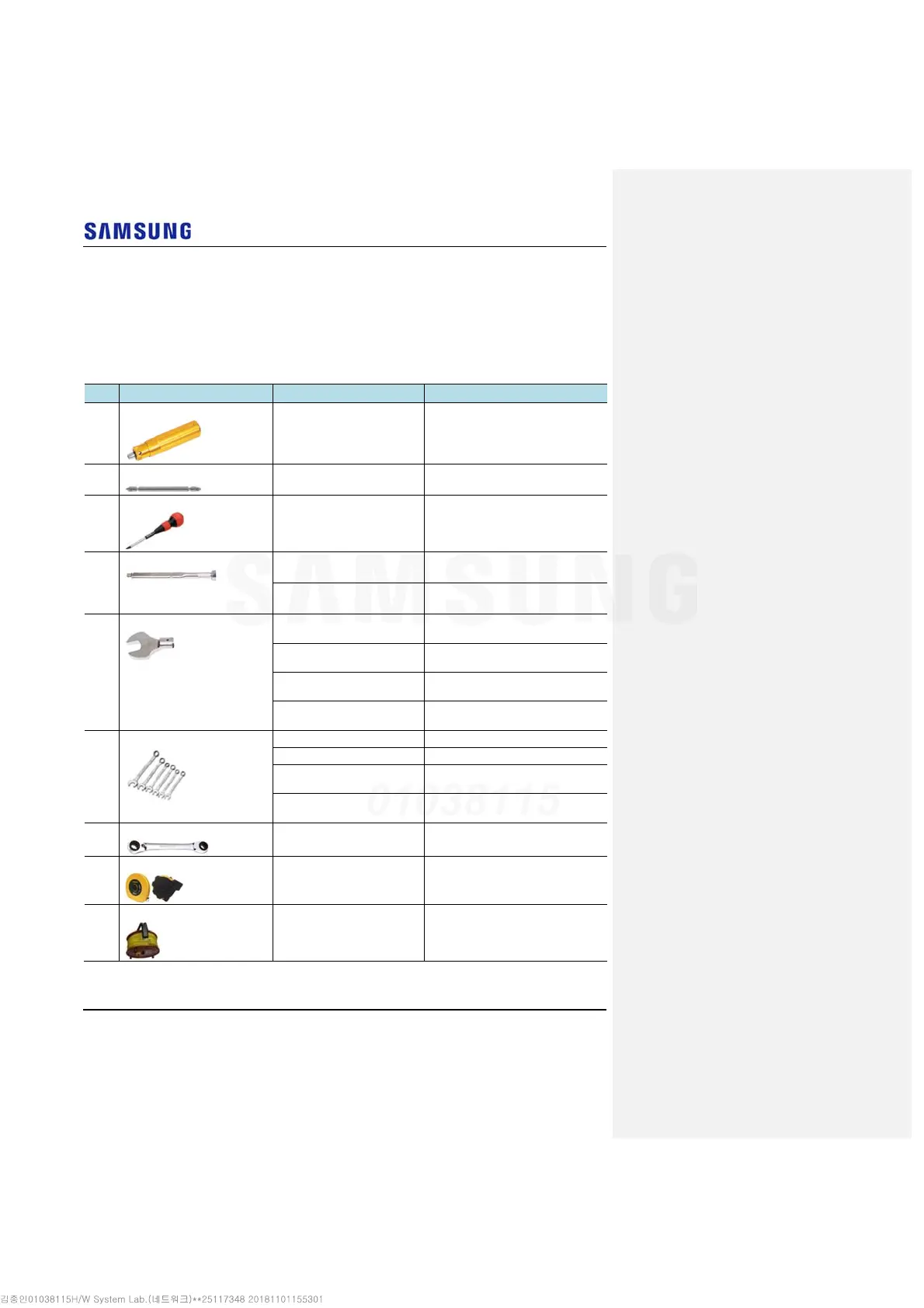
Table 3. Basic Installation Tools
No. Name Specification Purpose of use
1 Torque Driver
Apply a torque range
: 20~90 lbf·in
For fastening RRH ground pressure
terminal (M6)
2 Screw Driver Bit
‘+’, No. 3 For fastening RRH ground pressure
terminal (M6)
3 Screw Driver
‘+’, No. 3 For loosening M6 screw
4 Torque Wrench
Apply a torque range
: 10~50 lbf·in
For tightening M6 Hex.Bolt and RF
connector of system (4.3-10 Type)
Apply a torque range
: 100~400 lbf·in
For tightening M10 Hex.Bolt and RF
connector of antenna (DIN Type)
5 Torque Wrench Spanner Head
Apply Hexagon Head: 10 mm
(for 10~50 lbf·in)
For tightening M6 Hex.Bolt
Apply Hexagon Head: 17 mm
(for 100~400 lbf·in)
For tightening M10 Hex.Bolt
Apply Hexagon Head: 22 mm
(for 10~50 lbf·in)
For tightening RF connector of
system (4.3-10 Type)
Apply Hexagon Head: 32 mm
(for 100~400 lbf·in)
For tightening RF connector of
antenna (DIN Type)
6 Spanner
10 mm For loosening M6 Hex.Bolt
17 mm For loosening M10 Hex.Bolt
22 mm
For loosening RF connector of
system (4.3-10 Type)
32 mm
For loosening RF connector of
antenna (DIN Type)
7 Ratchet Wrench
10 × 13/17 × 19 (4 in 1) For fastening Hex. Bolt
8 Tape Measure
16 ft./150 ft. Tape measure for length
measurement
9 Power Extension Cable
100 ft. Basic tool



 To Next Page