Confidential
Appendix C Clean the Optical Connectors
RF4402d Series Installation Manual v1.0 116
Copyright © 2018, All Rights Reserved.
2
If the optical output measurement result meets the reference value, clean the
connector again and connect it.
3
If the measurement result does not meet the reference value, discard the cable,
replace it with a new cable, and then clean the new one and connect it to the
system.
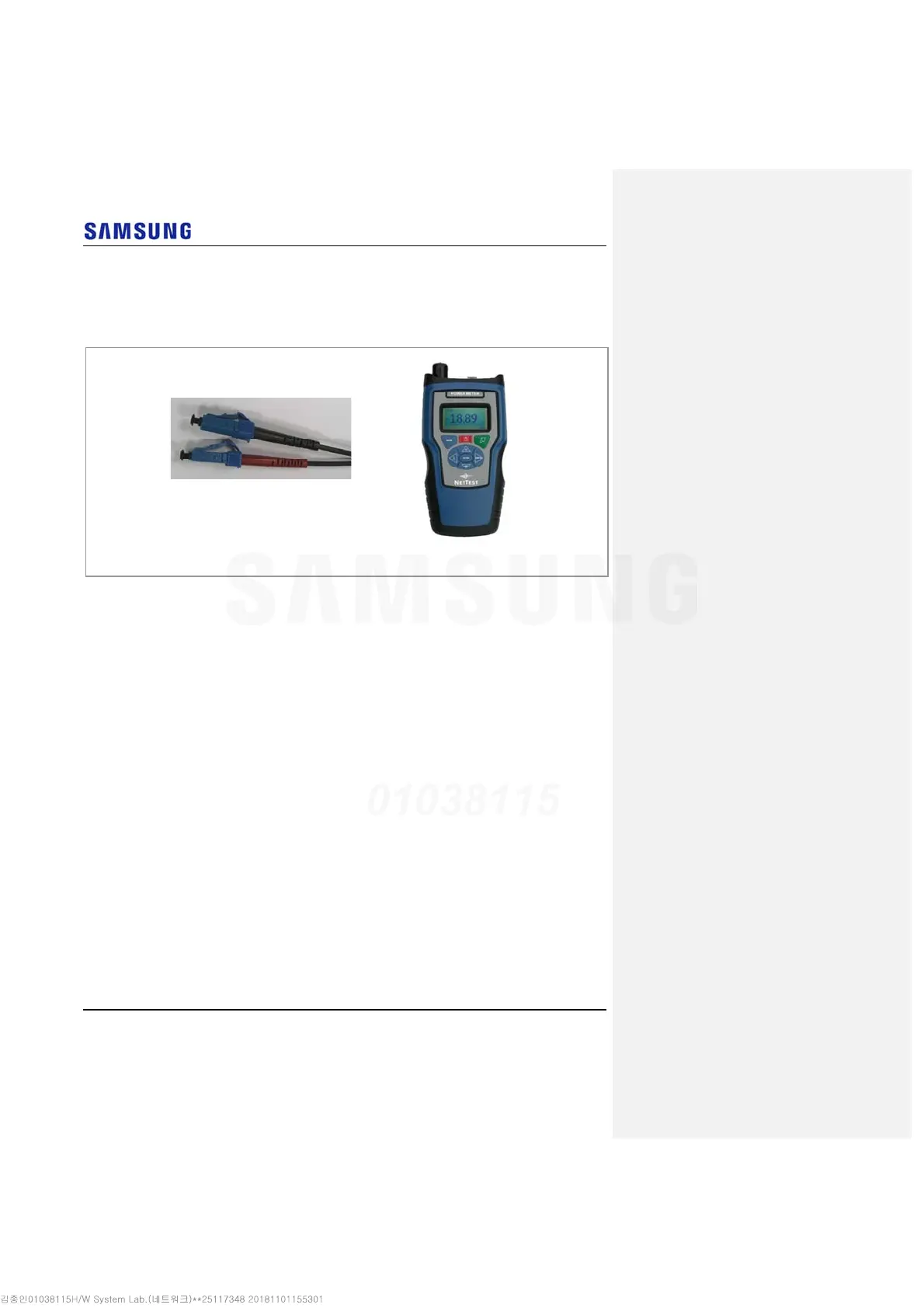
[Optical Power meter]
[LC/PC Plug]



 To Next Page