B-4 SEL-300 Series Relays Firmware Upgrade Instructions Date Code 20080110
SEL-387E Instruction Manual
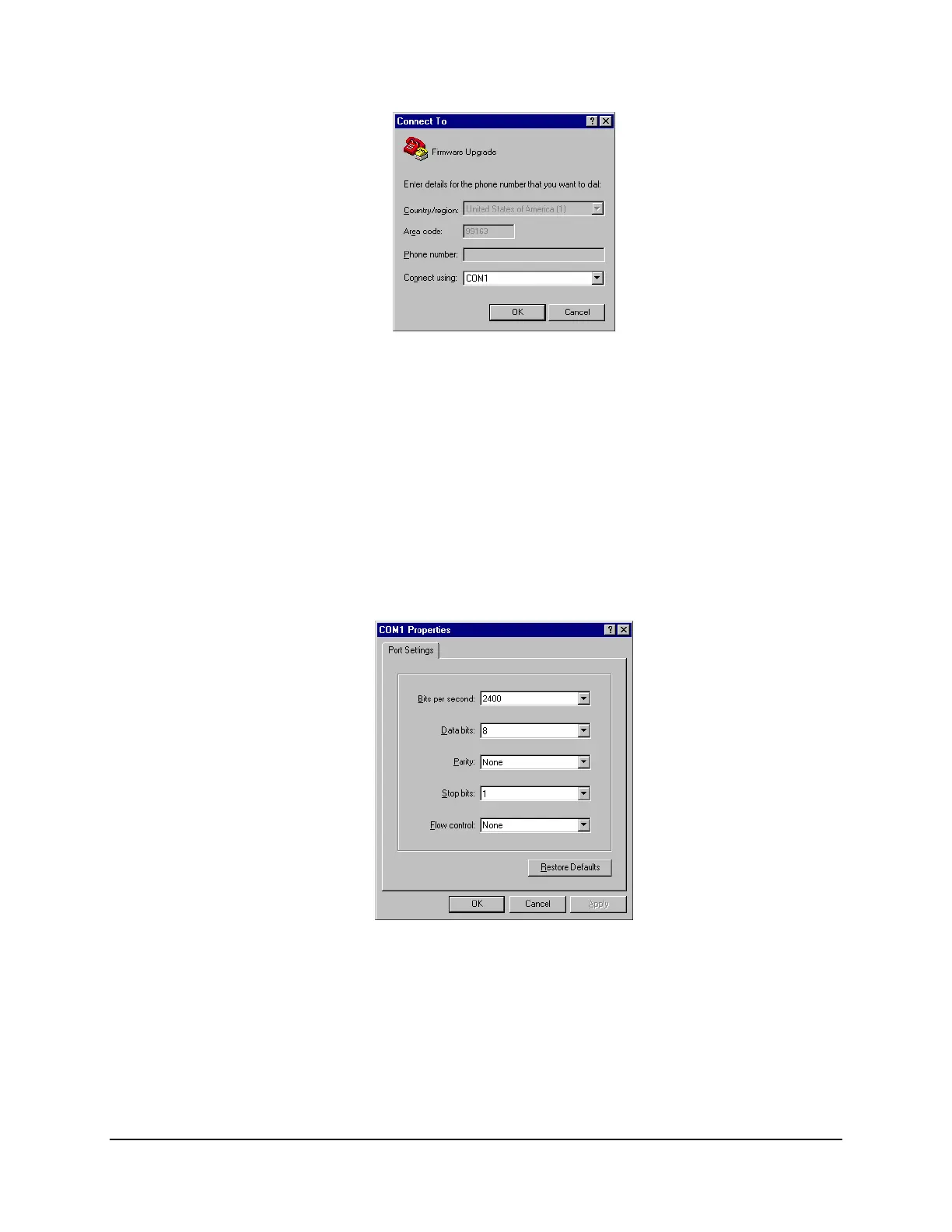
Figure B.2: Determining the Computer Serial Port
Step 6. Establish serial port communications parameters.
The settings for the computer (
Figure B.3) must match the relay settings you recorded
earlier.
a. Enter the serial port communications parameters (
Figure B.3) that correspond to
the relay settings you recorded in
Step 9 under A. Prepare the Relay.
If the computer settings do not match the relay settings, change the computer
settings to match the relay settings.
b. Click OK.
Figure B.3: Determining Communications Parameters for the Computer



 To Next Page