Date Code 20080110 SEL-300 Series Relays Firmware Upgrade Instructions B-5
SEL-387E Instruction Manual
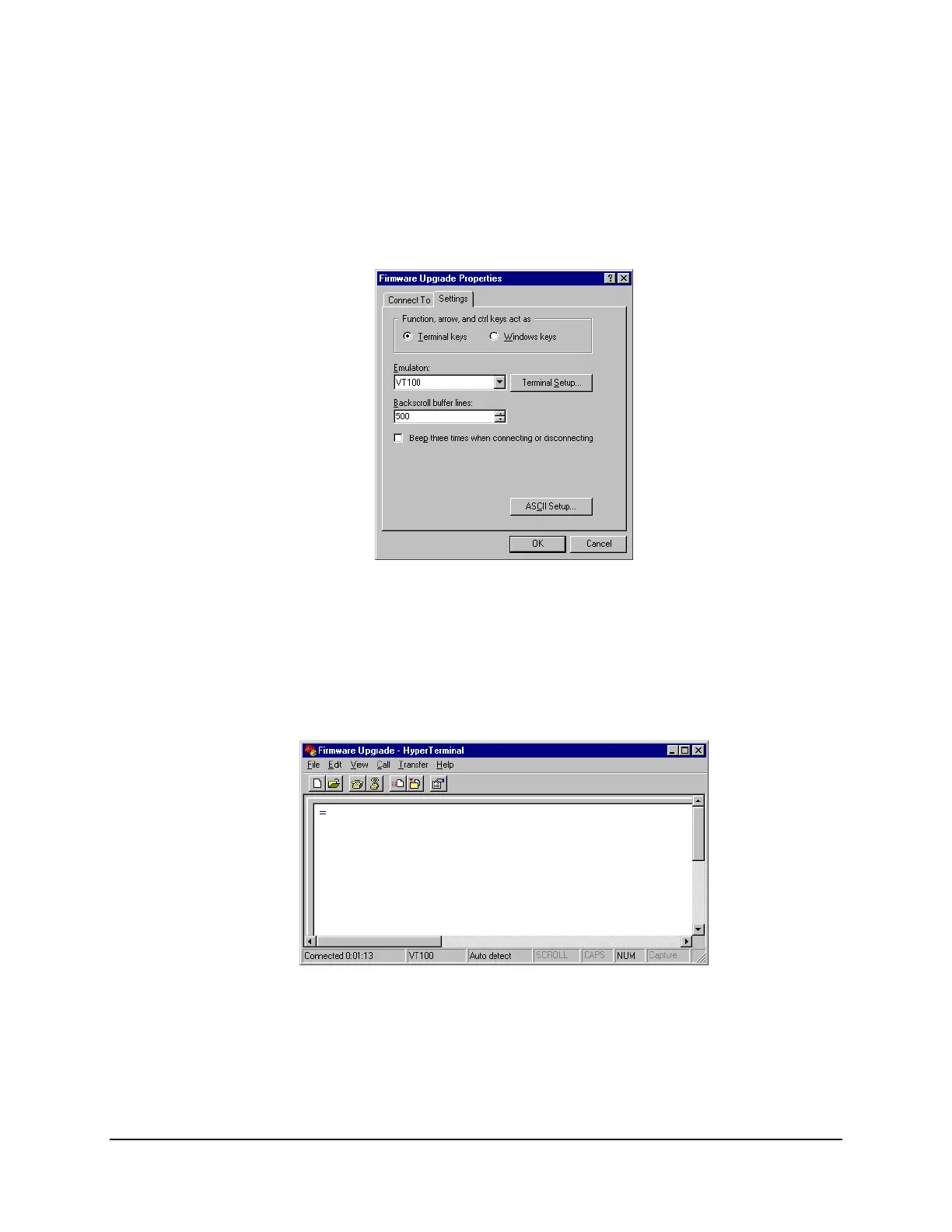
Step 7. Set terminal emulation to VT100.
a. From the File menu, choose Properties.
b. Select the Settings tab in the Firmware Upgrade Properties dialog box
(
Figure B.4).
c. Select VT100 from the Emulation list box and click OK.
Figure B.4: Setting Terminal Emulation
Step 8. Confirm serial communication.
Press <Enter>. In the terminal emulation window, you should see the Access
Level 0 = prompt, similar to that in
Figure B.5.
If this is successful, proceed to C. Save Settings and Other Data on page B-7.
Figure B.5: Terminal Emulation Startup Prompt



 To Next Page