HF Series Generators
Configuration
CF-1018R3
31
3. Configure the Filament Setting Times by setting the dip switches
3000SW2-4 through 3000SW2-8 per Table 3-2. The Filament Setting
Time should be configured in accordance to Rotor Acceleration Time of
the X-ray Tube.
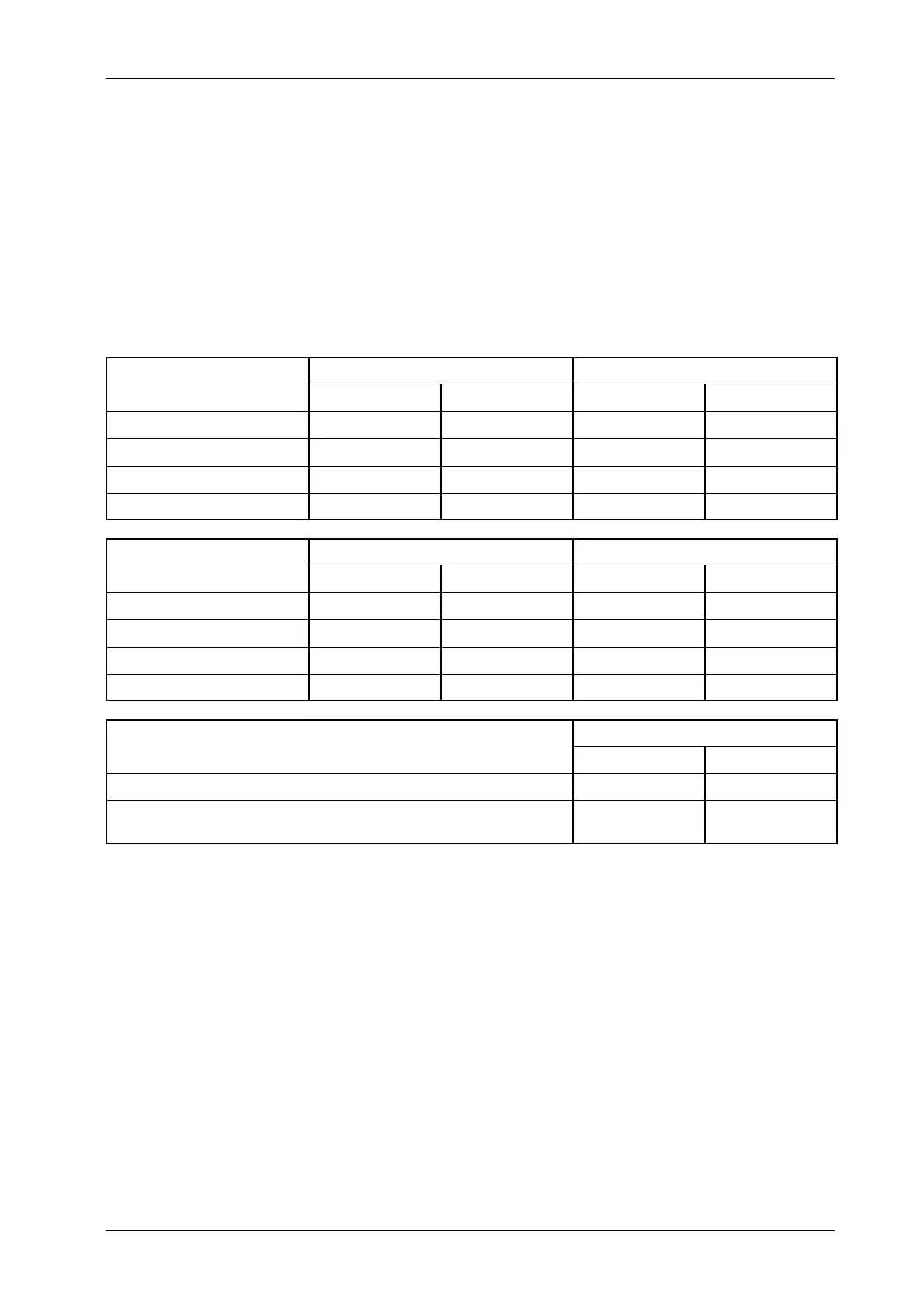
Table 3-2
High Speed: Configuration of Filament Setting Time
TUBE-1
3000SW2-7 3000SW2-8
FILAMENT SETTING TIME
OPEN (OFF) CLOSED (ON) OPEN (OFF) CLOSED (ON)
0.8 seconds
- -
1.2 seconds
- -
1.8 seconds
- -
2.7 seconds
- -
TUBE-2
3000SW2-5 3000SW2-6
FILAMENT SETTING TIME
OPEN (OFF) CLOSED (ON) OPEN (OFF) CLOSED (ON)
0.8 seconds
- -
1.2 seconds
- -
1.8 seconds
- -
2.7 seconds
- -
3000SW2-4
FLUORO FIL
MENT HOLD-O
ER TIME
OPEN (OFF) CLOSED (ON)
After releasing the Fluoro Pedal, the Filament Current goes back to stand-by.
-
After releasing the Fluoro Pedal, 1 minutes passes
before the Filament Current goes back to stand-by.
-
Record the switch c onfiguration in the Data Book.
4. To validate previous configuration, turn the Generator ON, wait until
Error--01 (E01) appears on the Console and turn the Generator OFF.
5. Set dip switch 3000SW2 to the original settings as noted in step-1. (Refer
to Section 1.1.5 for the normal settings of Dip Switch 3000SW2 ).
Note .



 To Next Page