HF Series Generators
Calibration
CA-1036R2
10
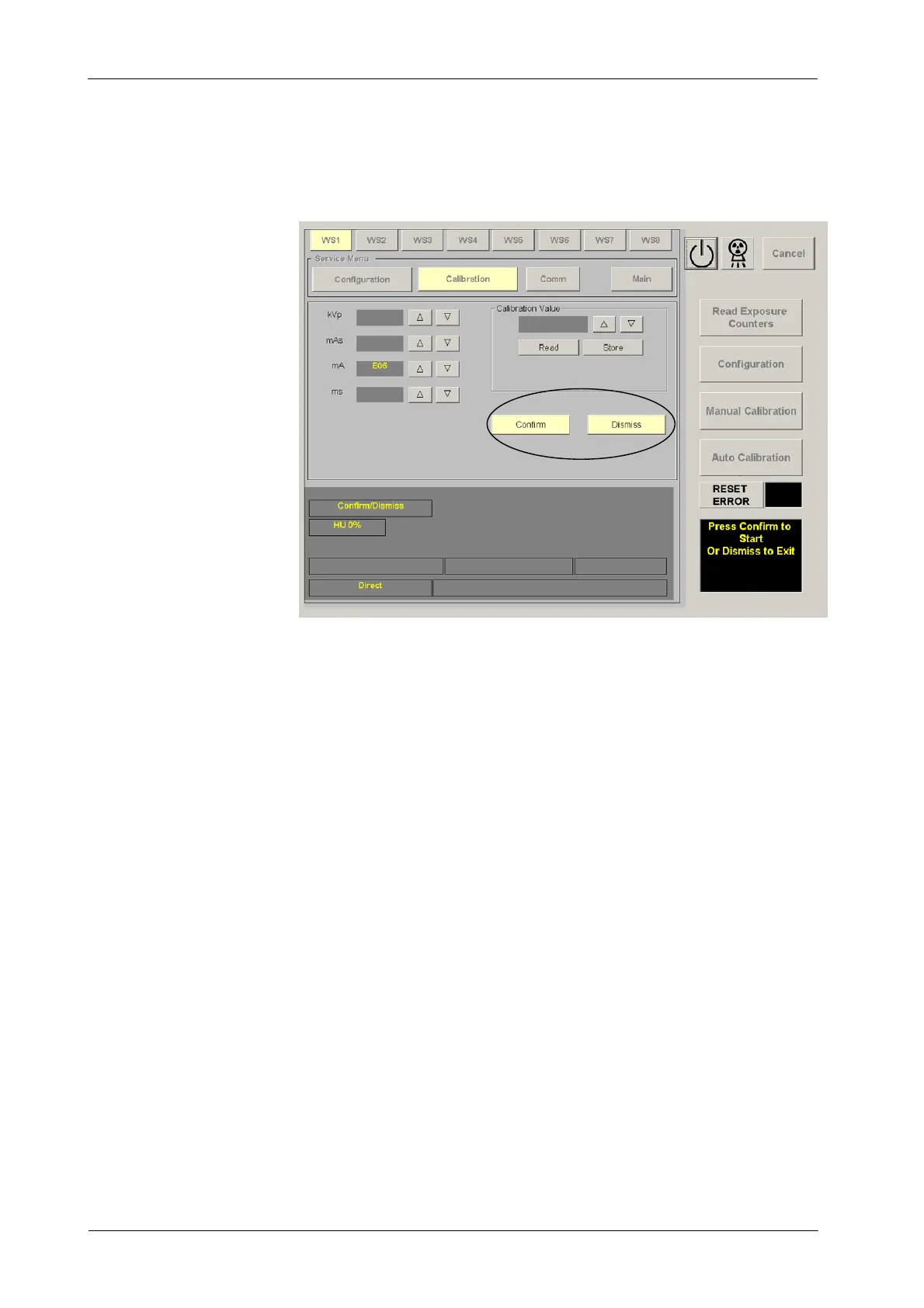
Confirm or leave the Auto-calibration (second confirmation) by pressing
the respective button (“Confirm”or“Dismiss”) on the calibration screen.
Auto-calibration is activated when the “Auto Calibration” button is lighted
and the “Press Prep and Expose” message appears on the screen.
3. Make an exposure (technique parameters are pre-programmed at
100 kV, 200 mA and 32 ms and they can be shown when pressing the
“Prep” button).
4. Read the kVp measured with the HV Bleeder and enter this value on the
kV Display by pressing the “kV Increase” or “kV Decrease” buttons.
5. Exit from Auto-calibration mode pressing the “Auto Calibration” button.
At this moment, the Generator will calculate and store the new value in
E06 Memory Location. Auto-calibration is deactivated and the p rocess
is finished when the screen shows the GSM menu.
6. Press the “ Manual Calibration” button. Select an available workstation
(WS) and press the “ OK” button. Then, select the E06 Memory Location
and read its new value on the Calibration Display. Record this value in
the Data Book.
7. Exit calibration mode.
8. After calibration of E06 Memory Location:
G Switch the Generator power OFF.
G Remove the HV Bleeder and connect the HV Cables from the
Generator directly to the X-ray Tube.



 To Next Page