HF Series Generators
Calibration
CA-1036R2
9
Auto-Calibration of E06 Memory Location
1. With the Generator power OFF:
G Set Dip switch 3000SW2-2 on the HT Controller Board in “On”
position (disables Filament and Rotor Interlocks).
G Remove the HV Cables from the X-ray Tube and connect them to
the HV Bleeder, then connect a short couple of HV Cables from the
HV Bleeder to the X-ray Tube.
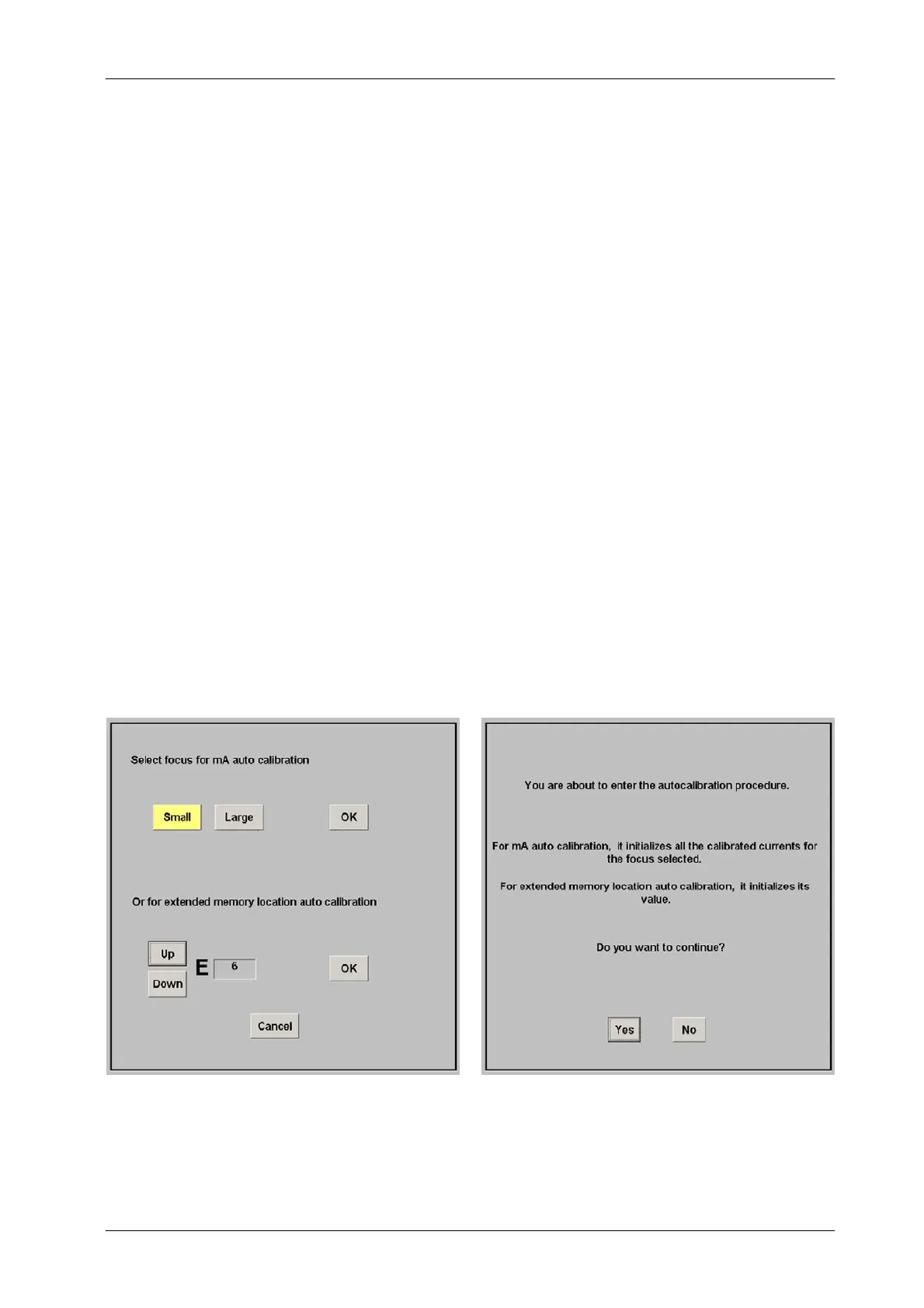
2. Enter in Auto-calibration mode by pressing the “Auto Calibration” button
on the GSM menu. Select an available workstation (WS) and press the
“OK” button. Then, select the E06 Memory Location and press the “OK”
button.
Confirm or leave the Auto-calibration by pressing the respective button
(“Yes”or“No”) on the new screen.



 To Next Page