HF Series Generators
Calibration
CA-1036R2
17
Auto-calibration starts with the minimum available mA station for the selected
Focal Spot at 50 kV and follows with the other combinations of mA stations for
the selected Focal Spot at 80 kV, 120 kV and 40 kV.
1. Enter in Auto-calibration mode by pressing the “Auto Calibration” button
on the GSM menu.
2. Select an available workstation (WS) of the X-ray Tube to be calibrated
and press the “ OK” button. This workstation has to be one of the
previously configured as “Direct”.
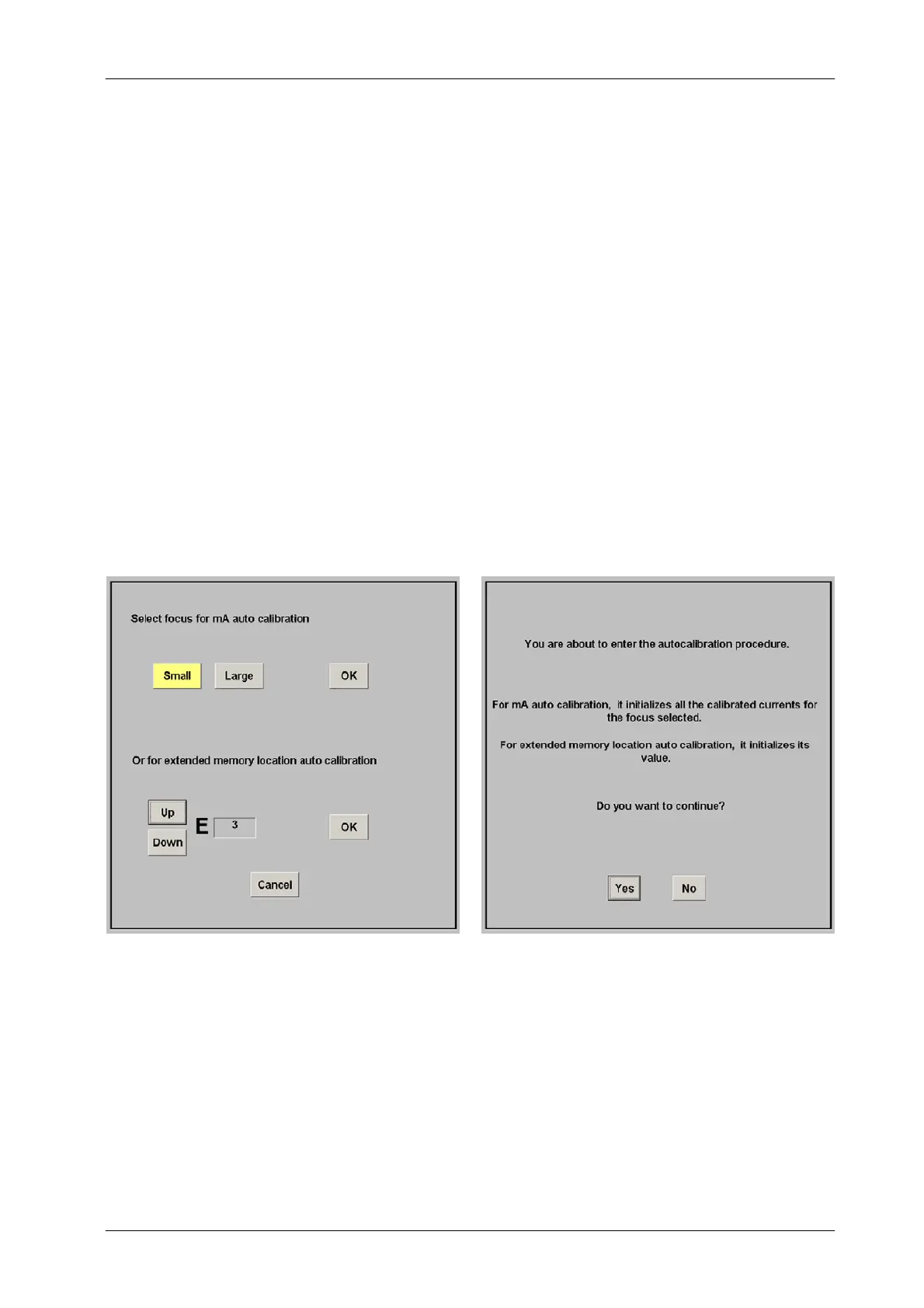
3. Select the Small Focal Spot by pressing the “Small” button and then
press the “OK” button.
Confirm or leave the Auto-calibration by pressing the respective button
(“Yes”or“No”) on the new screen.



 To Next Page