11-19
11
Setting the Input/Output Conditions
[COMPUTER LINK]
1
PC MANUFACTURER
SHARP(COMM.PORT LNK-MDL) MITSUBISHI OMRON
2
STATION NUMBER
01
3 WRITE TOP ADDRESS 09000
6
UPPER MENU
Write address
(max. 512 bytes)
Station No.
Item Setting range
· Sharp: 09000 to 99776
· Mitsubishi: D0000 to D9999
· OMRON: DM0000 to DM9999
· Sharp: 00 to 37
(8) *
· Mitsubishi: 00 to 31
· OMRON: 00 to 31
* In this book, octal notation is indicated by adding(8)
On the [I/O SETTINGS] menu, move the cursor to item 9 COMPUTER LINK and press the SET key.
11-5 Computer link
When PC-LINK has been specified in item 3 SERIAL OUTPUT on the [I/O SETTINGS] menu (page
11-1), the computer link conditions must be set on the [COMPUTER LINK] menu.
- See Chapter 14 "Computer Link" for applicable models made by these manufacturers.
Note 1: Use an even address as the write start address.
Note 2: When 512 bytes are used for a write register on a Sharp model, select a write start
address from the following addresses.
09000, 19000, 29000, 39000, 49000, 59000, 69000, 79000, 89000 , 99000
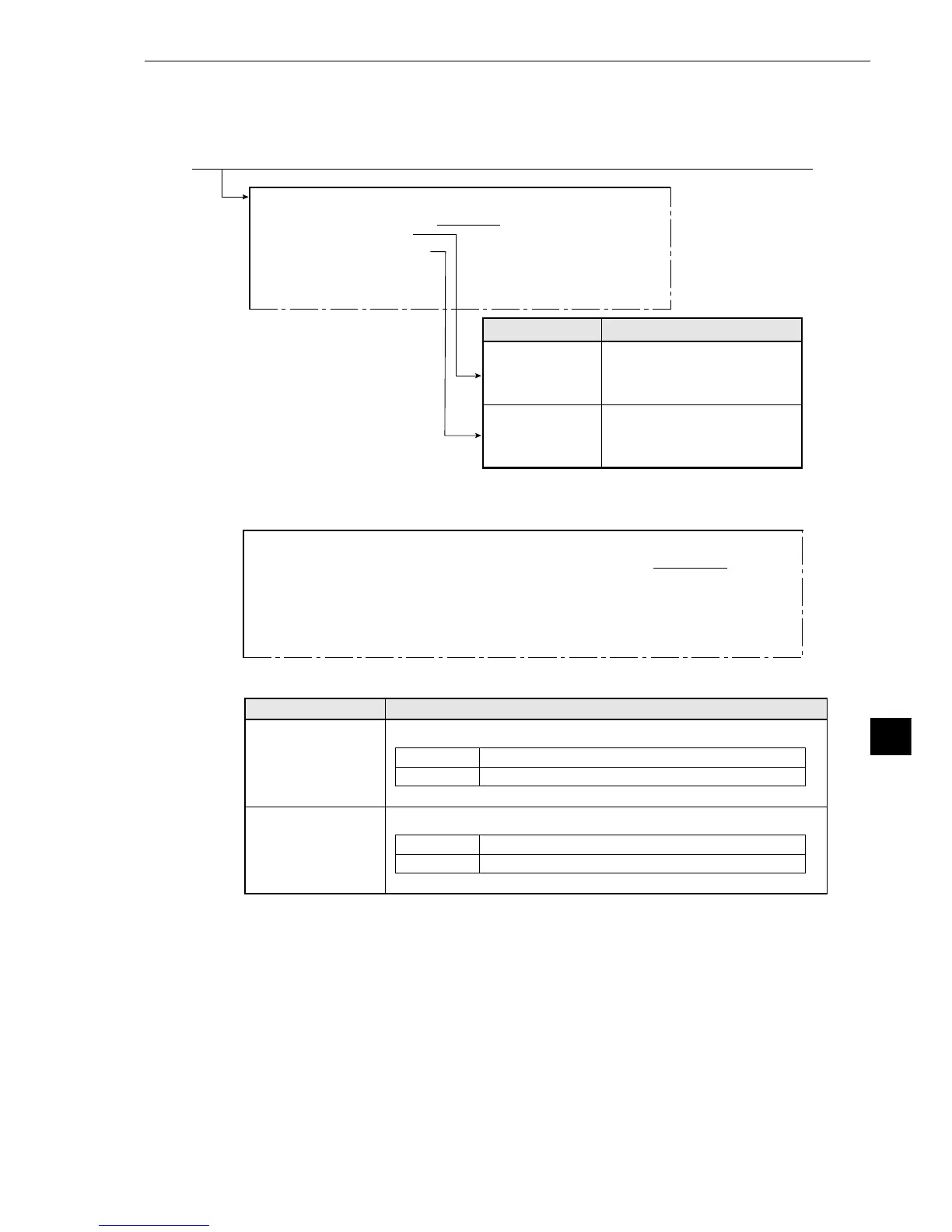
[COMPUTER LINK]
1 PC MANUFACTURER SHARP(COMM.PORT LNK-MDL) MITSUBISHI OMRON
2STATION NUMBER 00
3WRITE TOP ADDRESS D0000
4 CONTROL PROCEDURE FORM1 FORM4
5 BLOCK WRT COMMAND WW QW
6UPPER MENU
Select either FORM 1 or 4 for the control procedure.
FORM 1 No line terminator
FORM 4 With line terminators: “CR” + “LF”
Setting detailsMenu
Select either WW or QW for the block write command.
WW Data writing address range: D0000 to D1023
QW Data writing address range: D000000 to D008191
· In version 2.01, only “WW” was available.
· In version 2.01, only “FORM 1” was available.
5
BLOCK WRT
COMMAND
4
CONTROL
PROCEDURE
If SHARP or OMRON is selected, items 4 and 5will not be displayed.
♦When MITSUBISHI is selected in 1 on the [COMPUTER LINK] menu



 To Next Page